Loading video…
Sound

original sound - iamsmarttips
Smart Tips · Original audio
0:00–:––
Playing this video’s own audio, so you’ll hear the creator over the sound.
The video provides a practical and valuable 'hack' for iPhone users, demonstrating how to get app-like functionality from websites for free. This "secret feature" aspect, combined with a clear and concise demonstration, likely drove high engagement and shareability.
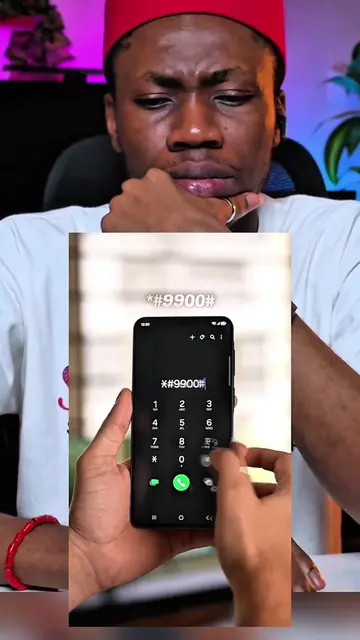
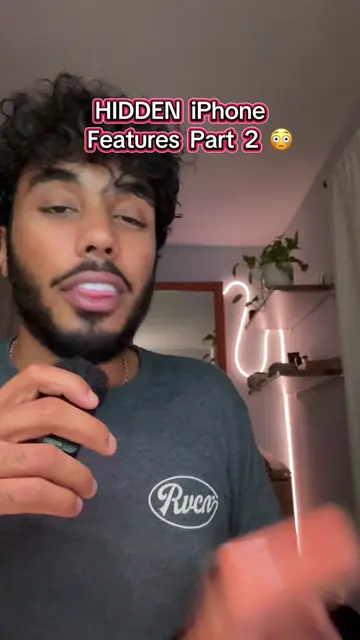
This video demonstrates how to add any website to your iPhone's home screen, making it function like a native app. It specifically shows how to add the LiveScore website, allowing users to access it with a single tap without needing to download an app or pay a subscription.
iPhone users did you know of this feature ##iphonetips #iphonetricks #iphoneusers #iphonefeatures
iPhone users did you know of this feature
Introduce the concept of adding websites as apps
Demonstrate adding LiveScore website to home screen
Show the website acting like an app
Explain the benefit of free access
Showcase creating cinematic looping videos from photos
Call to action to follow for more tips
iPhone (ACTS - the device is used to demonstrate a feature, its interface is operated, and a visible result comes from it; removing it would change what happens in the video) Apple (APPEARS - a logo on the iPhone, removing it would not change what happens in the video) LiveScore (ACTS - a website that is accessed and demonstrated, its interface is operated, and a visible result comes from it; removing it would change what happens in the video) App Store (APPEARS - a logo shown on screen, removing it would not change what happens in the video)
Follow me and stay sharp, stay smart.
Playing this video’s own audio, so you’ll hear the creator over the sound.
Sports scores app for fans following live matches
All time.
Promotes 8 products. Create free account to see more.
Outliers and viral hits: their videos on Overshot, all time.