Loading video…
Sound
AURA
Ogryzek
0:00–:––
- Videos using it
- 44
- Creators
- 29
- Views on those videos
- 22.8M
Hook
Posted Aug 8, 2026Video · 0:24by @photo_tvoritel
The video effectively uses a popular visual effect (flying camera) and a clear, concise tutorial format to demonstrate the capabilities of the Filmora app, making it highly shareable and engaging for users interested in video editing and AI tools.
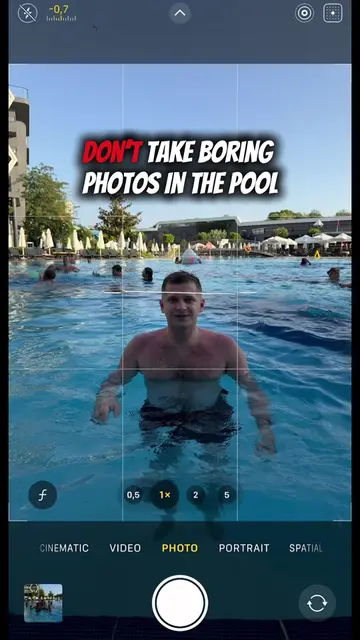
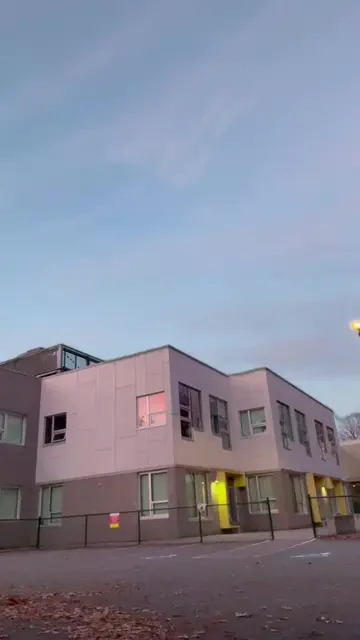
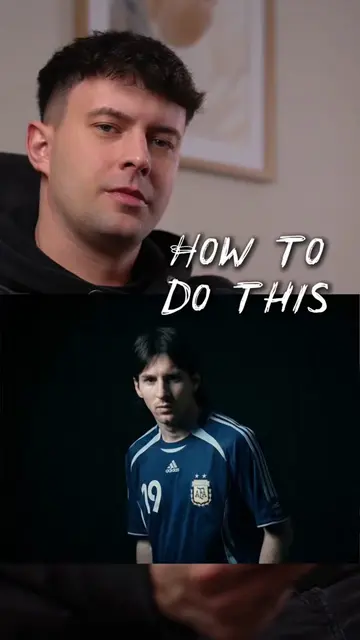
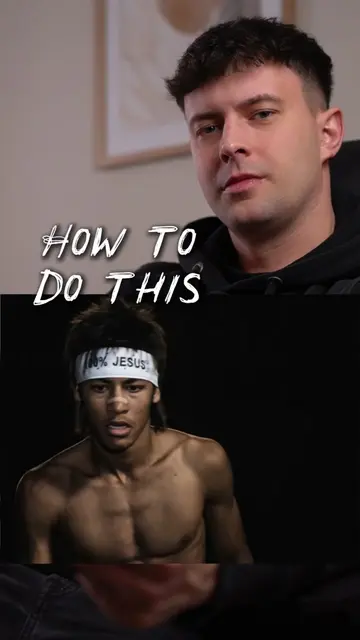
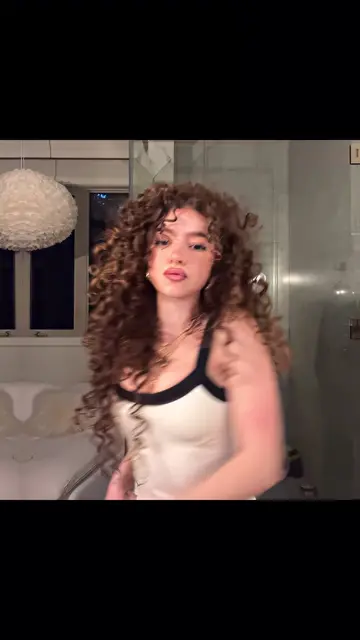
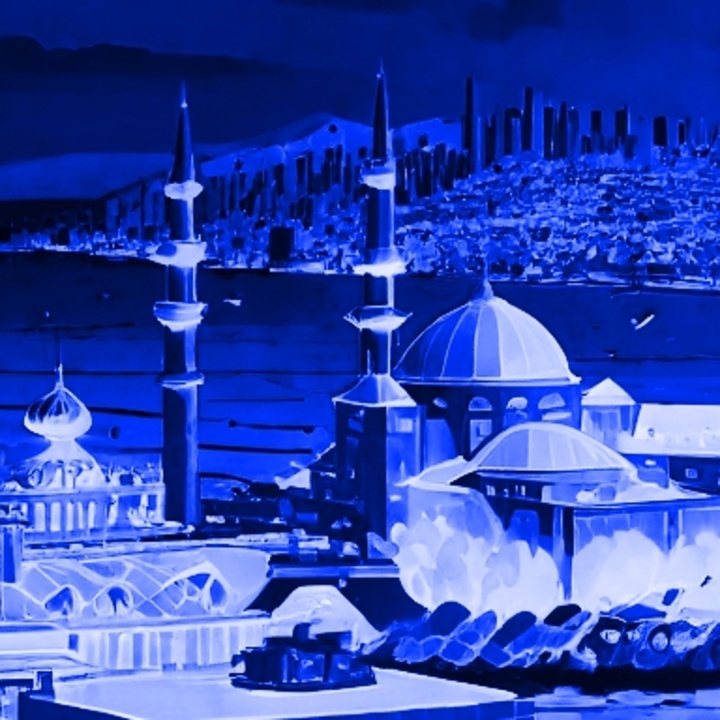
The video demonstrates how to create a flying camera effect using a phone and the Filmora app. It shows examples of image transformations and the process of generating a video from an image using AI models, ultimately showcasing the final result.
How to make this flying camera effect with just your phone? It’s easier than you think. Link in my bio 🔗 #Filmora #art #Omni #tutorial #videoediting
How to make this flying camera effect with just your phone?
Showcase of image transformations
Introduction to the 'flying camera' effect
Demonstration of using Filmora's 'Image to Video' feature
Selecting AI models and generating the video
Displaying the final generated video
Filmora (ACTS - video editing software, interface shown, used to create the final output, removing it would change the video) Wondershare (APPEARS - company logo, removing it would not change what happens in the video) Omni (ACTS - AI model used for video generation, interface shown, removing it would change the video) Gemini Omni (ACTS - AI model used for video generation, interface shown, removing it would change the video)
comment "3d" and I'll send it to you
Promotes 4 products. Create free account to see more.
Outliers and viral hits: their videos on Overshot, all time.
Video editing software with AI features for creators editing desktop or mobile videos
All time.