Loading video…
Sound

original sound - filmora.editor
Filmora Video Editor · Original audio
0:00–:––
Playing this video’s own audio, so you’ll hear the creator over the sound.
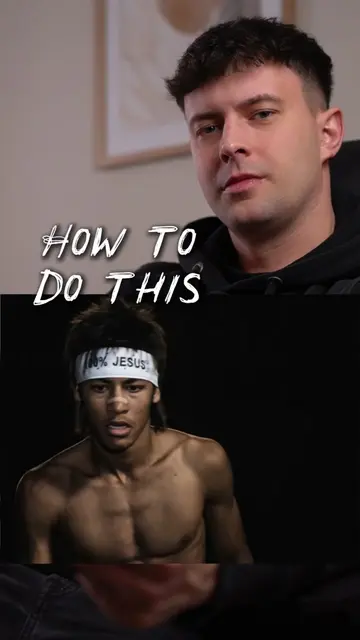
The video uses a high-impact, visually impressive effect as a hook to demonstrate the ease and power of the software's specific AI features, making the product's value immediately clear.
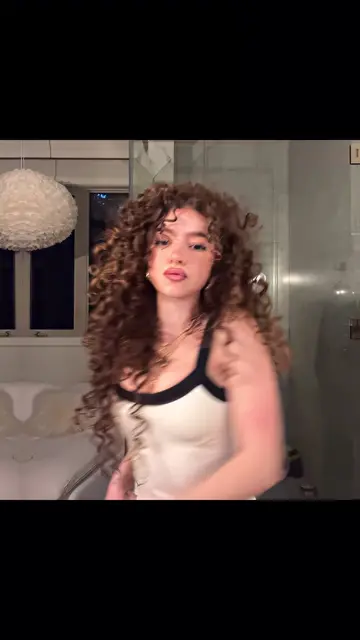
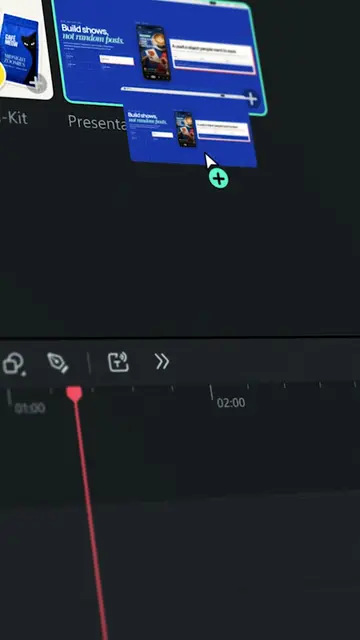
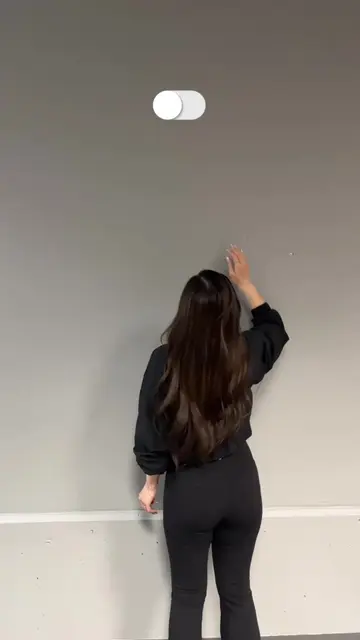
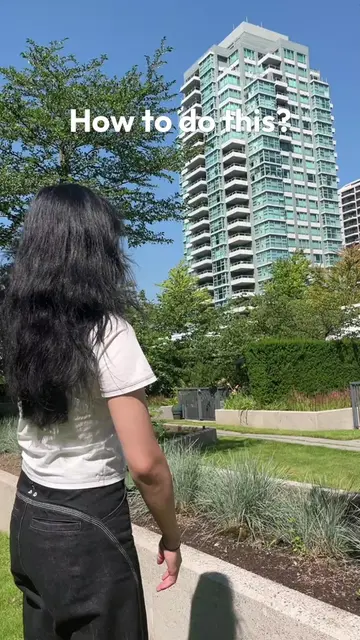
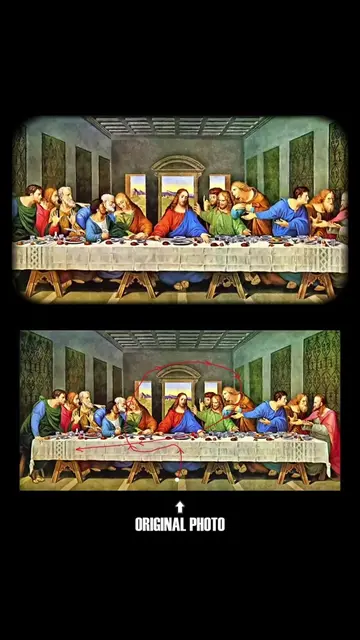
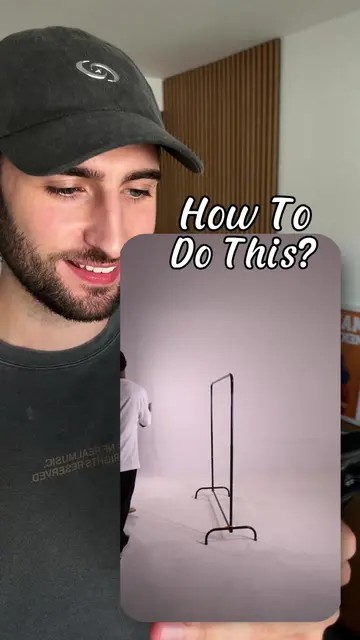
The creator demonstrates how to use Filmora's AI Smart Cutout and Freeze Frame features to create a visual effect where a person appears to jump over a building. The video serves as a tutorial for the software, encouraging viewers to try the editing techniques themselves.
Giant her takes a leap of faith… and sticks the landing! 🏙️ Watch her jump over an entire building and land right in front of you like it’s nothing! 🤯 🎬 Made with Smart Cutout and Overlay in Filmora, try it out link in bio! #filmora16 #wondershare #Filmora #SmartCutout #VideoEditing #CreativeEditing #VideoEffects
How to do this.
Demonstrate the final visual effect
Record the base footage
Apply Smart Cutout in Filmora
Use Freeze Frame for the jump
Overlay layers for the final effect
Call to action to try Filmora
Filmora (a) ACTS: the video demonstrates its interface, specifically the Smart Cutout, Freeze Frame, and overlay features to create a visual effect. Removing it would change the entire video as it is the subject of the tutorial. Wondershare (b) APPEARS: as part of the brand name in the logo and end card. Removing it would not change the video content.
Try this out on Filmora. / Try Filmora Now
Playing this video’s own audio, so you’ll hear the creator over the sound.
Video editing software with AI features for creators editing desktop or mobile videos
All time.
Promotes 2 products. Create free account to see more.
Outliers and viral hits: their videos on Overshot, all time.