Loading video…
Sound

original sound - filmora.editor
Filmora Video Editor · Original audio
0:00–:––
Playing this video’s own audio, so you’ll hear the creator over the sound.
Hook
Posted Aug 22, 2026Video · 0:52by @filmora.editor
The video provides a high-value, creative editing tutorial that solves a specific visual problem, making the software feel indispensable for achieving the effect.
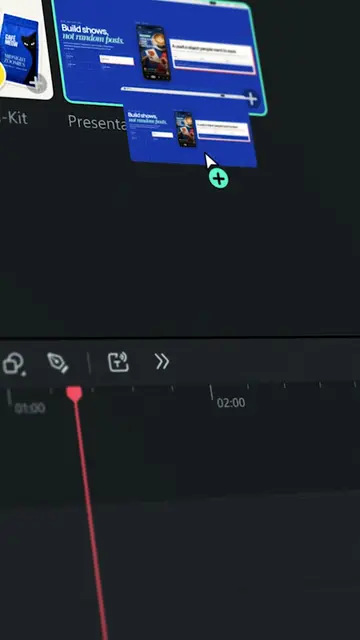
The creator demonstrates how to use the Pen Tool in Filmora to create a stop-motion animation effect on a bagel. The video provides a step-by-step tutorial on importing footage, tracing objects, and using keyframes to animate the drawing.
Draw a topping on the bagel – and watch it become real. 🥯 Using the Pen Tool on Filmora, just draw your creation, and it transforms right before your eyes. 🎬 Made with Filmora, try it now! #wondershare #filmora15 #PenTool #videoediting #contentcreation #food #foodedit #viral
Draw a topping on the bagel – and watch it become real.
Show the final stop-motion effect
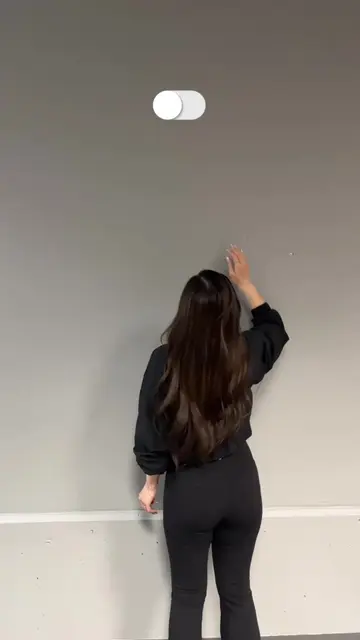
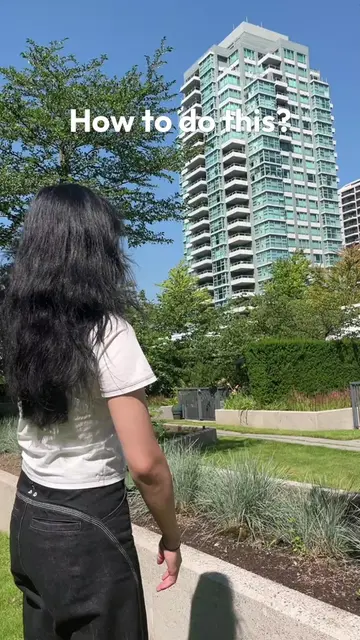
Explain the initial filming process
Demonstrate importing and cutting the clip in Filmora
Show how to use the Pen Tool and color dropper
Explain the keyframe and trim path animation process
Final CTA to try the software
Filmora (a) ACTS: its interface is operated to edit the video, it is the tool used for the stop-motion effect, and it is explicitly recommended in the CTA. Removing it would change the video entirely as it is the subject of the tutorial.
Try this out on Filmora.
Playing this video’s own audio, so you’ll hear the creator over the sound.
Promotes 2 products. Create free account to see more.
Outliers and viral hits: their videos on Overshot, all time.
Video editing software with AI features for creators editing desktop or mobile videos
All time.