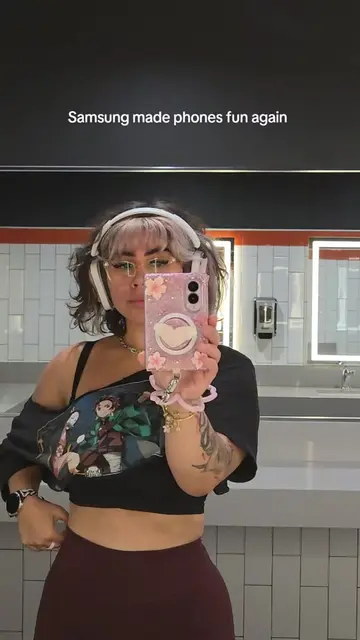
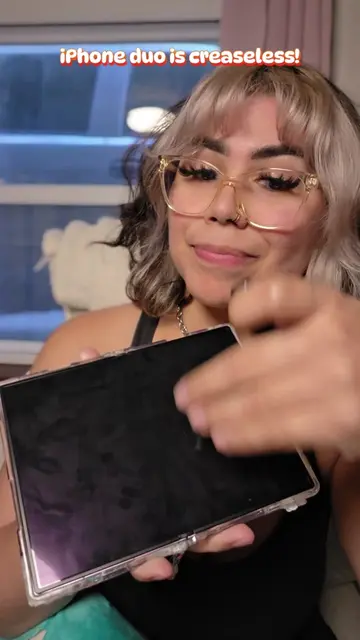
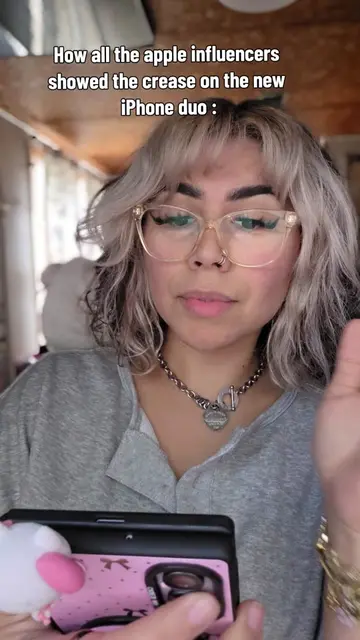
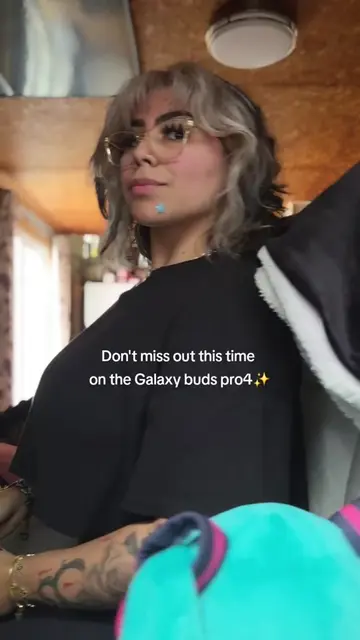
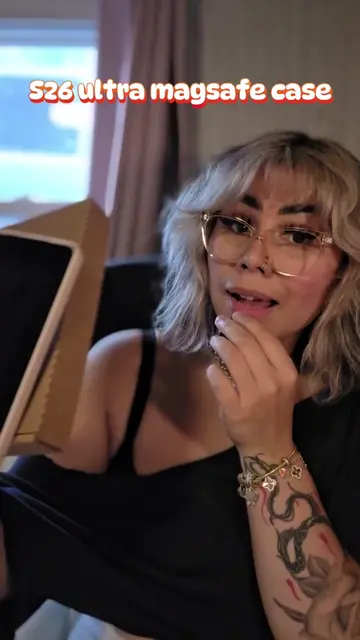
Loading video…
All breakouts
5.4Talking HeadHow-To hookConsumer Apps
Hook
Tips for new Samsung users 🌸
@lilyelz17
163.0K followers · usually 23.2K views a post
Views
131.5K
Likes
8.4K
Comments
198
Shares
470
Why it worked
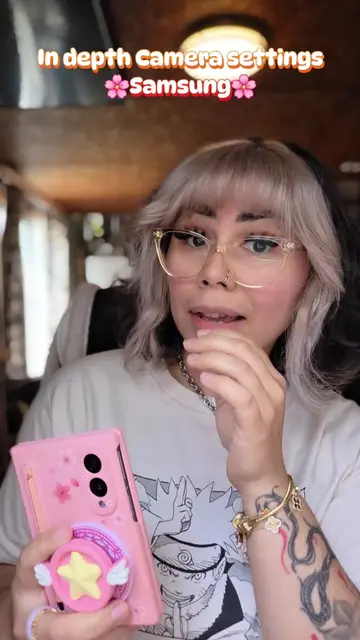
The video addresses a common pain point for new Samsung users regarding notification display and offers a clear, step-by-step solution with visual demonstrations. The use of a popular aesthetic (pink, anime-inspired theme) and a relatable creator persona likely contributed to its engagement.
Summary
This video provides tips for new Samsung users on how to customize their notification display. It explains how to enable card-style notifications on the lock screen and how to add edge lighting effects for incoming alerts.
Structure
- 1Introduction to the notification problem
- 2Navigating to Status Bar settings
- 3Enabling icon-style notifications
Original caption
If your notifications arent showing on your new Zfold8 or Zflip8 this is probably why! #galaxyzfold8 #samsunggalaxy #samsungtips #zfold8
More from @lilyelz17
More breakout videos from this creator.