Loading video…
All breakouts
3.2App DemoHow-To hookConsumer Apps
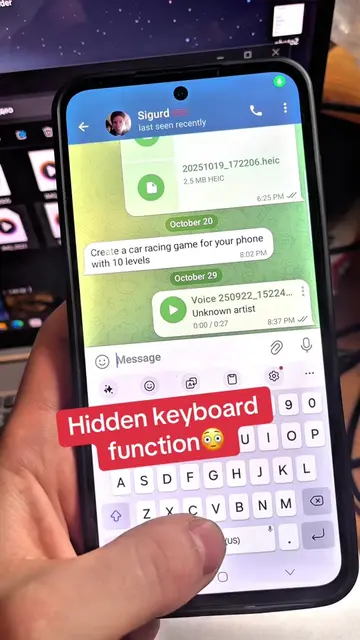
Hook
Try and set up this feature in Samsung
@technoskil
1.1M followers · usually 119.7K views a post
Views
381.6K
Likes
10.1K
Comments
115
Shares
1.0K
Why it worked
The video provides a clear, step-by-step tutorial on a visually appealing and customizable feature of a popular smartphone brand, making it highly shareable and useful for a broad audience.
Summary
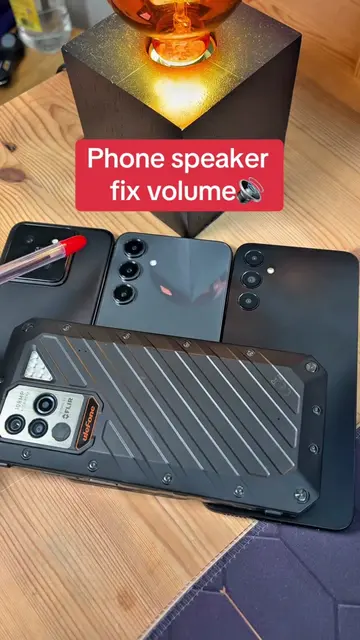
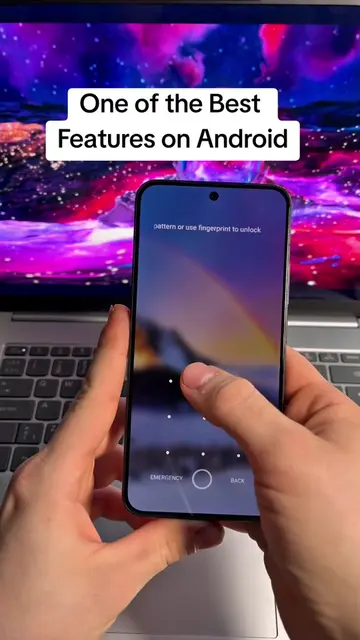
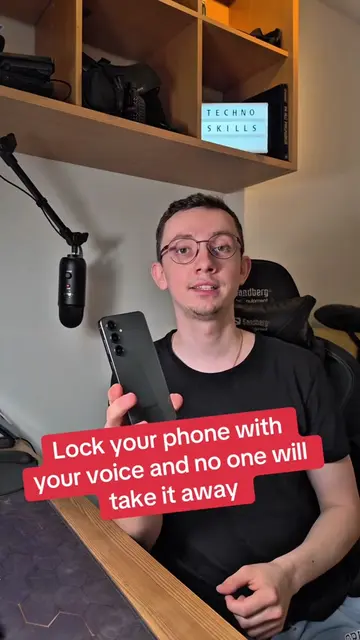
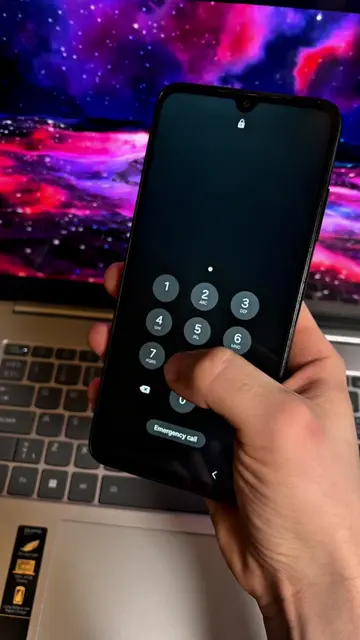
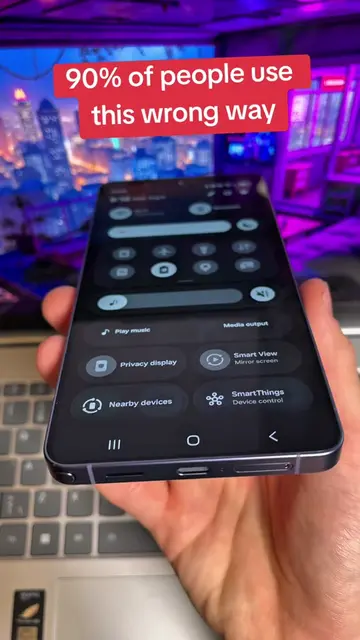
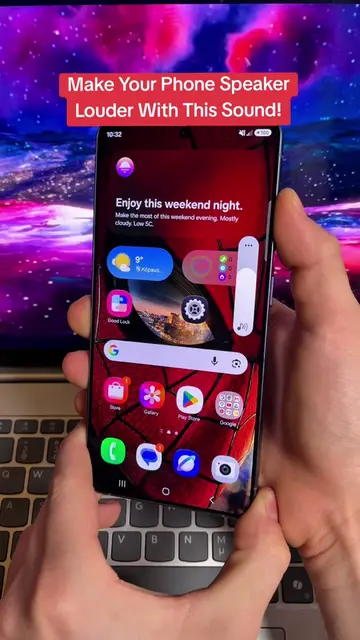
This video demonstrates how to customize the edge lighting notification feature on Samsung phones. It guides viewers through settings to change the appearance, color, and effects of notifications, and shows how to create routines for specific triggers like unlocking the phone.
Structure
- 1Introduction to the feature
- 2Navigating to notification settings
- 3Customizing notification pop-up style and effects
- 4
Original caption
Try and set up this feature in Samsung Galaxy #setting #android #Samsung #creatorsearchinsights
More from @technoskil
More breakout videos from this creator.