Loading video…
Sound

original sound - tan_phong96
Đ𝗜 Đ𝗔̂𝗨 𝗤𝗨𝗔𝗬 Đ𝗢́ 📷 · Original audio
0:00–:––
- Videos using it
- 4
- Creators
- 4
- Views on those videos
- 903.1K
The video leverages a common comparison point (iPhone vs. Android) to highlight a specific, customizable feature on Samsung devices, making it relatable and informative for users seeking to personalize their phone experience.
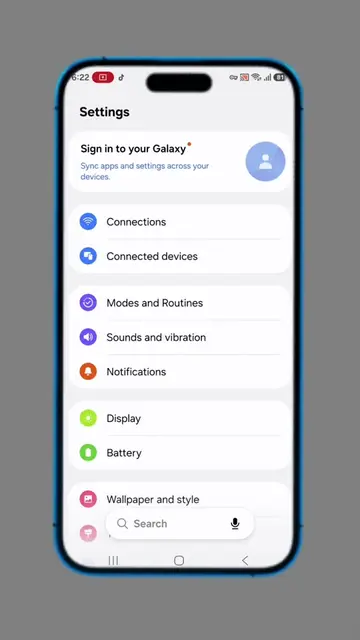
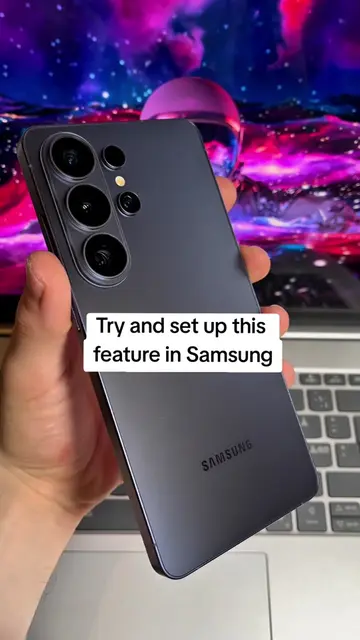
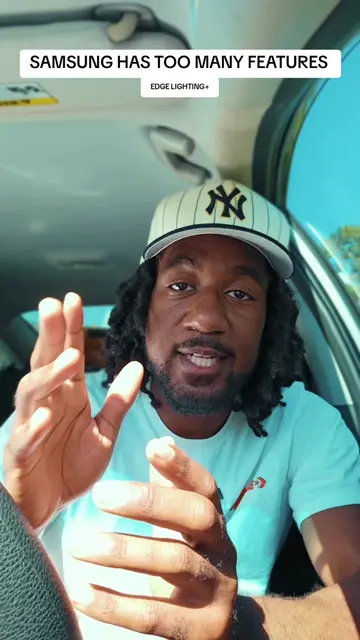
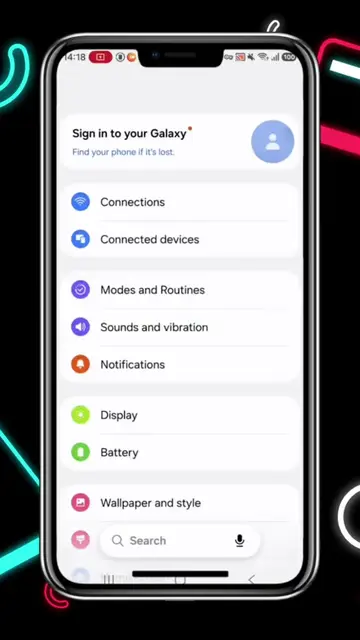
This video demonstrates how to customize notification pop-up styles and add lighting effects on Samsung Galaxy phones. The creator walks through the settings to change the appearance and duration of notifications, highlighting features not available on iPhones.
Best Tips, Tricks, and Features for your Samsung Galaxy device 🫡 PART 1 Do you use customized Notification pop-ups or no? #samsung #samsungtips #samsunggalaxy #SamsungGalaxyS25Ultra #techtok
Samsung Galaxy Tips Part 1
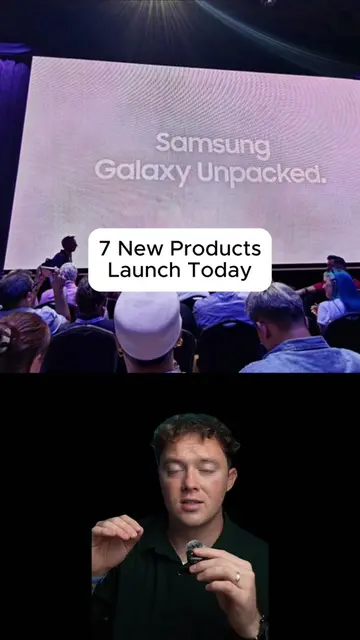
Introduction comparing Samsung to iPhones
Navigating to notification settings
Selecting notification pop-up style
Customizing lighting effects
Adjusting transparency and duration
Concluding with the customization options
Samsung Galaxy: ACTS - The video demonstrates features of a Samsung Galaxy phone, specifically its notification settings. Removing it would change the video's topic and demonstration. iPhones: APPEARS - Mentioned for comparison, but no iPhone device is shown or interacted with. Removing it would not change the video's demonstration of Samsung features.
Promotes 3 products. Create free account to see more.
Outliers and viral hits: their videos on Overshot, all time.
Download Samsung Galaxy Buds by Samsung Electronics Co., Ltd. on the App Store. See screenshots, ratings and reviews, user tips, and more apps like Samsung…
All time.