Loading video…
Sound

original sound - triplenext639
Triple Next · Original audio
0:00–:––
Playing this video’s own audio, so you’ll hear the creator over the sound.
The video leverages a trending AI feature within a popular platform (TikTok) and provides clear, actionable steps with relatable use cases, making it easy for viewers to try the feature themselves and share their results.
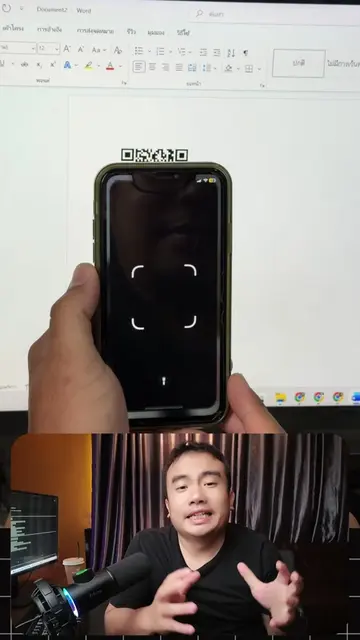
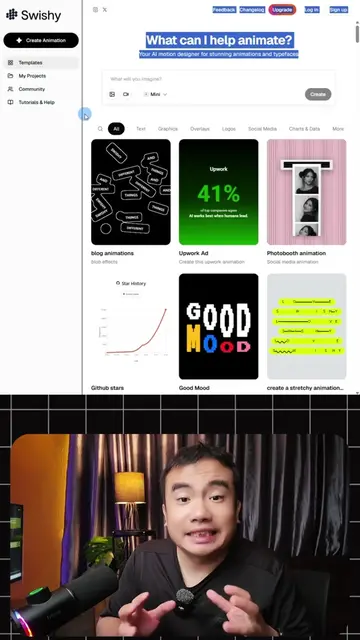
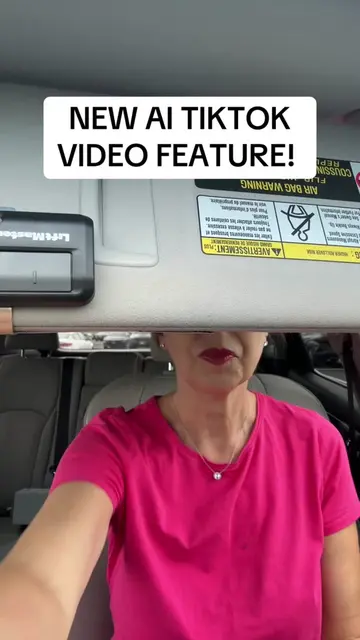
The video demonstrates how to use TikTok's 'AI Alive' feature to animate still images and turn them into videos. It explains the three main use cases: animating family photos, making product images more dynamic, and animating landscape photos. The creator also notes that the feature has been available for a while but is recently gaining popularity, and it's only accessible in the Stories mode.
✨ใน TikTok มี **AI ทำรูปนิ่งให้ขยับ** ซ่อนอยู่ในแอป 📸➡️🎬 ไม่ต้องโหลดแอปอื่น ไม่เสียเงิน — ฟีเจอร์ชื่อ **AI Alive** #TikTokTips #AIAlive #ทริคTikTok #AIฟรี #สอนใช้AI #เอไอ #TripleNext #ทำรูปให้ขยับ #ครีเอเตอร์
AI Alive
Introduction to AI Alive feature in TikTok
Demonstration of how to use AI Alive
Examples of AI Alive use cases (family photos, products, landscapes)
Explanation of feature availability and limitations
Call to action for engagement
TikTok (app): It is a social media platform where users can create and share short videos. It ACTS as the platform where the AI Alive feature is accessed. Removing it would change what happens in the video. AI Alive (feature): A feature within TikTok that animates still images. It ACTS to bring still images to life, turning them into videos. Removing it would change what happens in the video. Triple Next (creator/brand): Appears as the creator's handle and name. It merely APPEARS. Removing it would not change what happens in the video.
Follow for more tutorials and videos
Playing this video’s own audio, so you’ll hear the creator over the sound.
TikTok feature that animates still photos into videos for TikTok creators
All time.
Promotes 10 products. Create free account to see more.
Outliers and viral hits: their videos on Overshot, all time.