Loading video…
All breakouts 8 videos5 creators
9.7Talking HeadHow-To hookCreator Economy
Hook
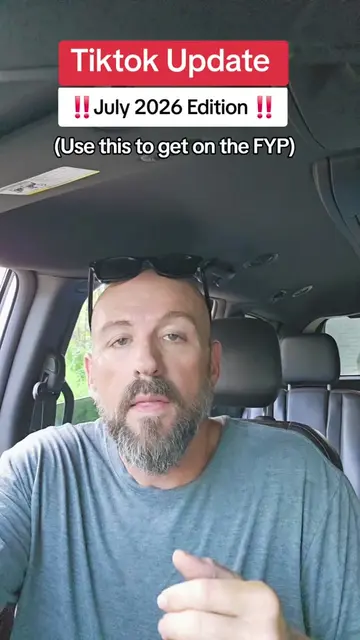
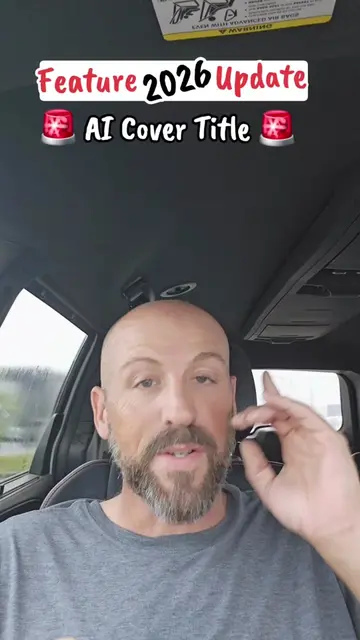
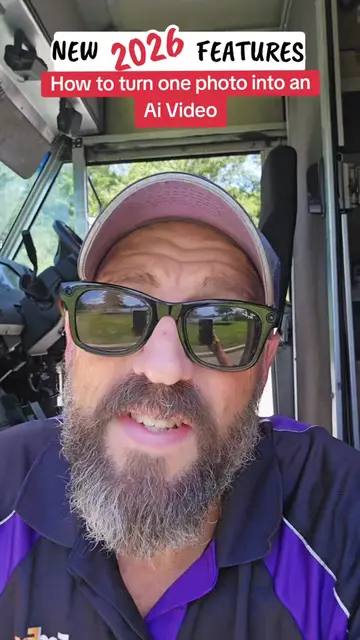
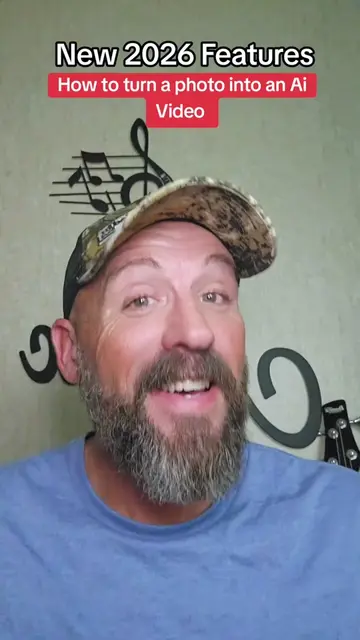
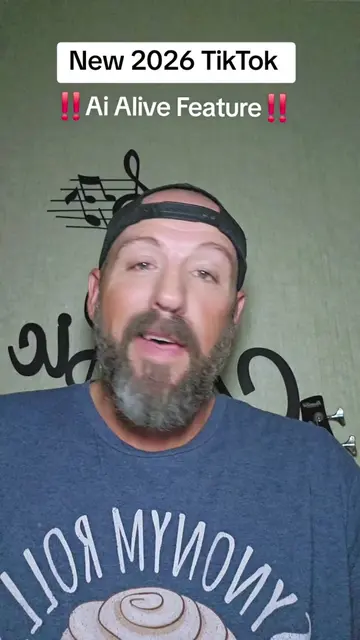
New TikTok Features Ai Alive 2026
@pames.jawl
166.9K followers · usually 1.5K views a post
Views
75.0K
Likes
397
Comments
41
Shares
62
Promoted product
AI Alive
TikTok Support
Why it worked
The video leverages a new, trending feature within a popular platform (TikTok's AI Alive) and provides a clear, concise tutorial. It also includes a strong call to action for engagement, encouraging likes, shares, and comments, which boosts visibility.
Summary
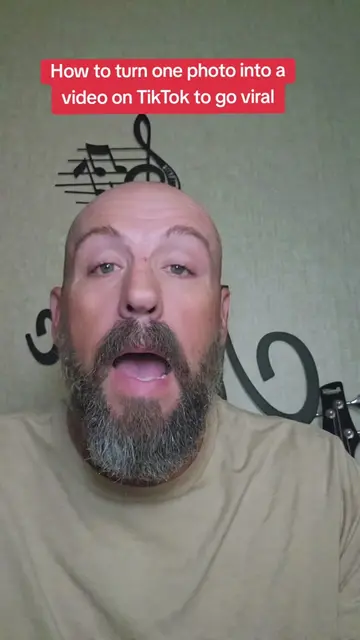
This video demonstrates how to use TikTok's new 'AI Alive' feature to create AI-generated videos from a single photo. The creator guides viewers through the process of accessing the feature, uploading a photo, and posting the resulting AI video.
Structure
- 1Introduction to the AI Alive feature
- 2Instructions on how to access the feature within TikTok
- 3Demonstration of uploading a photo to create an AI video
- 4Tips on retrying and using trending sounds
Original caption
Tutorial included for the New Ai Alive Feature. Create an ai video with one photo #newfeature #tiktokupdate #tiktokgrowth #aialive #smallcreators
More from @pames.jawl
More breakout videos from this creator.