Loading video…
Sound

original sound - Aniesa
Aniesa · Original audio
0:00–:––
Playing this video’s own audio, so you’ll hear the creator over the sound.
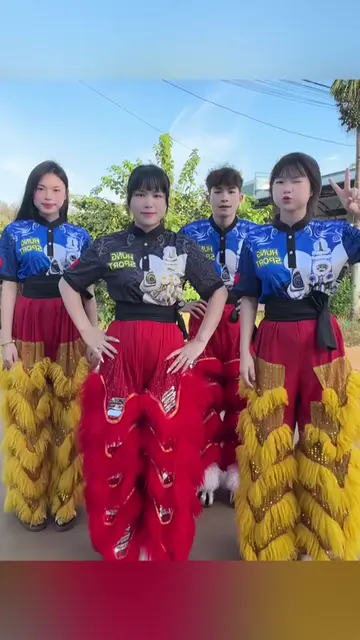
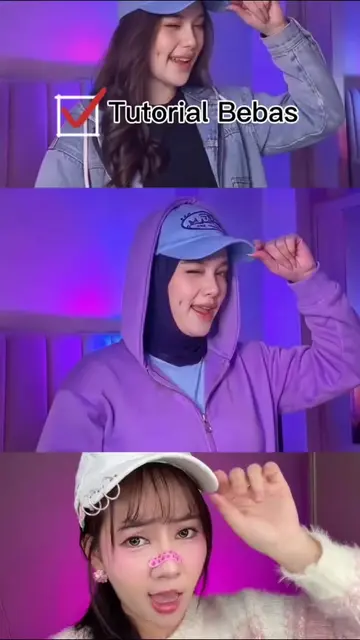
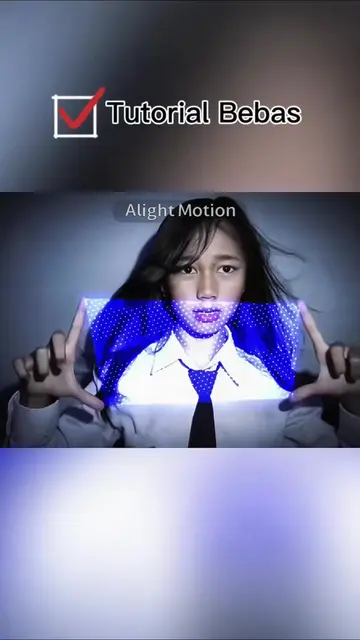
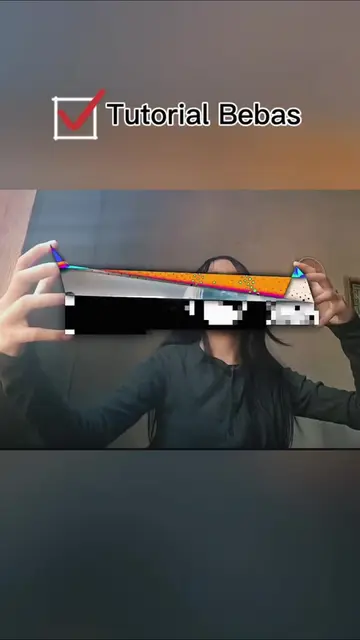
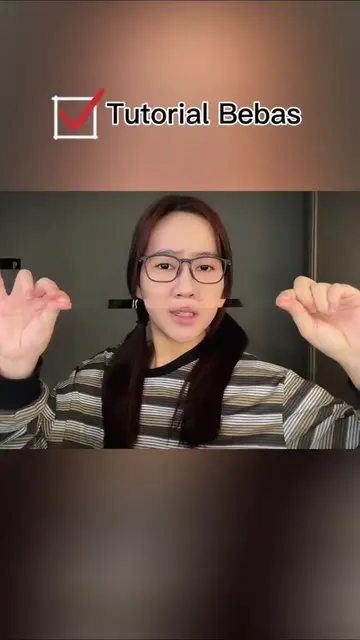
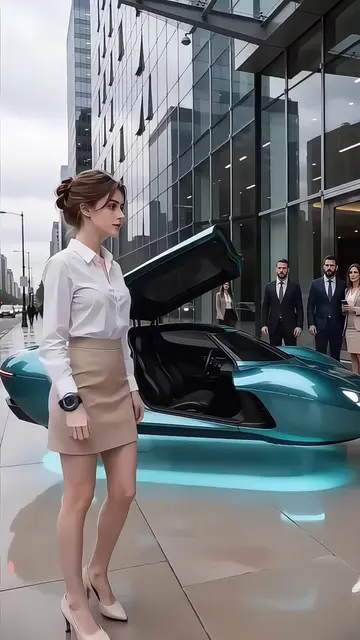
The video capitalizes on a trending visual effect, making it highly discoverable and desirable. It provides a clear, step-by-step tutorial that is easy to follow, encouraging user engagement and replication.
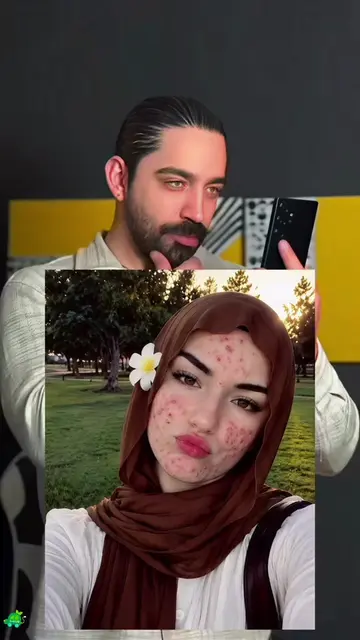
This video demonstrates how to use the Hypic app to create a trending visual effect by following a tutorial. It guides the viewer through selecting a template, uploading their own photo, and waiting for the effect to be applied.
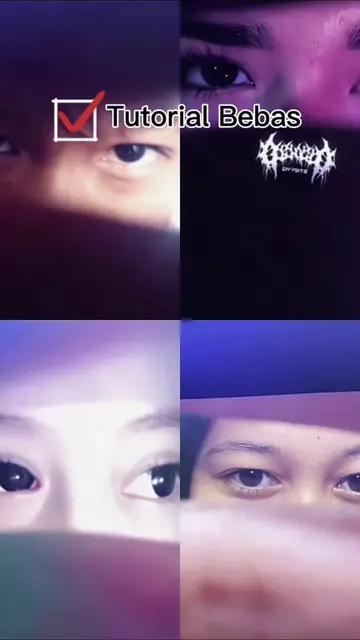
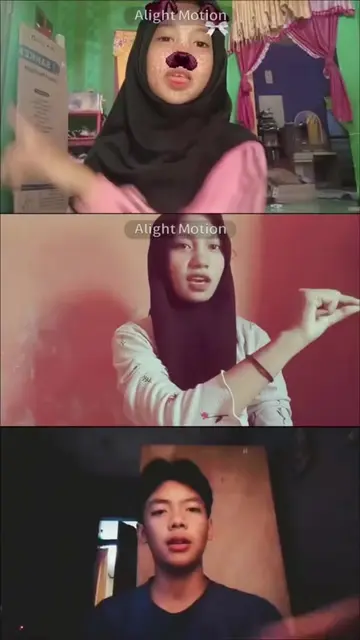
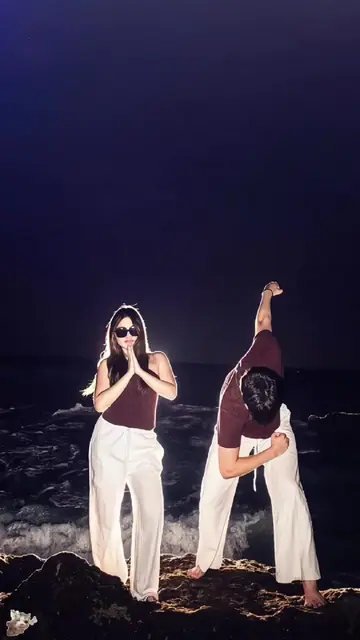
trenndya boleh nih, kapan kita coba? trend yang tutup mata buka mata #foryoupage❤❤ #trendingvideo #hypic #hypiccreator #Godpic @hypic_global @HypicVietnam Trend tutup mata lalu buka mata ini lucu banget 😂✨ Awalnya biasa aja, tapi begitu buka mata… langsung fokus ke bagian paling menarik 👀 Menurut kamu, siapa yang punya mata paling indah? Kayaknya kita juga wajib ikut trend ini nih. Setuju? 😆
efek visual yang sedang dicari semua orang.
Introduce the trending visual effect
Explain it's easy and free to create
Guide to follow steps in the app
Select a template
Upload own photo
Wait for the result
Hypic: ACTS - its interface is operated to create a video effect. Removing it would change what happens in the video. GG-Bond: ACTS - it is the name of the template being used. Removing it would change what happens in the video.
Playing this video’s own audio, so you’ll hear the creator over the sound.
AI photo-editing app for people creating retouched and stylized images
Views and creators: posted in the last 30 days (all languages). Videos: all time.
Promotes 5 products. Create free account to see more.
Outliers and viral hits: their videos on Overshot, all time.