Loading video…
All breakouts
36.8Talking HeadHow-To hookCreator Economy
Hook
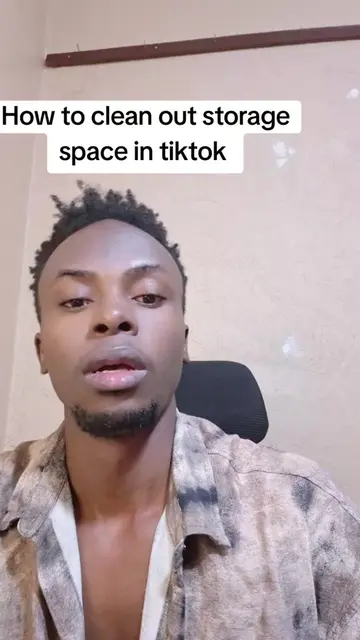
How to empty storage space in tiktok
@pepe.genius.music1
1.2M followers · usually 7.1K views a post
Views
127.8K
Likes
2.2K
Comments
53
Shares
912
Why it worked
The video addresses a common pain point for TikTok users: running out of phone storage. By providing a clear, step-by-step solution to clear watch history, it offers practical value and is easily shareable.
Summary
The video demonstrates how to clear storage space on a phone by deleting watch history within the TikTok app. It guides the viewer through the steps of accessing watch history, selecting all entries, and deleting them.
Structure
- 1Introduce the problem of low phone storage due to TikTok videos.
- 2Explain the solution: deleting watch history.
- 3Navigate to TikTok settings to find watch history.
- 4Select and delete all watch history entries.
- 5Confirm that watch history has been cleared.
Product placement
TikTok (app): The video demonstrates how to clear storage space within the TikTok app. Removing it would change the video's topic.
Mukisa Fashions (brand): Appears on screen as a watermark/text overlay on multiple videos, advertising track sets and providing a WhatsApp number. Removing it would remove the advertisement.
WhatsApp (app): Appears as a contact method for Mukisa Fashions. Removing it would remove the contact information for the advertised product.
On-screen text
How to empty storage space in tiktok
Original caption
#creatorsearchinsights How to empty storage space in tiktok
More from @pepe.genius.music1
More breakout videos from this creator.