Loading video…
Sound

original sound - aviationmediaone
Peter - Aviation Media One · Original audio
0:00–:––
Playing this video’s own audio, so you’ll hear the creator over the sound.
Hook
Posted Aug 16, 2026Video · 0:19by @aviationmediaone
The video provides a clear, concise, and visual tutorial on a specific drone feature, directly addressing a common user need and offering practical, step-by-step instructions.
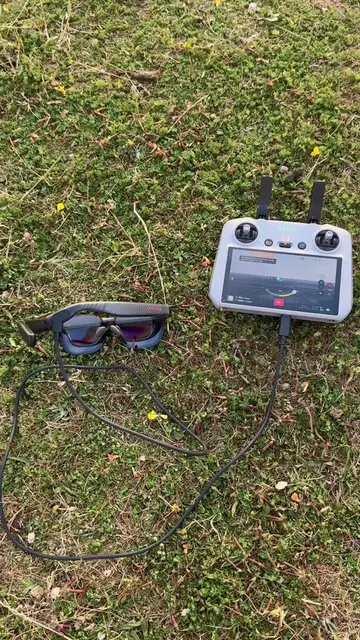
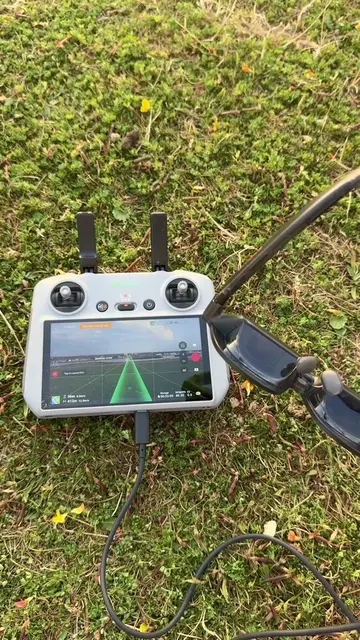
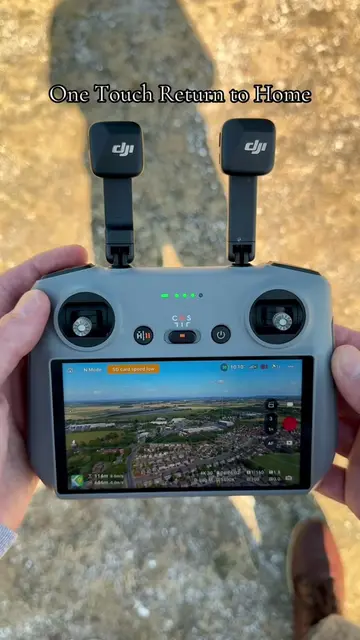
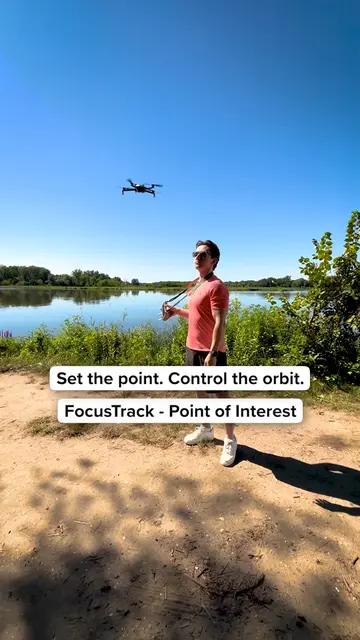
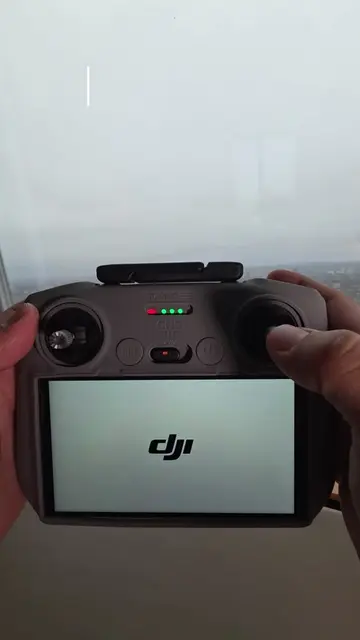
This video demonstrates how to activate Point of Interest (POI) mode on a DJI drone controller. It guides the viewer through selecting a subject, choosing the POI mode, setting the speed, and initiating recording to lock onto the subject.
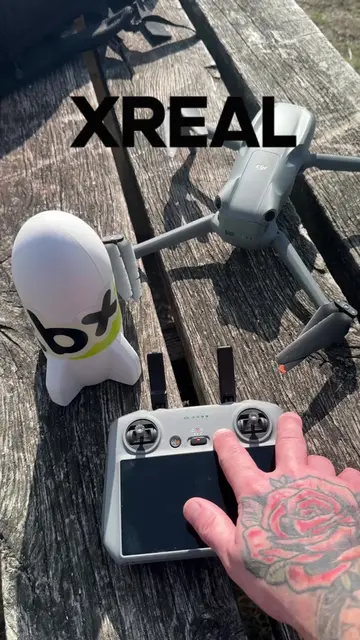
How to activate Point of Interest Mode with your drone - Tutorial @DJI Official Drone used - DJI Air 3S #dji #drone #dronesoftiktok #dronetiktok
How to Activate Point of Interest Mode Tutorial
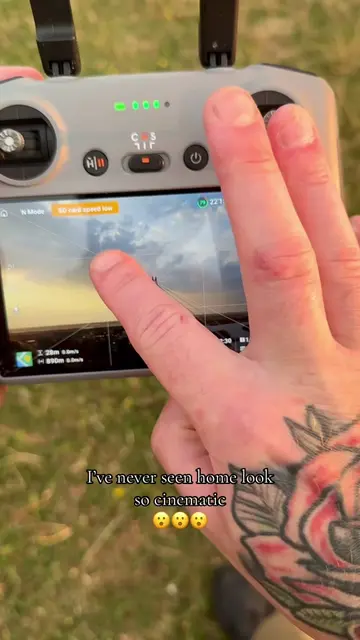
Demonstrate selecting the subject on the drone controller screen.
Show selecting the Point of Interest (POI) mode.
Instruct on setting the speed for the POI maneuver.
Show hitting the record button to start the POI sequence.
Indicate that the subject is now locked.
DJI: ACTS - The drone controller interface is operated to demonstrate a feature. Removing it would change what happens in the video. DJI Official: APPEARS - This is a creator's account handle, not a product being demonstrated. Removing it would not change what happens in the video.
Playing this video’s own audio, so you’ll hear the creator over the sound.
Promotes 1 product. Create free account to see more.
Outliers and viral hits: their videos on Overshot, all time.
Camera drone for creators capturing aerial photos and video
All time.