Loading video…
Sound

original sound - digitalgeniushubj
Digital Genius Hub J. · Original audio
0:00–:––
Playing this video’s own audio, so you’ll hear the creator over the sound.
The video provides practical, security-focused tips for a popular phone brand, presented in a clear, step-by-step format with visual demonstrations. The inclusion of a 'stolen phone' scenario taps into a common user concern, making the advice highly relevant.
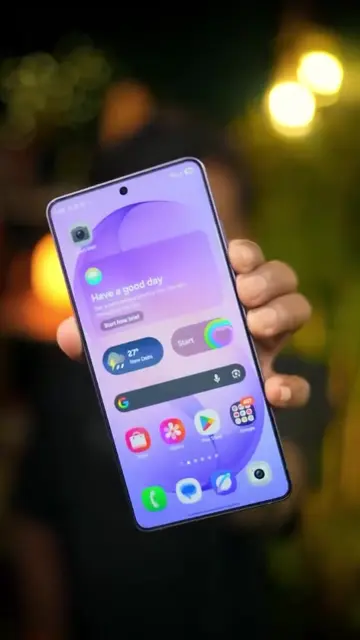
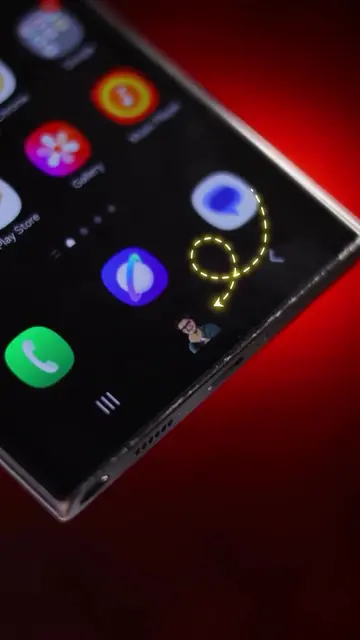
This video demonstrates three useful settings for Vivo phone users. It covers how to prevent a stolen phone from being easily turned off, how to disable the control center on the lock screen for added security, and how to use voice isolation to reduce background noise during calls.
Vivo Users: Ye 3 Secret Settings Abhi On Karo! 📱🔒 Vivo phone hidden features, How to lock power off in Vivo, Secure Vivo phone from theft, Vivo control center lock screen settings, Vivo voice isolation feature, Best Vivo settings for security, Vivo tips and tricks 2026, Smartphone privacy hacks, tech pradip, Ro Footage- @techno___explorer #vivotipsandtricks #smartphone #vivofuture #Tech #reels #tiktokgrowthchallenge
अगर आपके पास भी Vivo का फोन है तो
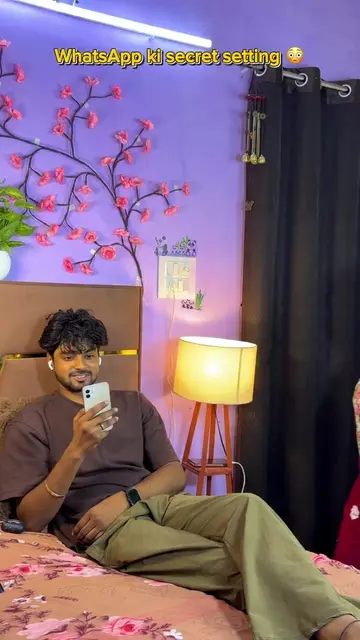
Introduction to Vivo phone settings
Setting 1: Prevent phone from being switched off when stolen
Setting 2: Disable control center on lock screen
Setting 3: Enable voice isolation for calls
Call to action: Share and follow
Vivo (phone): The video demonstrates settings on a Vivo phone. Removing it would change what happens in the video. Vivo account (service): Mentioned as part of signing in to Vivo services. Removing it would not change what happens in the video.
Share this reel with your Vivo phone friends and follow me.
Playing this video’s own audio, so you’ll hear the creator over the sound.
All time.
Promotes 25 products. Create free account to see more.
Outliers and viral hits: their videos on Overshot, all time.