Loading video…
Sound

original sound - riecodes
riecodes · Original audio
0:00–:––
Playing this video’s own audio, so you’ll hear the creator over the sound.
The video provides a practical and easily applicable tech tip that directly addresses a common user pain point (slow app switching), making it highly shareable and valuable to a broad audience interested in productivity hacks.
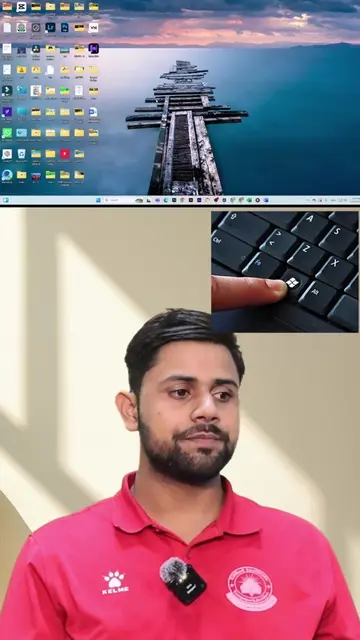
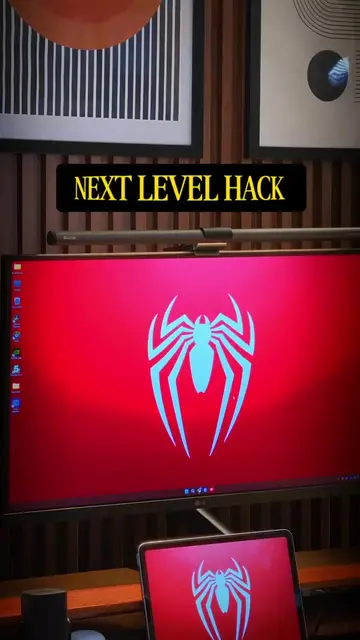
The video demonstrates a Windows 11 shortcut key combination (Windows + number) to quickly launch pinned taskbar applications, offering a faster alternative to Alt+Tab for switching between multiple windows of the same app. The creator encourages viewers to like and follow for more tips.
May shortcut key pala yung taskbar mo sa Windows 11. Tandaan mo lang yung mga taskbar icon: 1, 2, 3, 4 5, 6. Ipares mo sa Windows button at magbubukas na agad. Pagbukas ng PC ko, Windows + 1, 2, 3 agad. Chrome, VS Code, Claude. Bukas na lahat. Hindi lang pambukas yan. Parang Alt + Tab din pero mas mabilis, kasi diretso ka sa app na gusto mo. Kung maraming window yung isang app, i-hold mo lang yung Windows tapos pindutin mo ulit yung number ng ilang beses. para mag-cycle sa mga nakabukas. Bitawan mo tapos yun na yung mase-select. NAKINIG KA BA? Like and follow #windows11 #shortcutkeys #TechTips #bsit #ohmakinigka
taskbar shortcut key na mas mabilis sa alt tab
Introduce taskbar shortcut for Windows 11
Explain how to use Windows + number for pinned apps
Demonstrate launching multiple apps (Chrome, VS Code, Claude)
Explain cycling through multiple windows of the same app
Call to action: like and follow
Windows 11 (operating system): acts - it is operated by the user to launch applications. Removing it would change what happens in the video. Chrome (web browser): acts - it is launched by the user. Removing it would change what happens in the video. VS Code (code editor): acts - it is launched by the user. Removing it would change what happens in the video. Claude (AI chatbot): acts - it is launched by the user. Removing it would change what happens in the video. Dell (monitor brand): appears - it is a watermark on the monitor. Removing it would not change what happens in the video.
like and follow
Playing this video’s own audio, so you’ll hear the creator over the sound.
Discover Copilot on Windows 11 and features that boost productivity, creativity, and more. Upgrade your everyday with the latest version of Windows 11 from Microsoft.
All time.
Promotes 5 products. Create free account to see more.
Outliers and viral hits: their videos on Overshot, all time.