Loading video…
Sound

original sound - jornadatop
Jornada Top · Original audio
0:00–:––
Playing this video’s own audio, so you’ll hear the creator over the sound.
The video offers a practical and security-enhancing life hack for a widely used service (Google accounts), presented in a clear, step-by-step demonstration format that is easy for viewers to follow and replicate on their own devices.
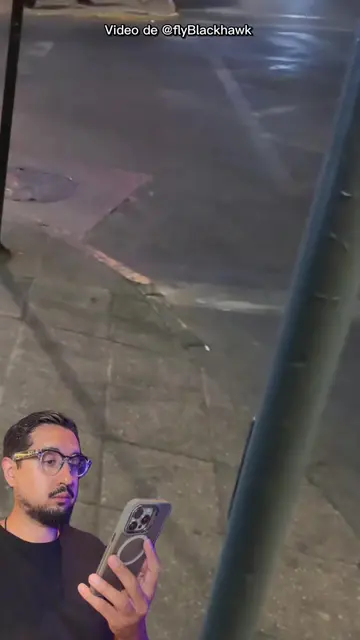
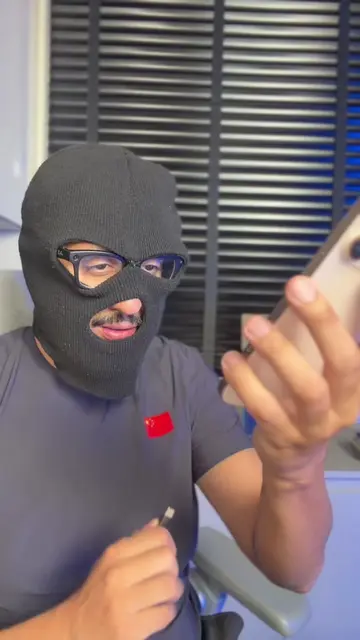
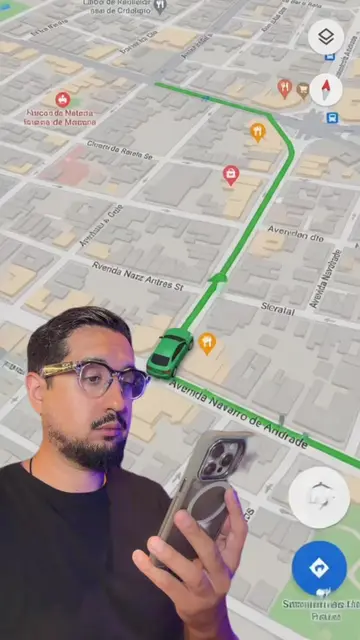
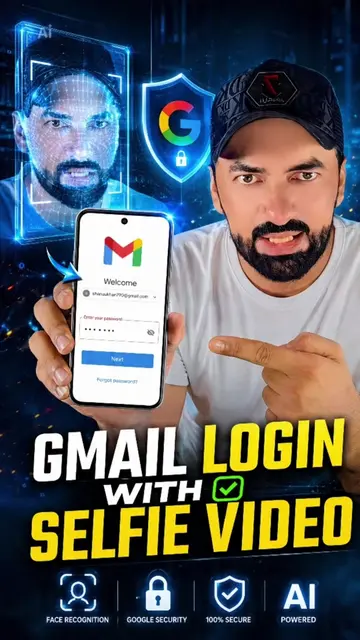
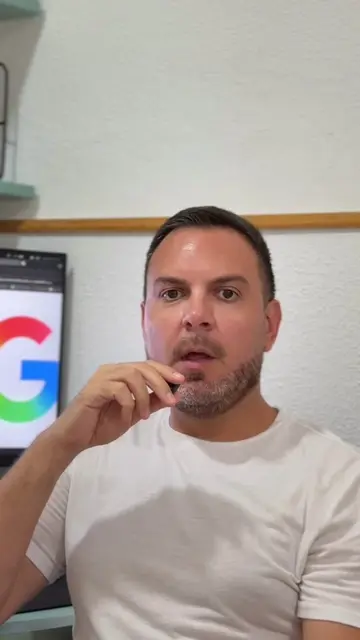
The video demonstrates how to set up a selfie as a login method for Google accounts, eliminating the need for a password. It guides the user through the process of recording a short video of their face within the Google account settings to enhance security.
#google #LifeHack #dicas #dicasetruques #truques
ATIVA ISSO AGORA NO SEU GMAIL
Introduce the concept of using a selfie for Google login.
Show the process of accessing Google account settings.
Navigate to the security and login options.
Select the 'selfie video' option for login.
Record the selfie video for verification.
Confirm the selfie is saved for enhanced security.
Google (app): The Google app is used to access and manage Google accounts. It is operated by the user. Removing it would prevent the user from accessing their account. Gmail (app): The Gmail app is mentioned as the target for the security feature. It is not operated, nor is a visible result produced from it. Removing it would not change what happens in the video. Google (logo): The Google logo appears on the phone screen and as a physical cutout. It is part of the interface of the app being used. Removing it would not change what happens in the video.
Playing this video’s own audio, so you’ll hear the creator over the sound.
Promotes 12 products. Create free account to see more.
Outliers and viral hits: their videos on Overshot, all time.
g.co
All time.