Hello!!
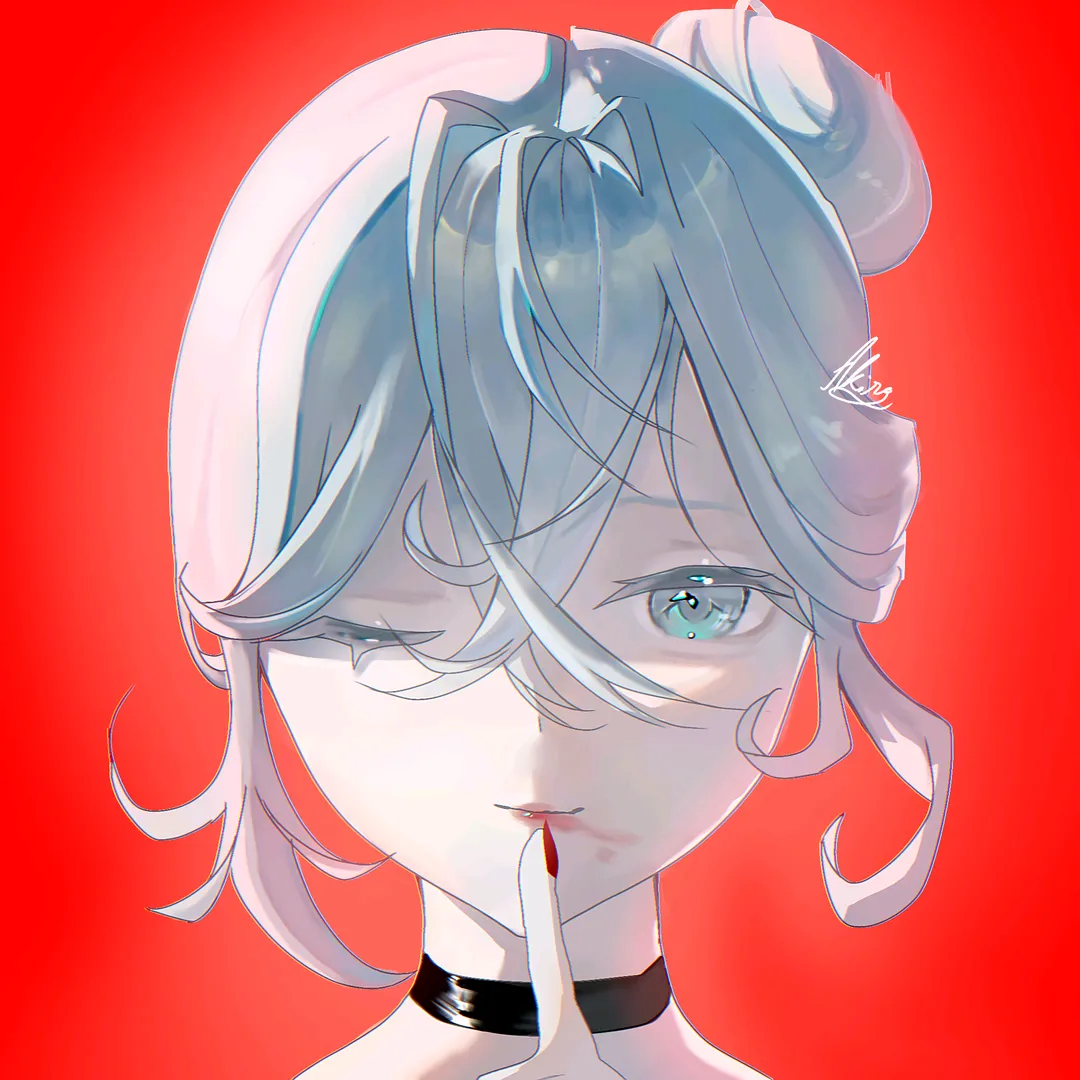
Have you ever wanted to draw like
this
this
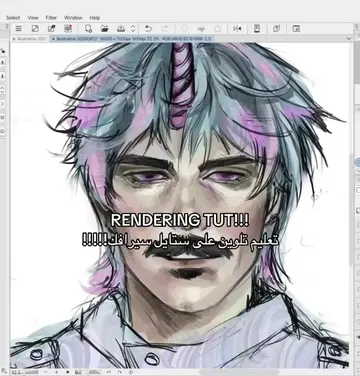
this
this
this
this
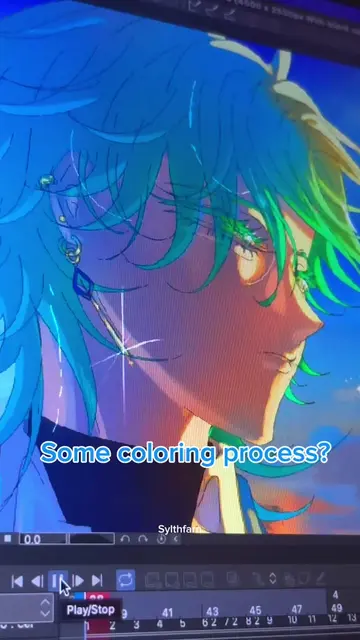
or maybe this?
WHO IS THAT?
well youre in luck because I was the one who made it!
well youre in luck because I was the one who made it!
And today I will teach you how like youre a 3 day old baby!
And today I will teach you how like youre a 3 day old baby!
And today I will teach you how like youre a 3 day old baby!
like youre a 3 day old baby!
1- sketch
2- lineart
3- skin
4- clothes
5- eyes
6- hair
7- final touches
"Akira. I FINALLY finished the lineart"
"Akira. I FINALLY finished the lineart"
Akira.
I finally finished the lineart
Good job soilder. Next step is colouring and shading.
Good job soilder. Next step is colouring and shading.
Lets talk about skin rendering on this part!
Lets talk about skin rendering on this part!
Start by colouring your base
By the way, if you struggle with picking skintones I recommend using a palette like this (qr in my highlights)
By the way, if you struggle with picking skintones I recommend using a palette like this (qr in my highlights)
By the way, if you struggle with picking skintones I recommend using a palette like this (qr in my highlights)
using a palette like this (qr in my highlights)
After that I add a layer and set it to multiply to make the shadows
After that I add a layer and set it to multiply to make the shadows
set it to multiply to make the shadows
to make the shadows
Pick a darker tone, SATURATED, and more redish
Pick a darker tone, SATURATED, and more redish
and more redish
the tone I picked was too light so I made it a bit darker
the tone I picked was too light so I made it a bit darker
the tone I picked was too light so I made it a bit darker
and airbrush it AGRESSIVLY on the edge of the shadow
and airbrush it AGRESSIVLY on the edge of the shadow
and airbrush it AGRESSIVLY on the edge of the shadow
the tone I picked was too light so I made it a bit darker
the tone I picked was too light so I made it a bit darker
the tone I picked was too light so I made it a bit darker
do not do theeese if its a cast shadow!!!
PAUSE TO READ!
cast shadow is basically when an object makes another object have a shadow. when this happens either leave it all w the greyish tone, or the redish one!
cast shadow is basically when an object makes another object have a shadow. when this happens either leave it all w the greyish tone, or the redish one!
Airbrush it lightly like I did here
Airbrush it lightly like I did here
And lower the opacity to whatever you like!
And lower the opacity to whatever you like!
Now add a new layer and set it to overlay
Now add a new layer and set it to overlay
pick the skincoulor and airbrush it around the lightest spots
pick the skincoulor and airbrush it around the lightest spots
This will give it a shiny shiny effect
This will give it a shiny shiny effect
After this I personally blur the shadows!
After this I personally blur the shadows!
Heres an explanation if you struggle on blurring:
-blur a lot
-ehh
-blur a BIT
Now colour the lineart a dark red, making it lighter on light areas
Now colour the lineart a dark red, making it lighter on light areas
making it lighter on light areas
by the way guys, this works with ANY skin colour.
by the way guys, this works with ANY skin colour.
by the way guys, this works with ANY skin colour.
the lineart, and im pretty sure thats it!
the lineart, and im pretty sure thats it!
And when I say any skin colour, I mean ANY.
And when I say any skin colour, I mean ANY.
And when I say any skin colour, I mean ANY.
And when I say any skin colour, I mean ANY.
Also I often add more layer to give it more filters and other stuff!!
Also I often add more layer to give it more filters and other stuff!!
Also, PLEASE dont forget to add blush! not just on the face.
Also, PLEASE dont forget to add blush! not just on the face.
not just on the face.
Please read the caption. THANK YOU FOR WATCHING!
Please read the caption. THANK YOU FOR WATCHING!
see you in pt4