Loading video…
Sound

Luxury in Motion
Mirellavieira
0:00–:––
Playing this video’s own audio, so you’ll hear the creator over the sound.
This video promotes it, but we haven’t matched it to a product page yet, so there are no product figures.
The video provides practical, actionable tips for improving iPhone photography and videography, presented in a clear, step-by-step format with on-screen demonstrations. The use of Haitian Creole makes it accessible to a specific audience, and the call to action encourages engagement.
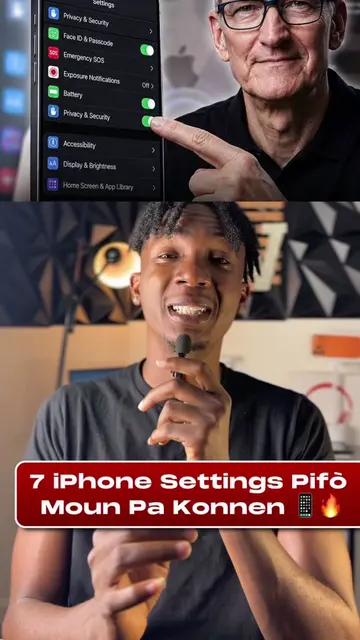
This video demonstrates 8 camera settings on an iPhone that can improve photo and video quality. It covers settings like resolution, grid, preserving settings, default lens selection, burst mode, white balance lock, and cinematic mode options.
📱📸 Kamera iPhone ou ka fè plis pase sa reglaj default yo montre w! Men 8 reglaj ou dwe tcheke pou pi bon foto ak videyo. Gen kèk opsyon ki depann de modèl iPhone ou. Kilès ou pat konnen? 👀👇🏾 #Itpoupepla #iPhoneTips #iPhoneCamera #AppleTips #iphonetricks
8 REGLAJ KAMERA IPHONE OU DWE TCHEKE!
Introduction to iPhone camera settings
Setting 1: 48 Megapixels
Setting 2: Enable Grid
Setting 3: Preserve Settings
Setting 4: Default Lens Selection
Setting 5: Use Volume Up for Burst
Setting 6: Lock White Balance
Setting 7: Cinematic Mode (4K options)
Call to action: check settings and comment
iPhone (acts: used to demonstrate camera settings, removing it would change the video); Settings app (acts: interface operated to change camera settings, removing it would change the video); Camera app (acts: interface operated to change camera settings, removing it would change the video)
Check out the 8 camera settings for better photos and videos.
Playing this video’s own audio, so you’ll hear the creator over the sound.
Promotes 3 products. Create free account to see more.
Outliers and viral hits: their videos on Overshot, all time.