Loading video…
Sound

original sound - danielbrown.ia
Daniel Brown · Original audio
0:00–:––
Playing this video’s own audio, so you’ll hear the creator over the sound.
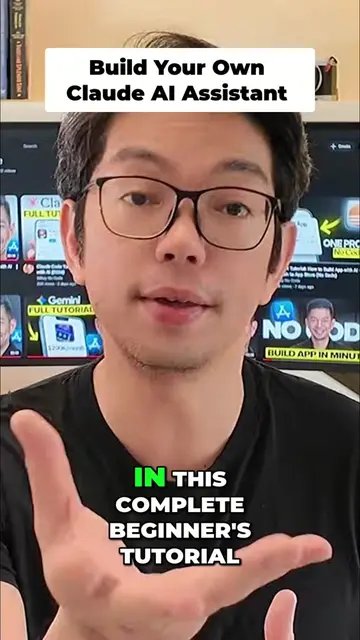
The video provides a clear, step-by-step tutorial on creating a functional AI chatbot for WhatsApp, leveraging a readily available GitHub repository and an AI model, making a complex task accessible and actionable for a broad audience.
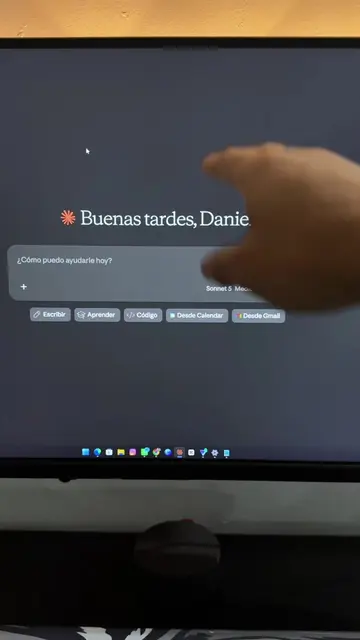
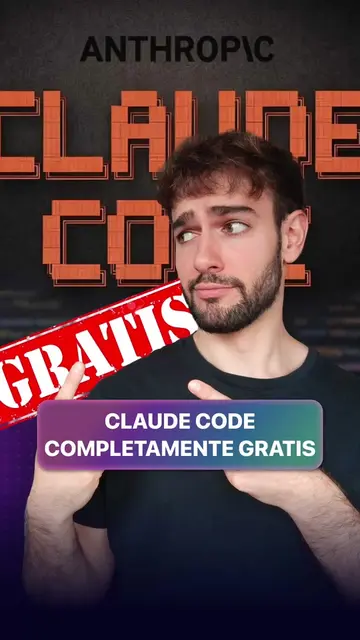
This video demonstrates how to create a custom chatbot for WhatsApp using Claude Code, an AI tool. It guides viewers through cloning a GitHub repository, configuring the chatbot's personality and business details via prompts, and then connecting it to WhatsApp, web, or Telegram.
LINK en el Perfil ↗️🔥 #ClaudeCode #InteligenciaArtificial #ChatbotWhatsApp #AutomatizacionDeNegocios #IAParaNegocios
Ya puedes crear
Introduction to creating a WhatsApp chatbot with Claude
Cloning the project from GitHub
Configuring the chatbot through prompts
Automatic chatbot construction by Claude
Connecting the chatbot to WhatsApp/web/Telegram
Highlighting versatility and call to action
WhatsApp: it is an instant messaging and voice-over-IP service. It ACTS as a communication channel for the chatbot. Removing it would change what happens in the video. Claude: it is an AI model that generates text and code. It ACTS as the brain of the chatbot, processing information and generating responses. Removing it would change what happens in the video. GitHub: it is a web-based platform for version control and collaboration. It ACTS as a repository for the chatbot's code. Removing it would change what happens in the video. Claude Code: it is a platform or tool for generating code using Claude. It ACTS as the interface for creating the chatbot. Removing it would change what happens in the video.
LINK en mi Perfil
Playing this video’s own audio, so you’ll hear the creator over the sound.
AI coding tool for developers planning, building, and debugging software
Views and creators: posted in the last 30 days (English videos). Videos: all time.
Promotes 3 products. Create free account to see more.
Outliers and viral hits: their videos on Overshot, all time.