Loading video…
All breakouts

1.5KTalking HeadHow-To hook
Hook
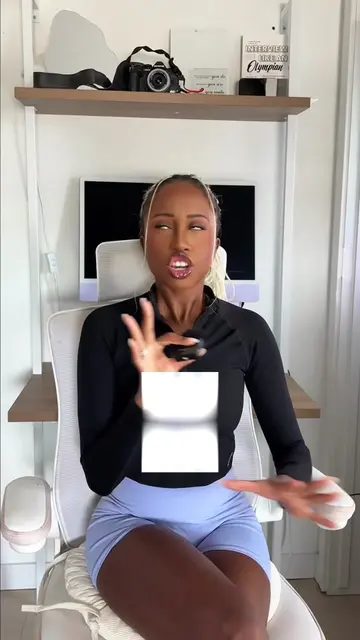
In just 60 seconds, I’ll teach you how to build your very first project with Claude Code.
@theblackfemaleengineer
140.9K followers · usually 2.0K views a post
Views
3.3M
Likes
4.6K
Comments
71
Shares
361
Why it worked
The video provides high-value, actionable technical advice that solves a specific problem, making the product feel like an essential tool rather than an advertisement.
Summary
The creator demonstrates how to use the AI tool Claude Code to build a simple project in the terminal. She provides three tips for using the tool effectively and offers a free tutorial video to viewers who comment.
Structure
- 1Introduction to Claude Code
- 2Step-by-step terminal setup
- 3Demonstrating project creation
- 4Tip 1: Using Plan Mode
- 5Tip 2: Creating a CLAUDE.md file
- 6Tip 3: Running multiple instances
- 7
Original caption
In just 60 seconds, I’ll teach you how to build your very first project with Claude Code. Comment “Claude” and I’ll send you my full 1-hour Claude Code 101 walkthrough + a link to get started today. @Claude #claudepartner #ad
More from @theblackfemaleengineer
Their other posts in the index, biggest breakout first.