Loading video…
All breakouts
 Claudeseen in 998 videos →
1.3KTalking HeadOther hook
Hook
Claude Code might just be the most powerful tool
@pathofseb
31.4K followers · usually 15.0K views a post
Views
17.5M
Likes
12.2K
Comments
9
Shares
501
Selling · SaaS › AI Tool
Summary
The creator demonstrates how Claude Code, an AI tool, significantly enhances embedded development and debugging, particularly for hardware projects like robotics. It offers terminal integration, context-aware code generation, and debugging assistance, making complex tasks more manageable.
Transcript
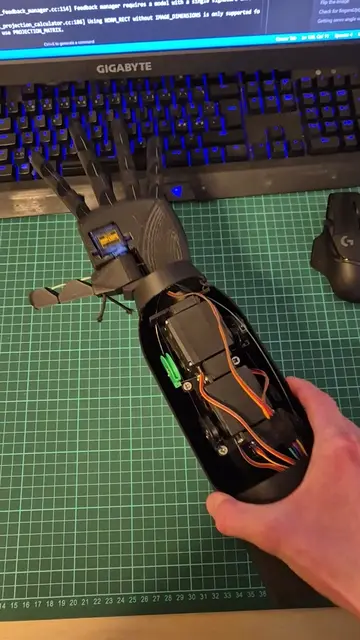
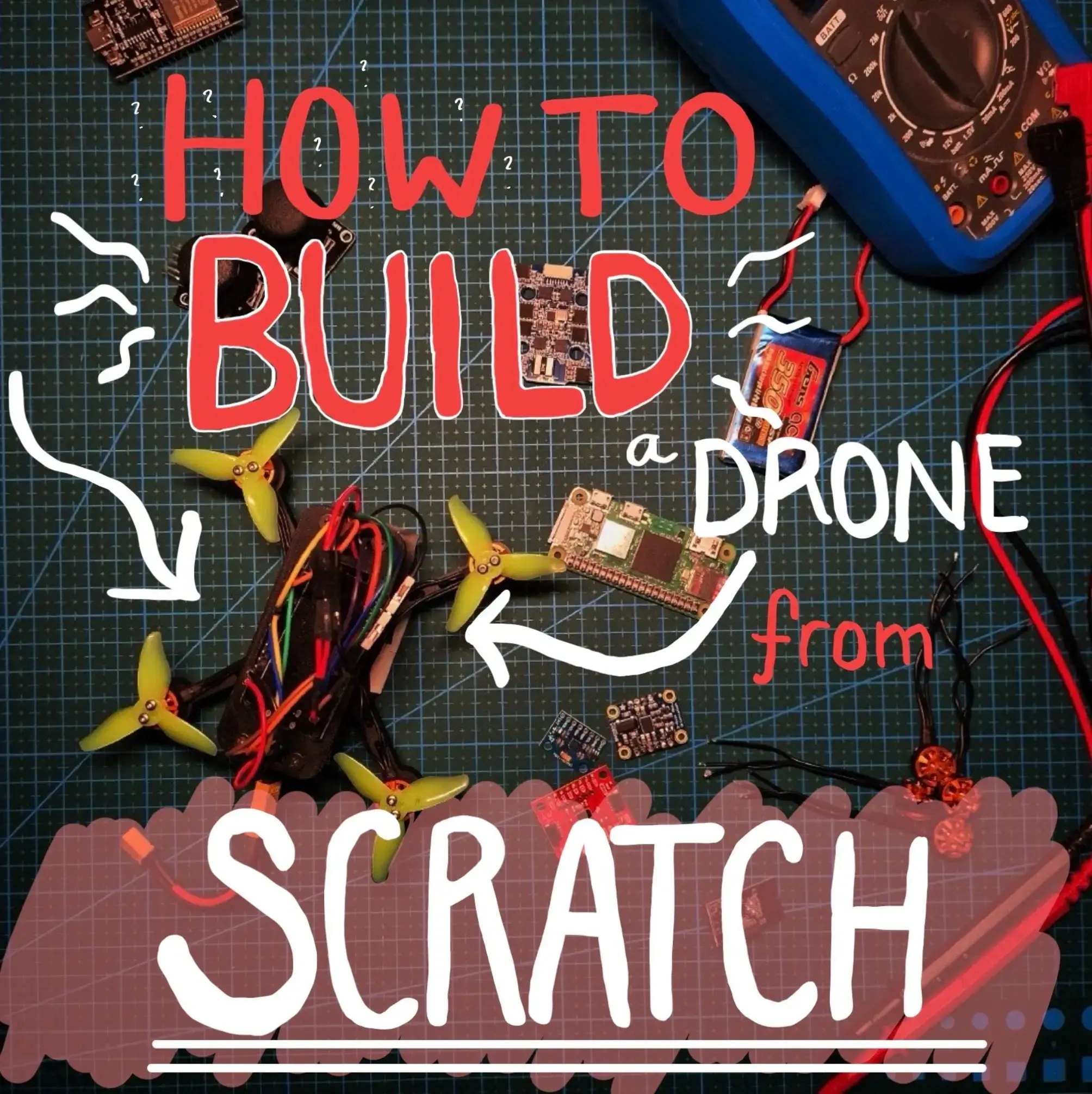
Claude Code might just be the most powerful tool that ever used my workflow. Most people already use AI for coding, writing, or general problem solving. Claude Code is different. The terminal integration allowing you to directly read, write, and modify into your working directory completely changes how you interact with your projects. Especially regarding hardware. Because debugging is easily the most frustrating part about robotics. You check every single probe on your PCB, your wiring, and it turns out to be a typo on your C++ code. This is when Claude Opus 4.6 really shines because it has access to your project folder. You can drop in data and other resources for whatever you're building. That is what makes this Claude Code incredibly powerful for embedded development. Instead of guessing, the model actually has full context. For example, I can open my terminal, type Claude, and say, I have an ESP32 and an NRF24. How can I make a wireless communication system for a drone? Claude doesn't just generate code. It explains the setup, tells you how to wire this, and gives you something you can actually run. Just follow the instructions, connect the pins, and suddenly you have a stable wireless link. But it's not just for starting. But also great for debugging. Working on the IMU for my drone, I was struggling to get any outputs from the sensor. So I told Claude, hey, I've an MPU6050 as my IMU, but I'm not getting any outputs. What's wrong? Claude catches it instantly. I'm writing wrong bit-addresses in the register. One fix and suddenly the IMU works perfectly. While AI can't do everything when it comes to robotics, it sure does help a lot. And that's exactly what makes Claude Code different. It's not just auto-complete, you're working with someone who understands both your code and your hardware. So if you want to learn more on how I use Claude every single day, comment down below "Claude" and I'll send you my full
Original caption
When building hardware, you will hit roadblocks. But the right tools make those bumps a lot less painful. @Claude #claudepartner
More from @pathofseb
Their other posts in the index, biggest breakout first.