Loading video…
Sound

original sound - jaybendonlifts
JayBendon · Original audio
0:00–:––
Playing this video’s own audio, so you’ll hear the creator over the sound.
The video provides high-value, actionable technical knowledge that solves a specific creative problem, making the product demonstration feel like a helpful service rather than an advertisement.
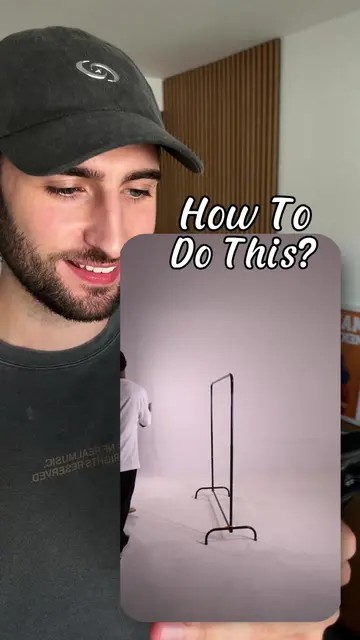
The creator provides a step-by-step tutorial on how to create a 'brush effect' transition using the CapCut video editing application. The video demonstrates the specific masking and splitting techniques required to achieve the effect.
how to do the Brush Effect in @CapCut I am using the capcut pad app so if you use normal capcut this may look slightly new to you but it’s a fairly similar process….just substitute the mask(brush) with the remove background tool. If you want anymore tutorials on certain edits or effects just drop me a message/let me know in the comments. Hope this one helps🤝 @myprotein | code JAYB #edittutorial #editorial #capcuttutorial #editideas #brusheffect
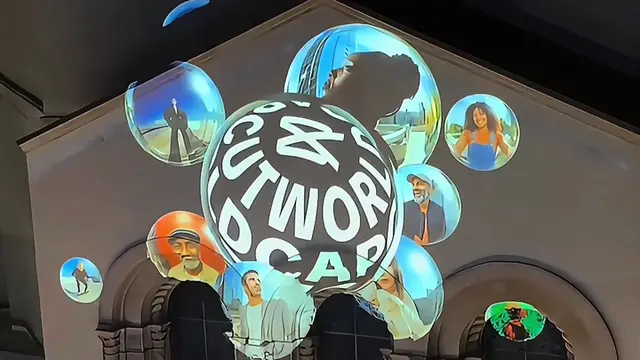
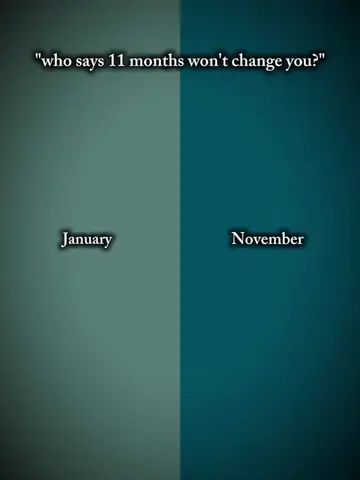
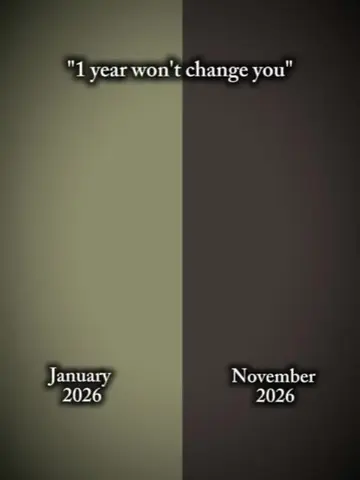
This is called the brush effect.
Introduction to the brush effect
Setting up the timeline with two clips
Applying the auto brush mask to the overlay
Repeating the split and mask process
Final result and call to action
CapCut: (a) ACTS — the video is a tutorial demonstrating how to use its interface, specifically the mask and brush tools, to create a video effect. Removing it would change the entire video as it is the subject of the tutorial. Myprotein: (b) APPEARS — mentioned in the caption and bio as a brand code, but does not appear or act in the video content itself.
let me know down below in the comments
Playing this video’s own audio, so you’ll hear the creator over the sound.
Promotes 1 product. Create free account to see more.
Outliers and viral hits: their videos on Overshot, all time.
Video editing app for creators making social media videos
Views and creators: posted in the last 30 days (English videos). Videos: all time.