Loading video…
Sound

original sound - unrealtoreal
Unreal to Real · Original audio
0:00–:––
Playing this video’s own audio, so you’ll hear the creator over the sound.
The video highlights a practical, built-in feature that solves a common problem (digitizing documents) with a simple, quick process, making it highly shareable and useful for a broad audience.
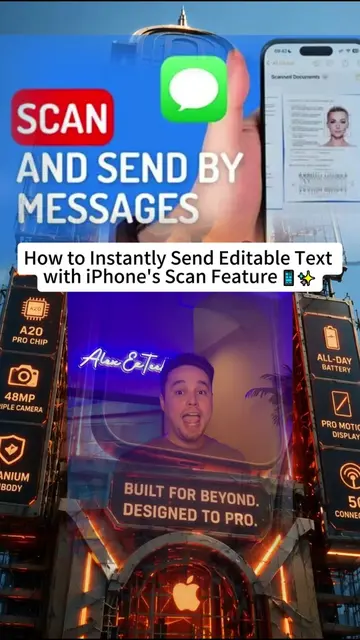
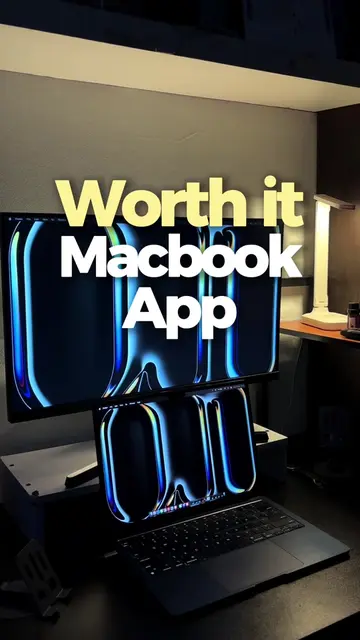
This video demonstrates a hidden macOS feature that allows users to scan documents directly from their iPhone to their Mac. It shows how to initiate the scan from the Mac desktop or Finder, use the iPhone camera to capture the document, and how the scanned PDF automatically appears on the Mac.
Hidden Mac feature you (probably) didn’t know existed 💻📱✨ Stop taking photos of paper handouts on your phone and sending them to yourself via email. Your Mac and iPhone have a built-in document scanner! 🥰 Here’s how to do it in 10 seconds: 1️⃣ Right-click anywhere on your Mac desktop, in a Finder folder, or inside an Apple Note. 2️⃣ Hover over “Import from iPhone (or iPad)” and click Scan Documents. 3️⃣ Your iPhone camera will automatically open! Just point it at your paper, syllabus, or textbook page. As soon as you snap it, the scanned PDF pops up directly on your Mac in real time! 📄🚀 (Just make sure Wi-Fi and Bluetooth are enabled on both devices with the same Apple ID) hidden mac trick | scan documents to mac with iphone | continuity camera mac tutorial | macbook tips for students | apple ecosystem hacks | mac scanner shortcut #macbook #macbooktips #macbookhacks #tipsandtricks #techblogger
hidden Mac trick
Introduce hidden Mac trick
Show how to initiate scan on Mac
Demonstrate scanning with iPhone
Show PDF appearing on Mac
Apple Mac (laptop): ACTS - The video demonstrates a feature on this device. Removing it would change what happens in the video. Apple iPhone (phone): ACTS - The video demonstrates using this device to scan documents. Removing it would change what happens in the video. Notes (app): ACTS - This app is mentioned as a place where the feature can be initiated. Removing it would change what happens in the video. Finder (app): ACTS - This app is mentioned as a place where the feature can be initiated. Removing it would change what happens in the video.
Playing this video’s own audio, so you’ll hear the creator over the sound.
Promotes 1 product. Create free account to see more.
Outliers and viral hits: their videos on Overshot, all time.
macOS 27 Golden Gate with all-new Siri AI powered by Apple Intelligence and new features for a more responsive, delightful experience.
All time.