Loading video…
Sound

original sound - ellis.sage
ELLIS SAGE · Original audio
0:00–:––
Playing this video’s own audio, so you’ll hear the creator over the sound.
Hook
Posted Sep 30, 2026Video · 0:16by @ellis.sage
We didn’t find a product being promoted in this video. Its hook, format and structure below still show why it took off.
Browse products winning on TikTokThe video provides a highly actionable, 'hidden' productivity hack for a ubiquitous device, solving a common annoyance with a simple, impressive demonstration.
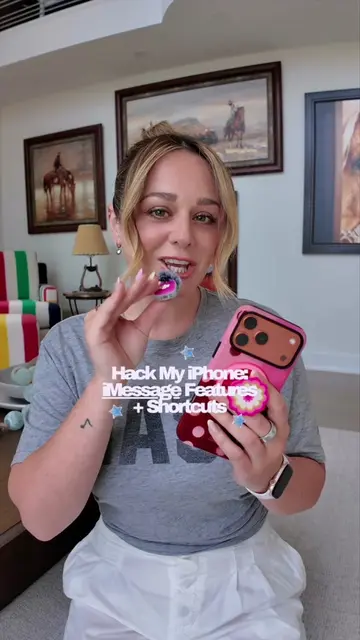
The creator demonstrates a built-in iOS feature that allows users to scan physical documents and convert them into editable text directly within the Messages app. This tip aims to save time by avoiding the need to manually type out information or send image files.
Skip the screenshots! Quick tips on how to instantly scan and send editable text using the Live Scan iPhone trick. 🔥 Just tap, hold, and let your camera do the work for fast communication. Have you tried this yet? 💬 #iPhoneHacks #ScanText #ProductivityHacks #TechTips #LiveScan #EditableText #MessagingTips #QuickAccess #DigitalDiary
Never take a picture of a document and then send it to someone.
Identify the problem of sending document photos
Demonstrate the tap-and-hold gesture in Messages
Select the autofill and scan text options
Show the camera scanning the document
Display the resulting editable text in the message
iPhone (a) acts: the video demonstrates the built-in 'Scan Text' feature within the iOS Messages app to scan and send editable text. Removing it would change the entire video as it is the subject of the demonstration. Apple (b) appears: the Apple logo appears on the screen as part of the video's background aesthetic.
Have you tried this yet?
Playing this video’s own audio, so you’ll hear the creator over the sound.
Outliers and viral hits: their videos on Overshot, all time.