Loading video…
All breakouts
14.7App DemoOther hookCreator Economy
Hook
Live = On
@haffu.photo
962.5K followers · usually 60.3K views a post
Views
843.0K
Likes
6.9K
Comments
24
Shares
347
Promoted product
iPhone
Why it worked
The video effectively showcases a specific, visually appealing camera feature on a popular device, demonstrating a creative use case that viewers might want to replicate.
Summary
The video demonstrates how to use the "Long Exposure" feature on an iPhone camera to capture a photo of a busy street at night. It shows the user navigating the camera app, selecting the "Live" option, and then choosing "Long Exposure" to achieve the desired effect.
Structure
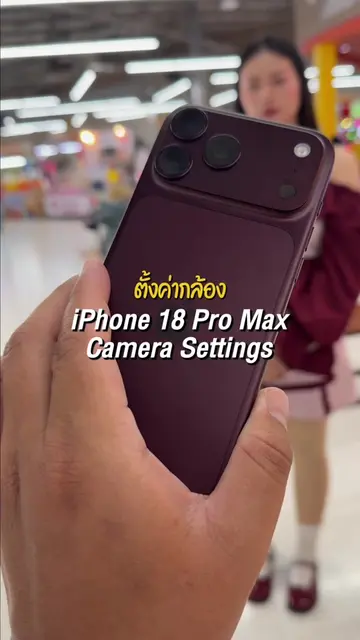
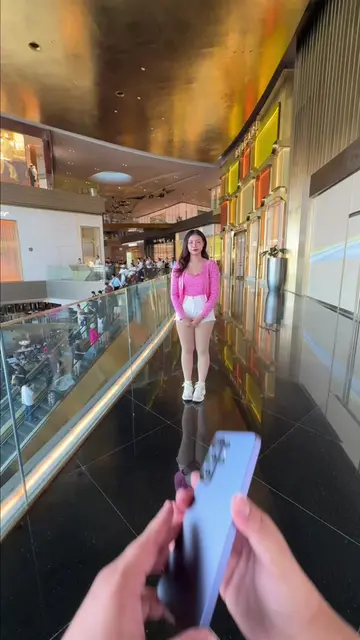
- 1Holding up an iPhone with a busy street scene in the background.
- 2Showing the iPhone camera interface with "Live" mode active.
- 3Navigating the camera settings to select "Long Exposure".
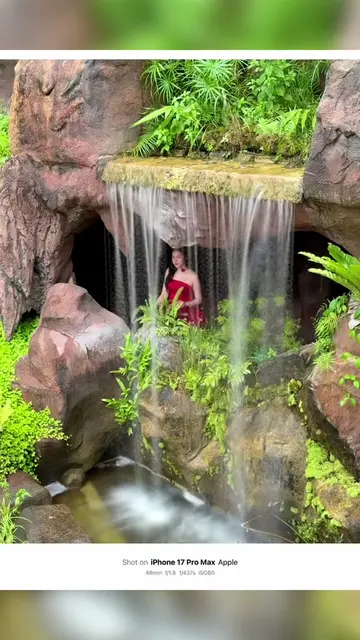
- 4The final image with the long exposure effect, showing blurred car lights.
- 5The final image displayed on the iPhone screen.
Product placement
iPhone (appears, acts): The video shows the interface of an iPhone camera app being used to capture a photo. Removing it would change what happens in the video.
HEIF (appears): A file format indicator in the iPhone camera app. Removing it would not change what happens in the video.
On-screen text
Live = On
Live = เปิด
Long Exposure
เปิดรับแสงนาน
Original caption
Long exposure. #ช่างภาพนะฮราฟฟู่ว #ถ่ายไงได้งี้ #เทคนิคดีบอกต่อ #iphone #17promax
More from @haffu.photo
More breakout videos from this creator.