Loading video…
All breakouts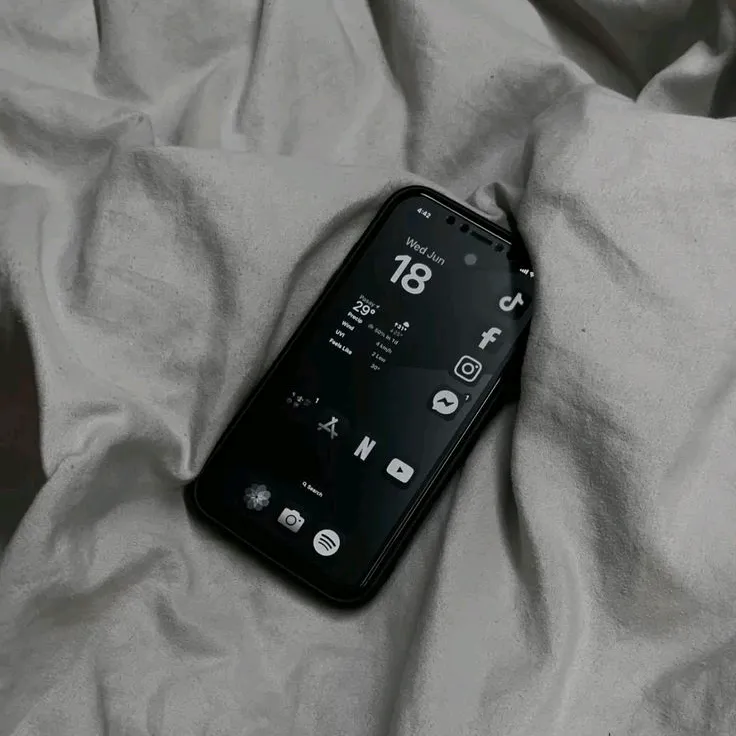
161App DemoOther hookConsumer Apps
Hook
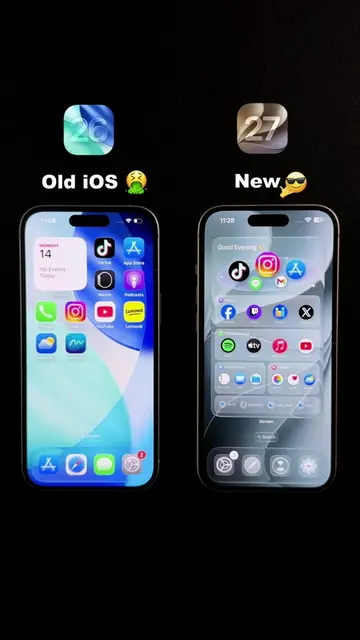
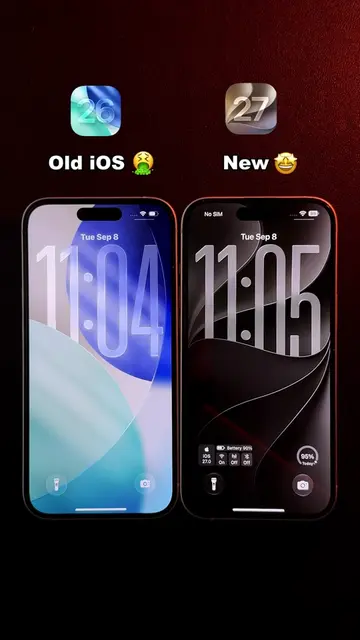
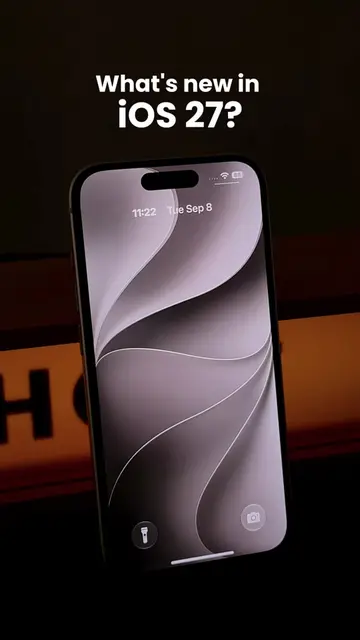
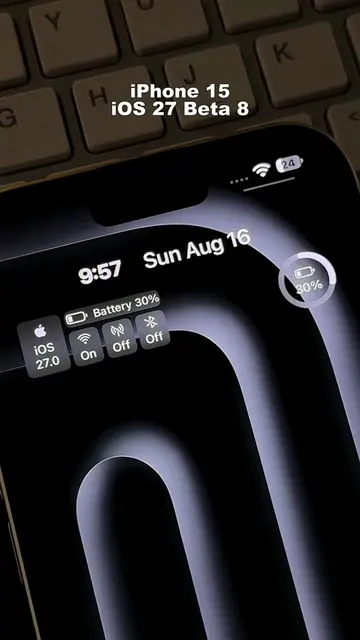
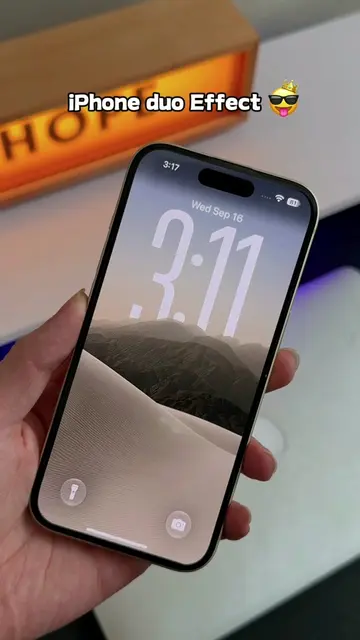
ios 27 in iPhone 15
@n202hack
3.7K followers · usually 8.0K views a post
Views
1.1M
Likes
44.2K
Comments
836
Shares
3.5K
Why it worked
The video taps into the audience's interest in new iOS features and customization by presenting a hypothetical "iOS 27" with visually appealing widgets. The use of a tutorial format makes the content practical and shareable, while the clean aesthetic appeals to users seeking minimalist designs.
Summary
The video demonstrates how to create custom widgets for an iPhone home screen using the iScreen app, showcasing a tutorial for a large clock widget and other customization options. It implies these features are part of a future iOS 27 update.
Structure
- 1Showcase of iPhone 15 with "iOS 27" text overlay
- 2Demonstration of custom widgets and app icons
- 3Tutorial on using the iScreen app to create a clock widget
- 4Saving the widget and applying it to the home screen
- 5Final display of the customized home screen
Product placement
iScreen (ACTS - an app that allows users to create custom widgets for their iPhone home screen; removing it would change what happens in the video)
iOS 27 (APPEARS - an operating system version; removing it would not change what happens in the video)
iPhone 15 (APPEARS - a smartphone model; removing it would not change what happens in the video)
TikTok (ACTS - a social media app that is used to showcase the custom widgets; removing it would change what happens in the video)
Netflix (APPEARS - an app icon shown on the home screen; removing it would not change what happens in the video)
Canva (APPEARS - an app icon shown on the home screen; removing it would not change what happens in the video)
Health (APPEARS - an app icon shown on the home screen; removing it would not change what happens in the video)
FrameLab (APPEARS - an app icon shown on the home screen; removing it would not change what happens in the video)
ProMovie (APPEARS - an app icon shown on the home screen; removing it would not change what happens in the video)
Wallet (APPEARS - an app icon shown on the home screen; removing it would not change what happens in the video)
Weather (APPEARS - an app icon shown on the home screen; removing it would not change what happens in the video)
Settings (APPEARS - an app icon shown on the home screen; removing it would not change what happens in the video)
Original caption
This is peak iOS 27. A clean Lock Screen, new customization options, and a big minimal clock on the Home Screen. Quick setup tutorial #widget #dark #minimalist #ios27 #appleevent
More from @n202hack
More breakout videos from this creator.