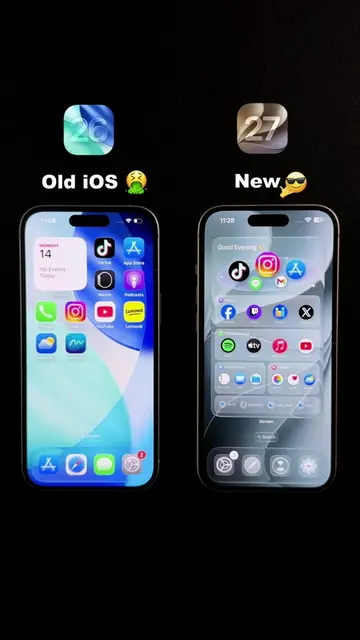
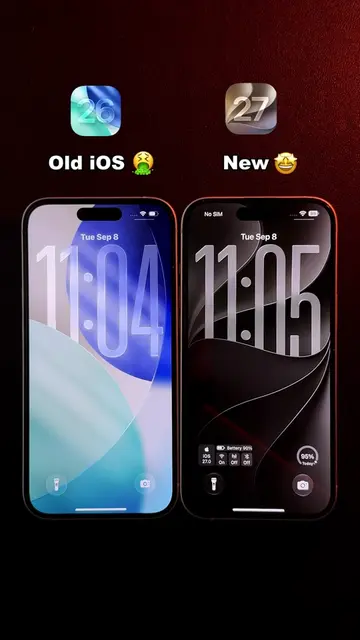
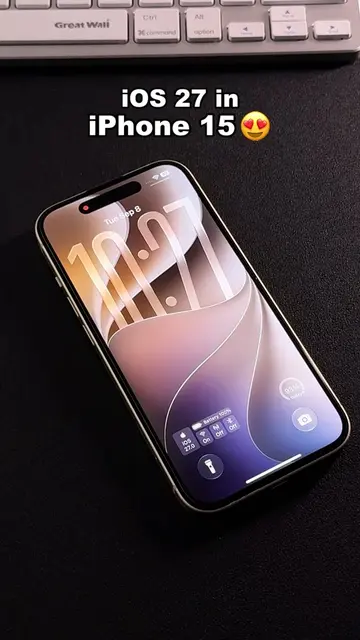
Loading video…
All breakouts
66.1App DemoOther hookConsumer Apps
Hook
iPhone duo Effect 😎 sunglasses emoji
@n202hack
3.7K followers · usually 8.0K views a post
Views
454.3K
Likes
8.4K
Comments
71
Shares
605
Product placement
iPhone (acts - the device is operated to demonstrate the customization, removing it would change what happens in the video); iScreen (acts - the app is opened and used to create the widget, removing it would change what happens in the video); iOS 27 (appears - mentioned as the operating system, removing it would not change what happens in the video); Meta (appears - logo on Instagram splash screen, removing it would not change what happens in the video); TikTok (appears - app icon visible, removing it would not change what happens in the video); Spotify (appears - app icon visible, removing it would not change what happens in the video); Instagram (appears - app icon visible, removing it would not change what happens in the video); Facebook (appears - app icon visible, removing it would not change what happens in the video); Netflix (appears - app icon visible, removing it would not change what happens in the video); Telegram (appears - app icon visible, removing it would not change what happens in the video); Apple (appears - logo on laptop, removing it would not change what happens in the video)
Call to action
Open iScreen to create
On-screen text
iPhone duo EffectnTutorial >>nOpen iScreen to createnCode: N202nWidget for Homescreenn0443nRotary Quick LaunchnExtra LargenAPPnChange IconnTextnFoldernFont Font Font FontnSave to My WidgetsnExtra LargenScreennCurrent WidgetnRotary Quick LaunchnChoosenChoosenGood EveningnLet's make today amazingn(heart emoji)nYou've got this!n(heart emoji)n(sparkles emoji)n(party popper emoji)n(sunglasses emoji)
Original caption
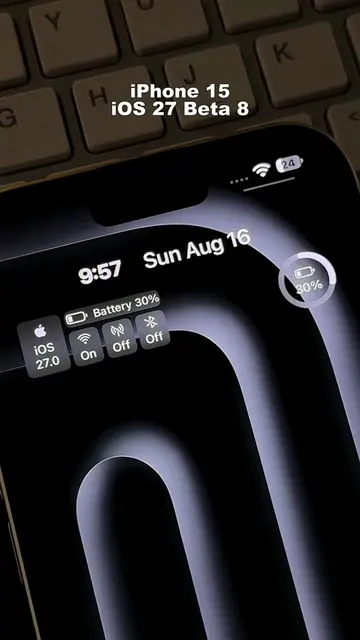
Made my iPhone 15 look like an iPhone Duo. Smooth iOS 27 customization with the Extra-Large Widget — full setup tutorial #ios27 #apple #newios #iphoneduo #widget
More from @n202hack
More breakout videos from this creator.