Loading video…
Sound

original sound - n202hack
NeroHack · Original audio
0:00–:––
Playing this video’s own audio, so you’ll hear the creator over the sound.
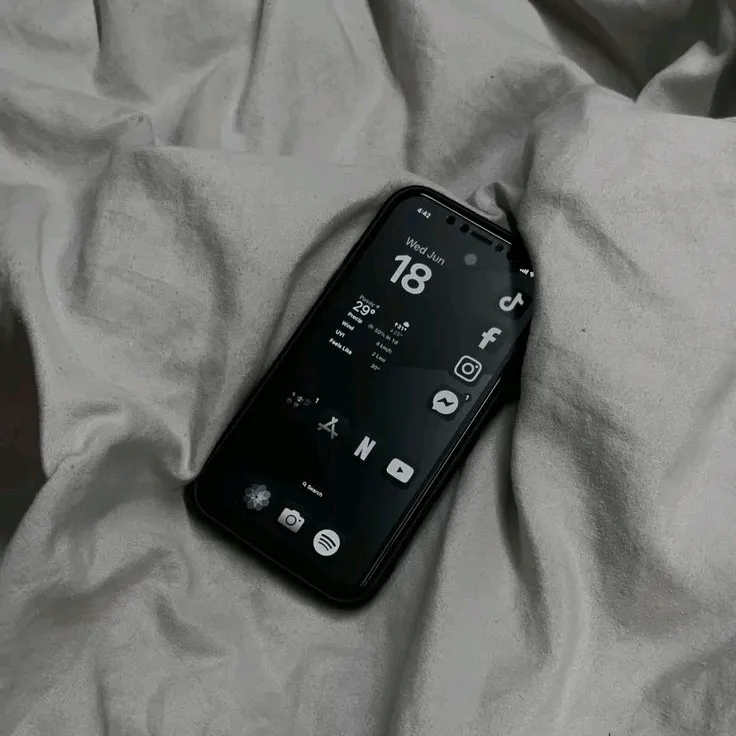
The video effectively combines a popular aesthetic (dark, minimalist iOS widgets) with a clear, actionable tutorial, making it highly relevant and useful for users looking to customize their iPhones.
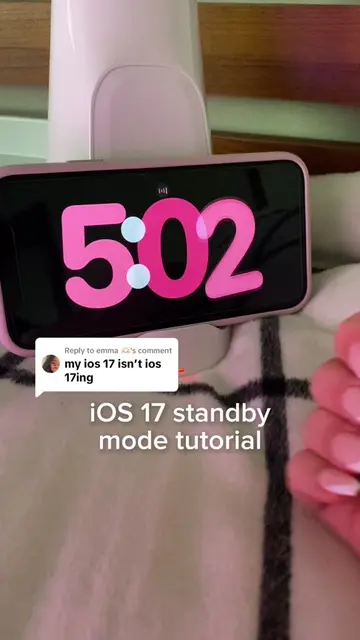
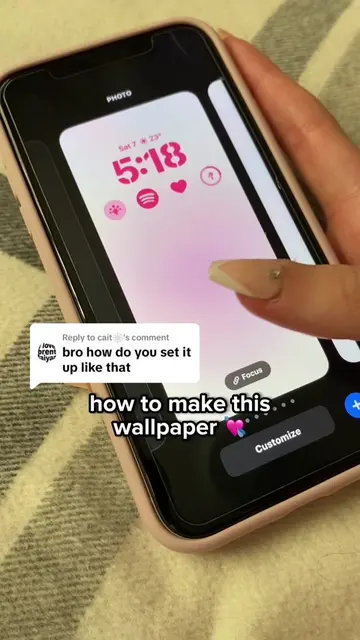
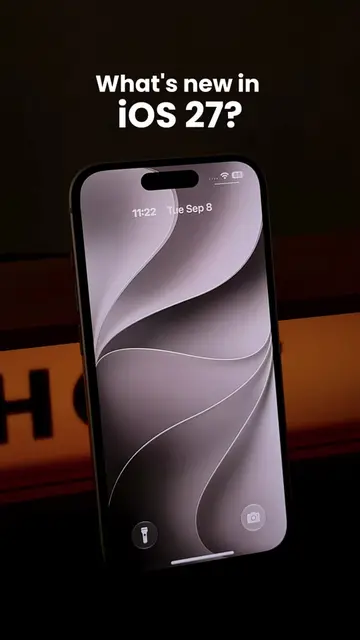
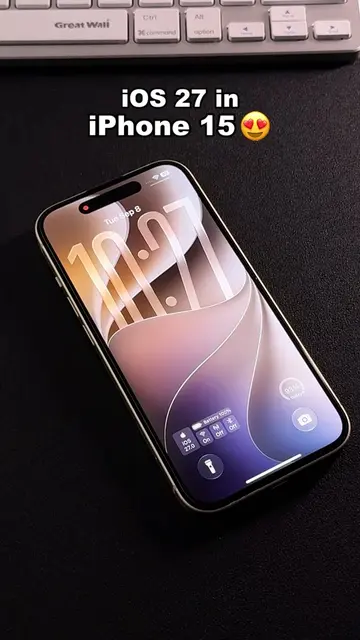
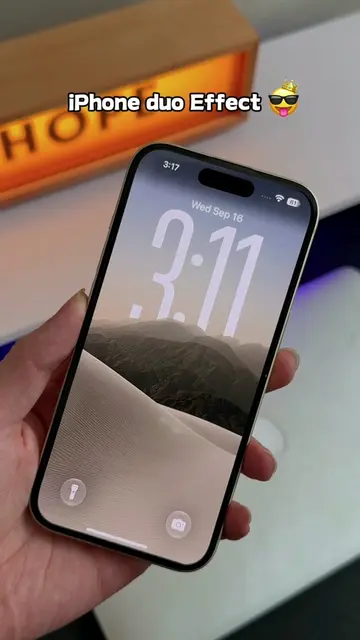
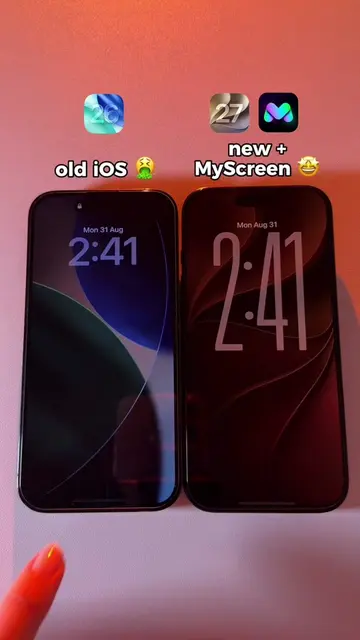
This video demonstrates how to create a custom dynamic clock widget for an iPhone using the iScreen app. It shows the process of selecting a widget, customizing its appearance, and saving it to the homescreen.
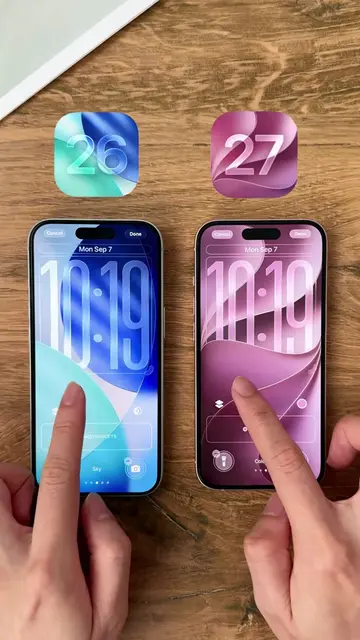
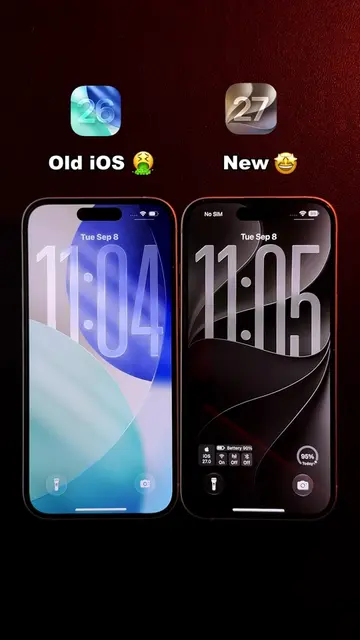
This iOS 27 beta 8 dynamic clock widget you’ll actually use every day. Easy tutorial included #iphone15 #widget #dark #minimalist #ios27
iPhone 15 iOS 27 Beta 8
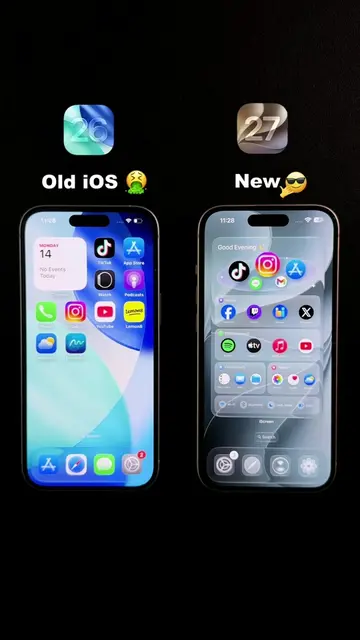
Showcase of iPhone 15 with iOS 27 Beta 8 and custom widgets
Introduction to the iScreen app and its purpose
Demonstration of creating a 'Staggered Clock' widget
Customization of the widget's dial style, font, and color
Saving the widget and showcasing the final result on the homescreen
iPhone 15 (ACTS - the device on which the tutorial is shown, removing it would change what happens in the video); iOS 27 Beta 8 (APPEARS - the operating system version being demonstrated, removing it would not change what happens in the video); iScreen (ACTS - an app used to create widgets, removing it would change what happens in the video); ChatGPT (APPEARS - an app icon on the homescreen, removing it would not change what happens in the video); Discord (APPEARS - an app icon on the homescreen, removing it would not change what happens in the video); McDonald's (APPEARS - an app icon on the homescreen, removing it would not change what happens in the video); YouTube (APPEARS - an app icon on the homescreen, removing it would not change what happens in the video); Facebook (APPEARS - an app icon on the homescreen, removing it would not change what happens in the video); Pinterest (APPEARS - an app icon on the homescreen, removing it would not change what happens in the video); Instagram (APPEARS - an app icon on the homescreen, removing it would not change what happens in the video); Grok (APPEARS - an app icon on the homescreen, removing it would not change what happens in the video); TikTok (APPEARS - an app icon on the homescreen, removing it would not change what happens in the video)
Save to My Widgets
Playing this video’s own audio, so you’ll hear the creator over the sound.
Promotes 1 product. Create free account to see more.
Outliers and viral hits: their videos on Overshot, all time.
IPhone app for customizing lock screens and adding widgets
All time.