Loading video…
Sound

original sound - alex1verse
`✧’||° ALEX1VERSE °||`✧’ · Original audio
0:00–:––
Playing this video’s own audio, so you’ll hear the creator over the sound.
Hook
Posted Sep 12, 2026Video · 1:59by @alex1verse
The video provides a clear, step-by-step tutorial for a specific, in-demand feature within a popular app, addressing a common user need. The use of on-screen text and visual cues makes it easy to follow, even without spoken commentary.
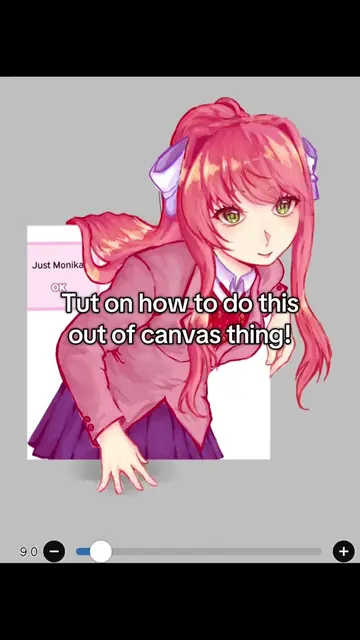
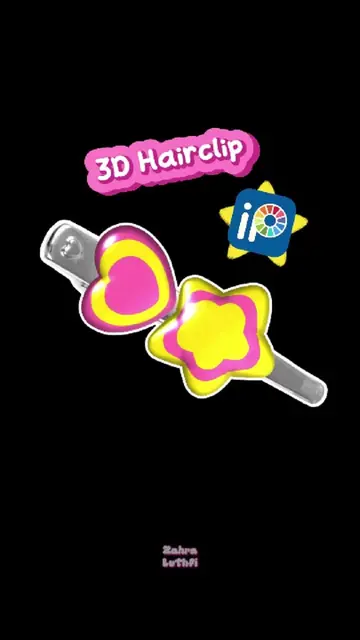
This video demonstrates how to create and import custom assets into the MiniMuse app. It guides viewers through drawing assets in ibisPaint, saving them as transparent PNGs, importing them into MiniMuse, and then using the clipping feature to properly layer them. The tutorial also covers adjusting and coloring the imported assets.
|| Tutorial on how to make custom assets on Minimuse!! — THIS IS MY THIRD TIME REPOSTING.... - ♥ || . . . #fyp #tutorial #gacha #minimuse #custom
Want to know how to make custom assets on MiniMuse?
Introduction to creating custom assets on MiniMuse
Drawing and saving assets in ibisPaint
Importing assets into MiniMuse
Using the clipping feature for proper layering
Adjusting and coloring the custom assets
Finalizing and saving the custom asset
MiniMuse: This is an app that allows users to create and customize characters. It ACTS as the platform for the entire video, and its interface is operated throughout. Removing it would change what happens in the video. ibisPaint: This is a drawing app used to create custom assets. It ACTS as a tool for creating assets that are then imported into MiniMuse. Removing it would change what happens in the video.
Playing this video’s own audio, so you’ll hear the creator over the sound.
Promotes 1 product. Create free account to see more.
Outliers and viral hits: their videos on Overshot, all time.
Character-creation app for designing and customizing characters
All time.