Loading video…
All breakouts
92.8App DemoHow-To hookCreator Economy
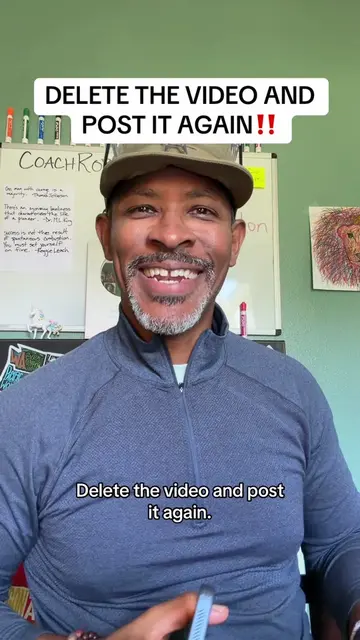
Hook
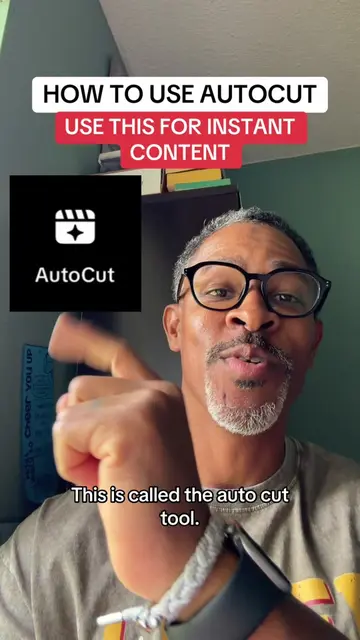
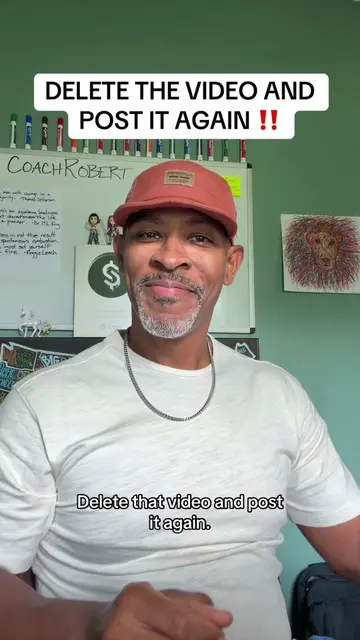
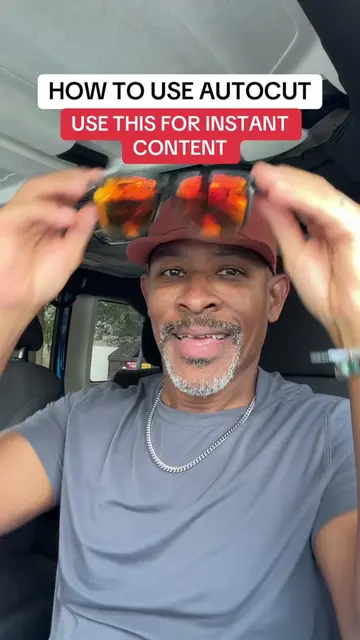
This is called the autocut tool,
@digitalkingship
991.0K followers · usually 14.1K views a post
Views
1.3M
Likes
17.2K
Comments
536
Shares
1.5K
Promoted product
TikTok
Why it worked
The video provides a quick and easy tutorial for a useful TikTok feature, encouraging creators to leverage it for better reach and engagement, especially by posting to stories where the feature is less commonly used.
Summary
This video demonstrates how to use TikTok's 'Autocut' feature to quickly create videos from photos. The creator explains the steps involved, from selecting photos to choosing templates and posting to stories for increased reach.
Structure
- 1Introduction to Autocut
- 2Saving the video for later
- 3Navigating to the Autocut feature
- 4Selecting photos and understanding the process
- 5TikTok automatically editing the video
- 6Choosing templates and sounds
- 7Posting to stories for better reach
Product placement
TikTok ACTS - it generates video content from user-uploaded photos and videos, and offers templates and sounds for editing. Removing it would change what happens in the video. TikTok ACTS - it offers a feature called 'Autocut' that automatically edits photos and videos into a new video. Removing it would change what happens in the video.
Original caption
AUTOCUT TUTORIAL - How to use Auto Cut for instant content. #creatorsearchinsights #newfeature #tiktokupdate
More from @digitalkingship
More breakout videos from this creator.