Loading video…
All breakouts
148Talking HeadHow-To hookLifestyle
Hook
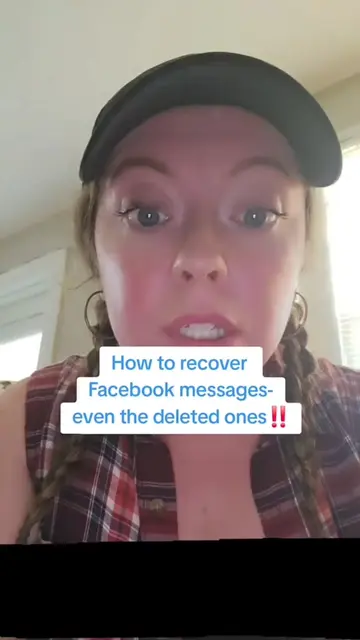
How to recover Facebook Messages
@verity_investigation
45.0K followers · usually 606 views a post
Views
180.9K
Likes
3.5K
Comments
13
Shares
1.2K
Promoted product
Facebook
Why it worked
The video addresses a common user pain point: recovering lost or deleted messages on a widely used platform like Facebook. By providing a clear, step-by-step tutorial with on-screen text and visual cues, it offers a practical solution that is easily shareable and highly relevant to a broad audience.
Summary
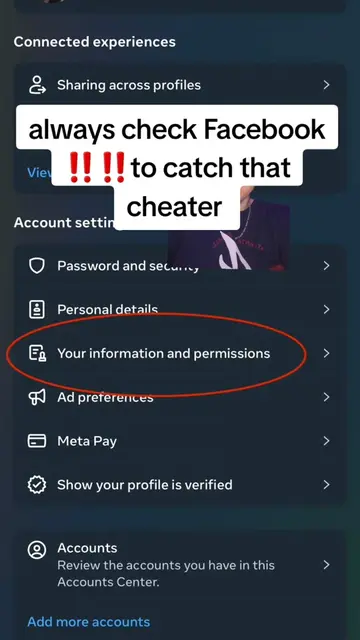
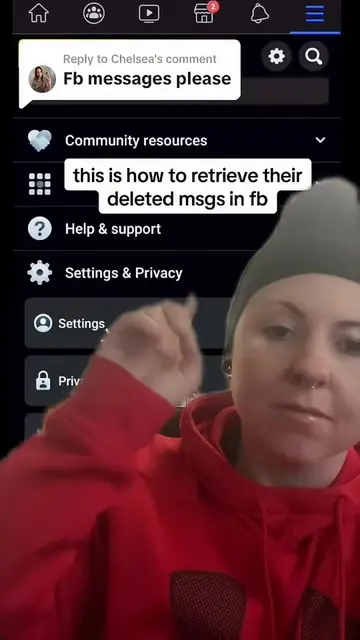
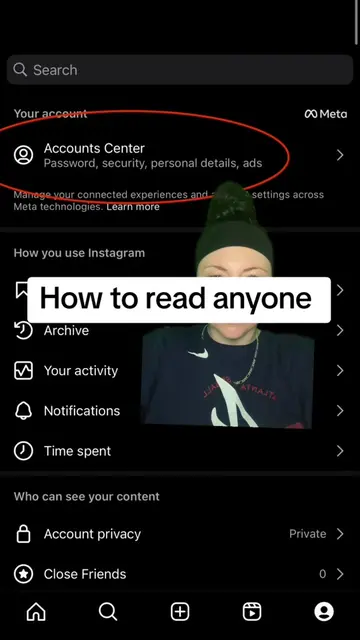
This video demonstrates how to recover deleted Facebook messages by accessing the data download feature within Facebook's settings. It explains that this process can also retrieve messages from connected Instagram accounts and includes deleted messages from the entire lifetime of the account.
Structure
- 1Introduction to recovering Facebook messages
- 2Explaining the scope of message recovery (Facebook & Instagram)
- 3Navigating to Facebook settings
- 4Searching for 'Data Downloads'
- 5Selecting accounts and date range for download
Product placement
Facebook: it is an online social media platform that allows users to connect with friends and family, share updates, and join groups. In this video, it is used to recover deleted messages. (ACTS - removing it would change what happens in the video). Instagram: it is an online social media platform for sharing photos and videos. In this video, it is mentioned as a platform from which messages can be recovered if connected to Facebook. (ACTS - removing it would change what happens in the video). Meta: it is a technology company that owns Facebook and Instagram. In this video, it appears as a watermark/logo in the settings menu. (APPEARS - removing it would not change what happens in the video).
Original caption
How to recover Facebook messages #Facebooksspy #cheatingpartner #howtocatchacheater #facebookhack #howtospyonmyspousewhatsapp
More from @verity_investigation
More breakout videos from this creator.