Loading video…
Sound

original sound - techsecuredad
TechSecureDad · Original audio
0:00–:––
Playing this video’s own audio, so you’ll hear the creator over the sound.
We didn’t find a product being promoted in this video. Its hook, format and structure below still show why it took off.
Browse products winning on TikTokThe video leverages a high-stakes privacy fear ('unposted photos aren't private') to drive engagement, providing a clear, actionable solution that viewers feel compelled to save and share for their own security.
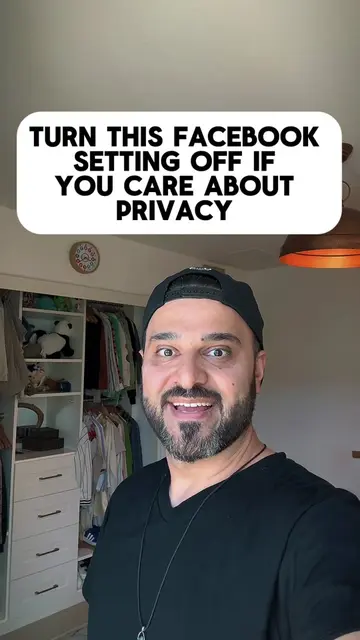
The creator explains how to disable a privacy setting in the Facebook app that allows the platform to scan photos in a user's camera roll. The video provides a step-by-step tutorial on navigating the app's settings to turn off this feature.
How to stop Facebook from analyzing unposted photos in your camera roll. Here is how to check and turn off Camera Roll Sharing Suggestions in the Facebook app. Open Settings, search for Camera Roll Sharing Suggestions, and turn off both toggles. Save this video to check your phone settings tonight. #DigitalPrivacy #FacebookHacks #TechSecureDad
UNPOSTED PHOTOS ON YOUR PHONE AREN'T PRIVATE
Identify the privacy concern regarding Facebook
Explain the implications of the background scanning
Provide a step-by-step tutorial to disable the setting
Call to action to save and share the video
Facebook (a) ACTS: the video demonstrates navigating its interface to change a privacy setting. Removing it would change the entire video as it is the subject of the tutorial. Muse (b) APPEARS: logo on a menu screen. Ray-Ban Meta (b) APPEARS: logo on a menu screen. Threads (b) APPEARS: logo on a menu screen. Instagram (b) APPEARS: logo on a menu screen. WhatsApp (b) APPEARS: logo on a menu screen. Meta Business Suite (b) APPEARS: logo on a menu screen.
Save this to lock down your phone and send it to someone who has Facebook installed.
Playing this video’s own audio, so you’ll hear the creator over the sound.
Promotes 1 product. Create free account to see more.
Outliers and viral hits: their videos on Overshot, all time.