Loading video…
Sound

original sound - kyro.xv1
kyro.xv1 · Original audio
0:00–:––
Playing this video’s own audio, so you’ll hear the creator over the sound.
The video leverages a popular TikTok trend and provides a clear, step-by-step tutorial using a readily available app, making it easy for viewers to replicate the trend themselves.
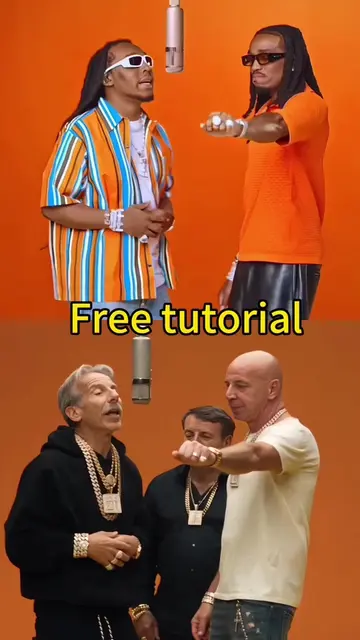
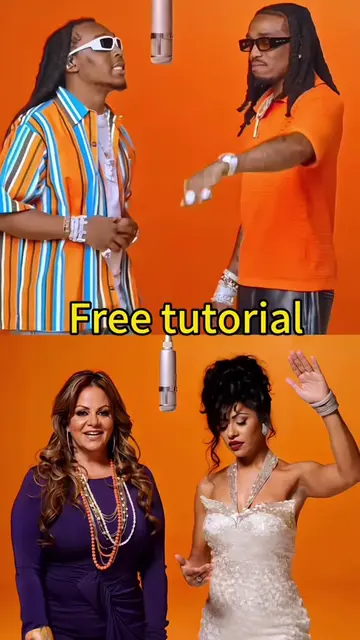
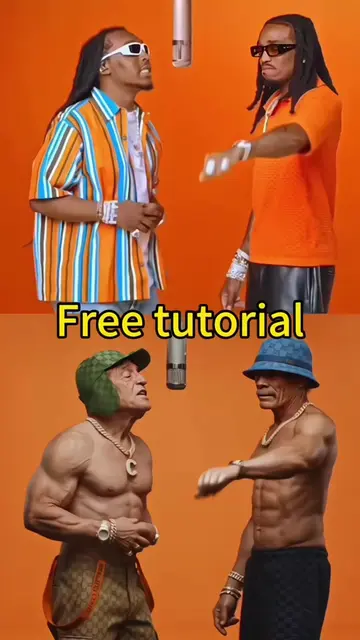
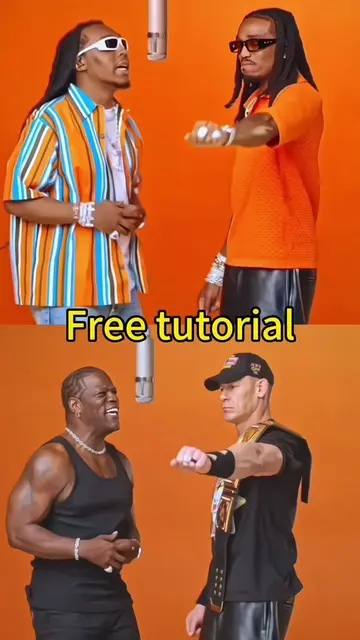
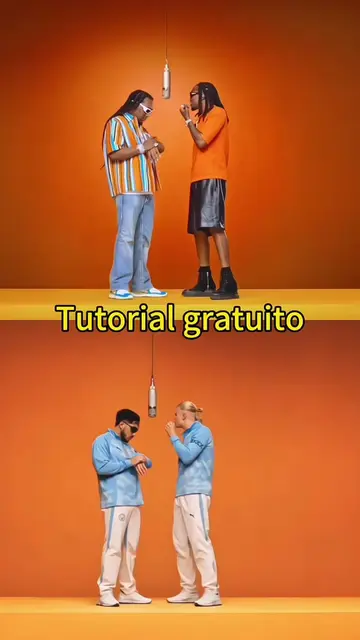
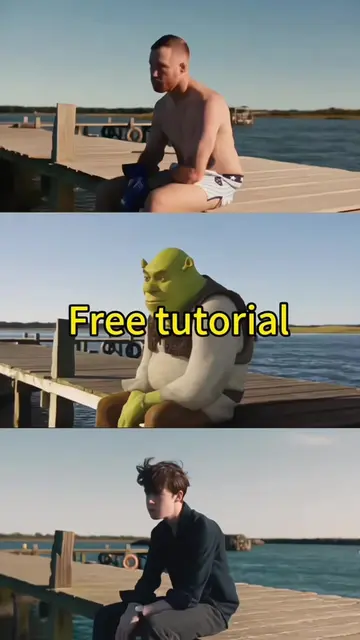
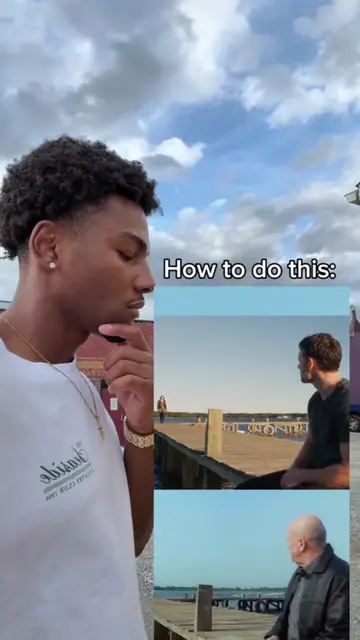
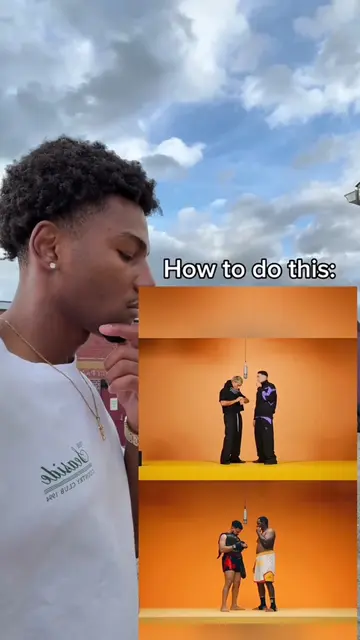
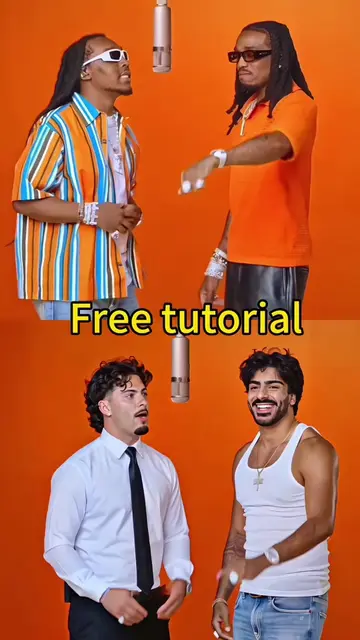
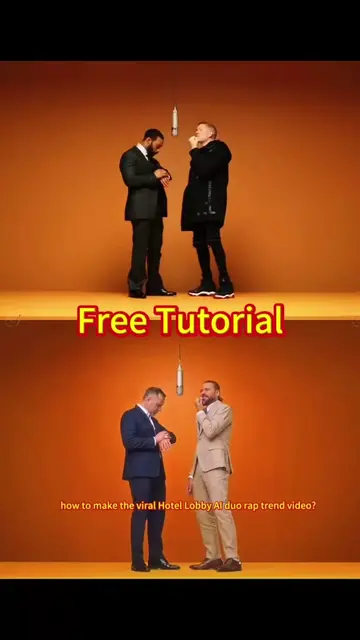
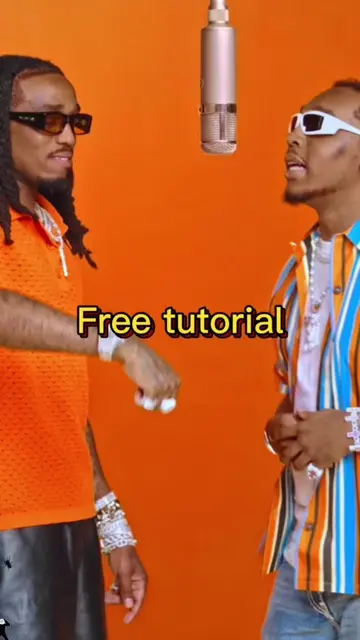
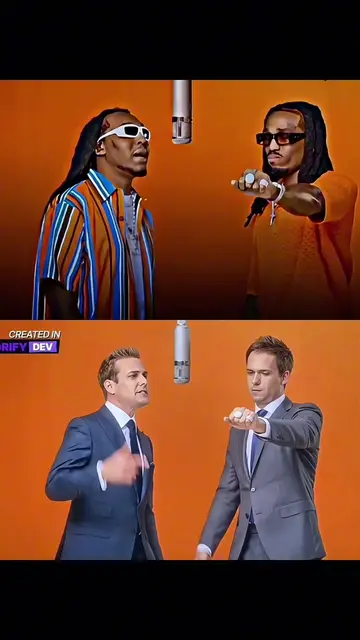
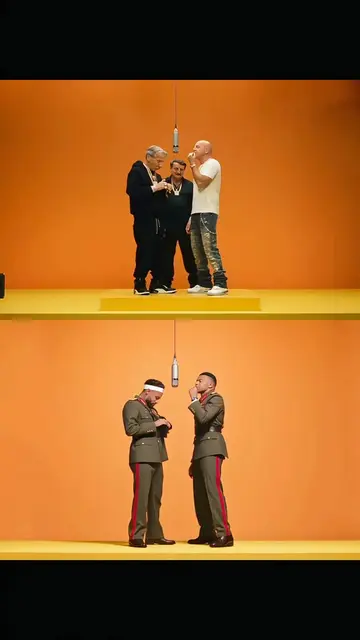
This video demonstrates how to create the "hotel lobby" trend using the PixVerse Lite app. It guides viewers through sharing a TikTok video, copying its link, pasting it into the PixVerse Lite app, and then using their own photos to generate a dynamic duo video.
how to create the hotel lobby trend how to do the hotel lobby ai video how to do the hotel lobby ai trend how to do migos hotel lobby dance how to do hotel lobby migos trend how to do the hotel lobby trend hotel lobby quavo challenge how to do hotel lobby trend by migos quavo hotel lobby trend hotel lobby trend tutorial hotel lobby ai migos hotel lobby challenge migos hotel lobby tutorial migos hotel lobby dance ai hotel lobby trend video The easiest hotel lobby quavo trend tutorial. Save for later. hotel lobby quavo trend capcut quavo and takeoffs hotel lobby ai hotel lobby quavo trend green lantern hotel lobby quavo edit tutorial how to do hotel lobby quavo trend easy hotel lobby ai template free hotel lobby quavo trend step by step #HotelLobbyTrend #MigosHotelLobby #TikTokTrends #PixVerse #PixVerseCreators
Free tutorial
Introduce the trend and the app
Share and copy the TikTok video link
Open PixVerse Lite and allow paste
Select the 'use' button and upload photos
Tap 'create' to generate the video
TikTok (appears, watermark, removing it would change what happens in the video) PixVerse Lite (acts, interface is operated, generates a video, removing it would change what happens in the video)
Tap create
Playing this video’s own audio, so you’ll hear the creator over the sound.
Promotes 2 products. Create free account to see more.
Outliers and viral hits: their videos on Overshot, all time.
AI video app that turns images and templates into videos, for people making social content
All time.