Loading video…
Sound

original sound - rqfha1
Viento · Original audio
0:00–:––
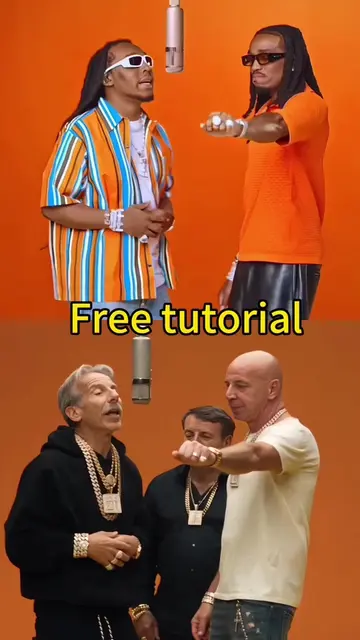
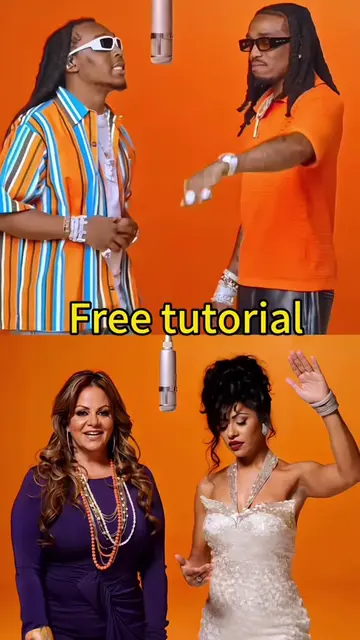
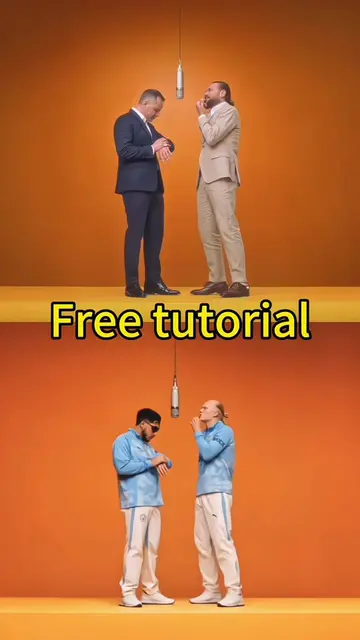
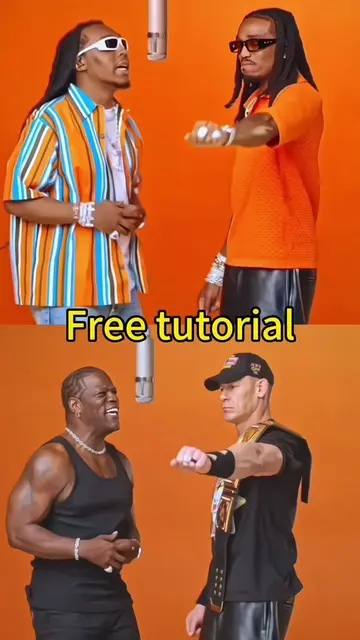
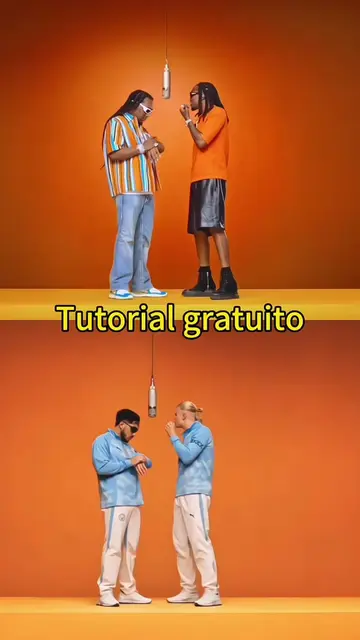
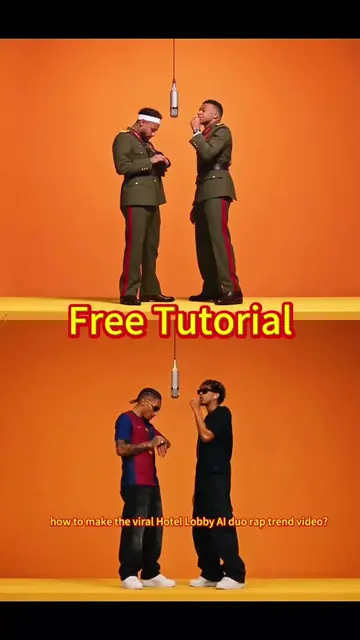
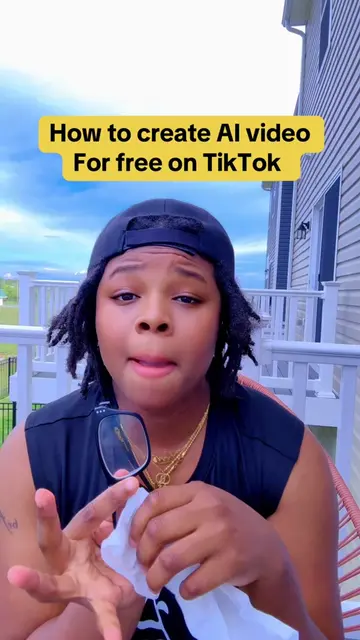
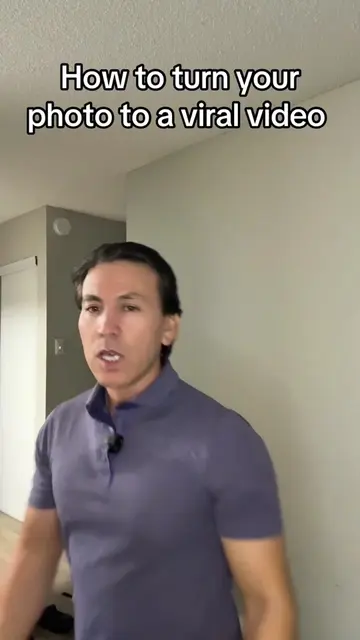
The video leverages a popular, high-engagement trend to demonstrate a specific tool's capability, providing a clear 'how-to' that solves a problem for viewers wanting to recreate the look.
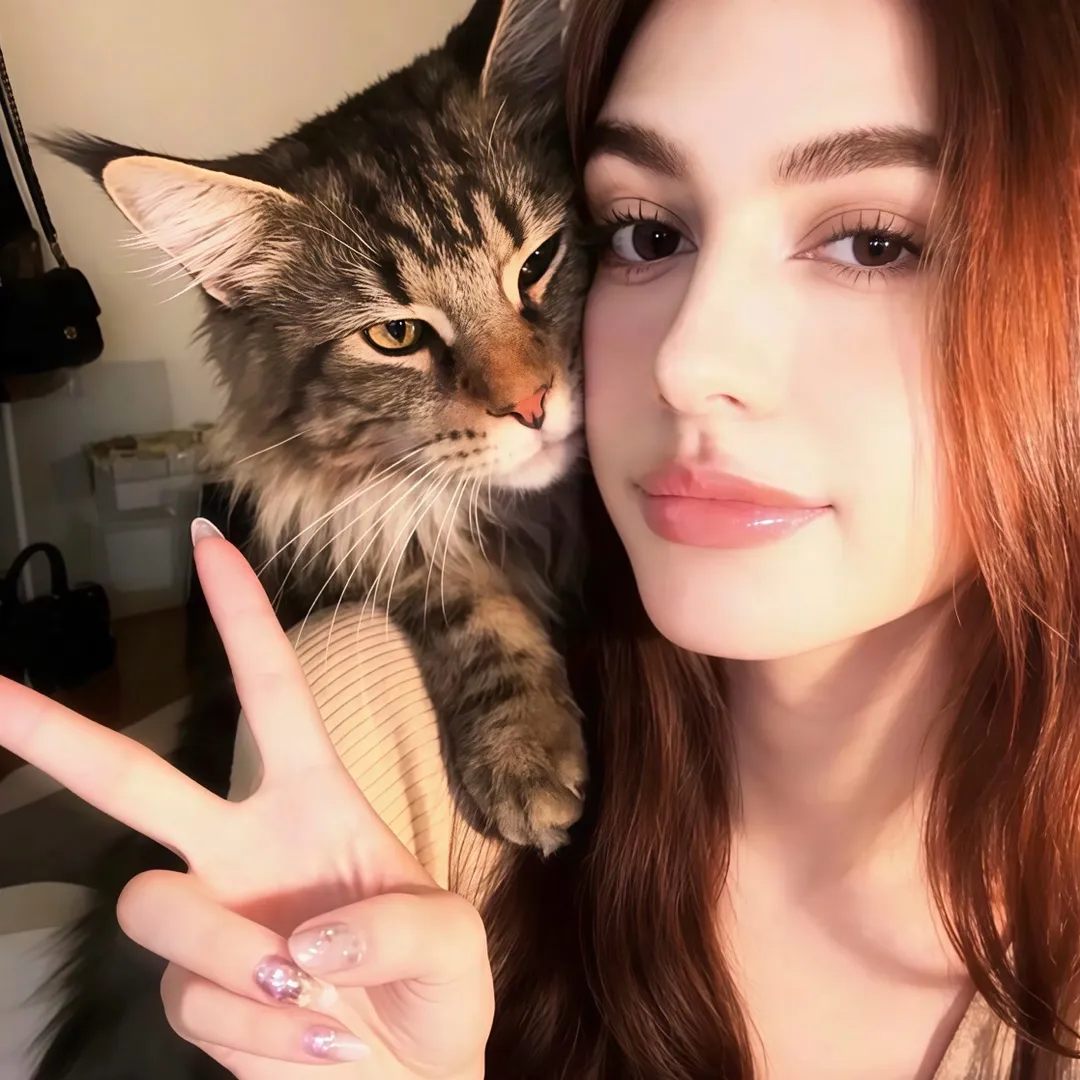
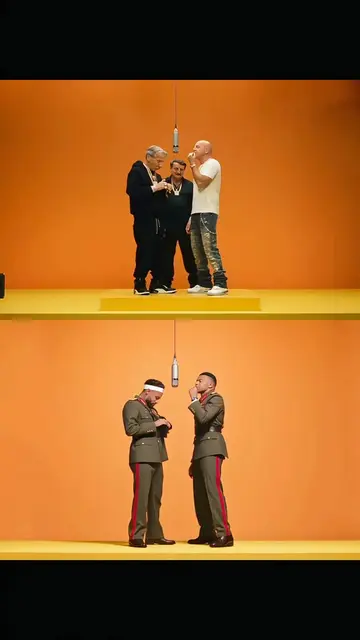
The creator demonstrates how to use the PixVerse Lite mobile app to participate in the 'Hotel Lobby' AI video trend. The video shows the step-by-step process of selecting a template and uploading photos to generate the AI-enhanced video.
🔥The easiest hotel lobby quavo trend tutorial. Save for later. hotel lobby quavo trend capcut quavo and takeoffs hotel lobby ai hotel lobby quavo trend green lantern hotel lobby quavo edit tutorial how to do hotel lobby quavo trend easy hotel lobby ai template free hotel lobby quavo trend step by step #hotellobbytrend #quavotakeoff #aiedit #PixVerse #PixVerseCreators
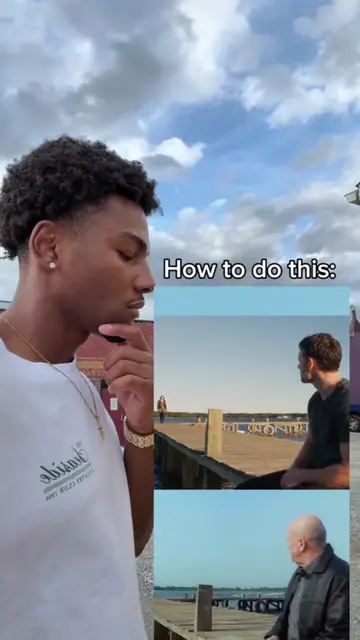
How to do this:
Show the final AI video result
Open the PixVerse Lite app
Select the Hotel Lobby template
Upload photos to generate the video
(a) PixVerse Lite: The app's interface is operated to select a template, upload photos, and generate an AI video result. Removing it would remove the entire demonstration of the tool's capability. (b) TikTok: The platform where the video is hosted and where the original trend is shown. It appears as the interface for the initial video and the search function. Removing it would not change the core demonstration of the PixVerse tool.
Promotes 1 product. Create free account to see more.
Outliers and viral hits: their videos on Overshot, all time.
AI video app that turns images and templates into videos, for people making social content
All time.