Loading video…
Sound

original sound - rqfha1
Viento · Original audio
0:00–:––
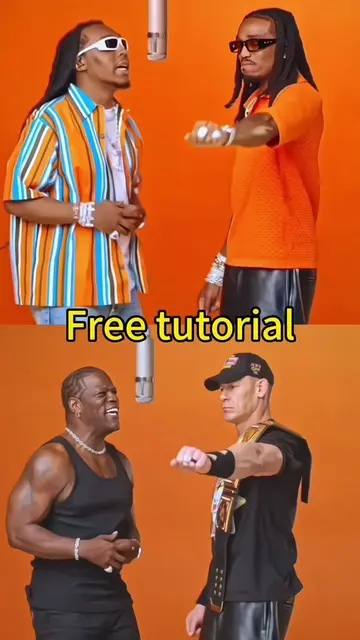
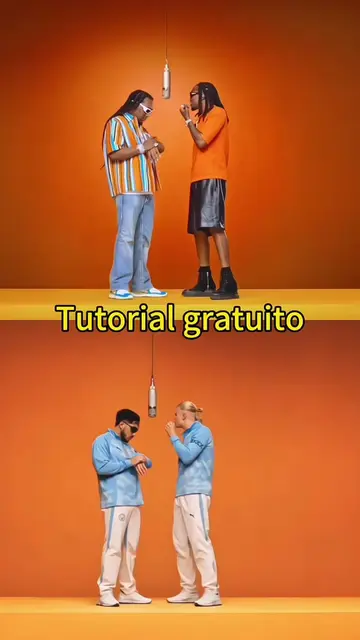
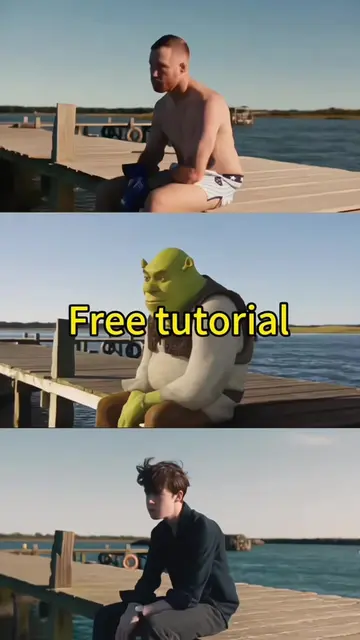
The video provides a clear, actionable tutorial for a trending aesthetic, making the product feel like an essential tool for viewers who want to replicate the popular effect.
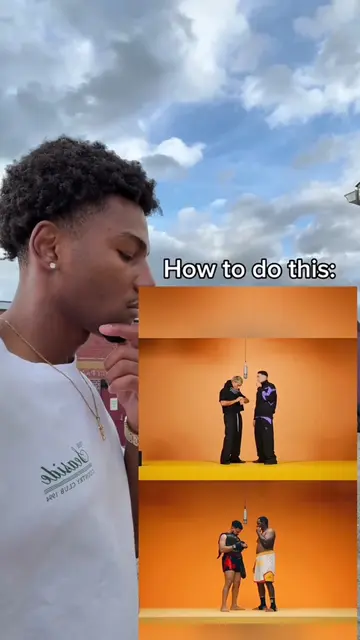
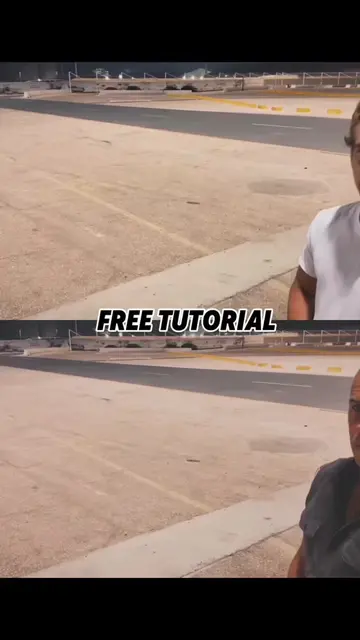
The creator demonstrates how to use the PixVerse Lite mobile app to participate in a specific AI-generated video trend. The video shows the step-by-step process of selecting a template and generating the final result within the app.
how to make raindance ai trend raindance ai trend tutorial raindance music video ai tutorial how to make raindance ai edit raindance ai trend original raindance music video ai raindance español rain dance videos rain videos dancing dancing in the rain music video raindance video ai raindance ai meme dave ft tems raindance music video raindance dave x tems music video dave ft tems raindance dance tutorials trends rain dance trend tutorial rain dance ai tutorial #raindance #dance #tutorial #PixVerse #PixVerseCreators
How to do this:
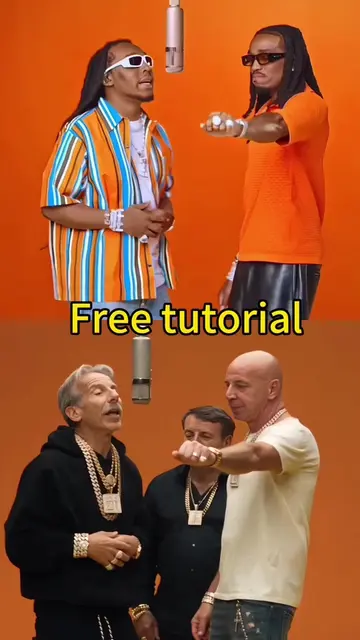
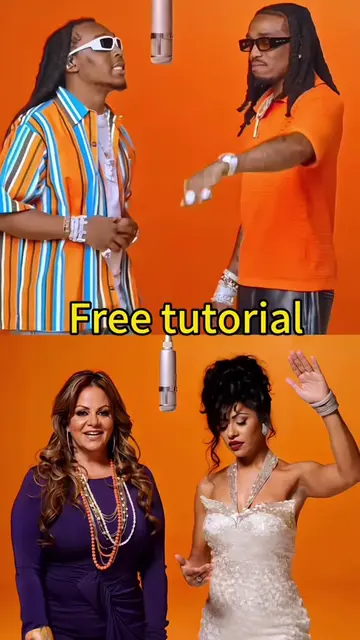
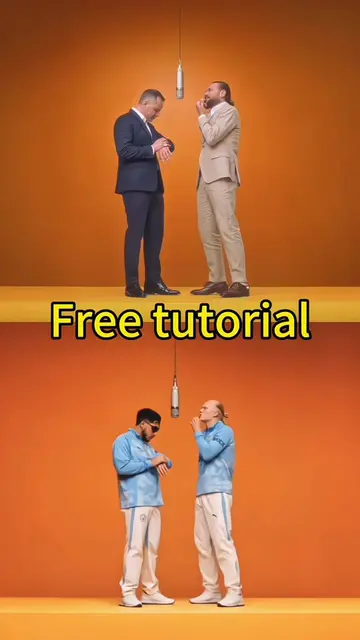
Showcase the final AI-generated video result
Open the PixVerse Lite app
Select the RainDance template
Upload images to generate the video
(a) PixVerse Lite ACTS: the creator opens the app, grants permission, selects a template, uploads images, and initiates the AI generation process to create the video. Removing this would change the video entirely as it is a tutorial on using this specific tool. (b) TikTok appears as the platform where the trend is viewed and the source of the permission request; removing it would not change the core tutorial content.
AI video app that turns images and templates into videos, for people making social content
All time.
Promotes 1 product. Create free account to see more.
Outliers and viral hits: their videos on Overshot, all time.