Loading video…
Sound

original sound - jake.s661
Jake S · Original audio
0:00–:––
Playing this video’s own audio, so you’ll hear the creator over the sound.
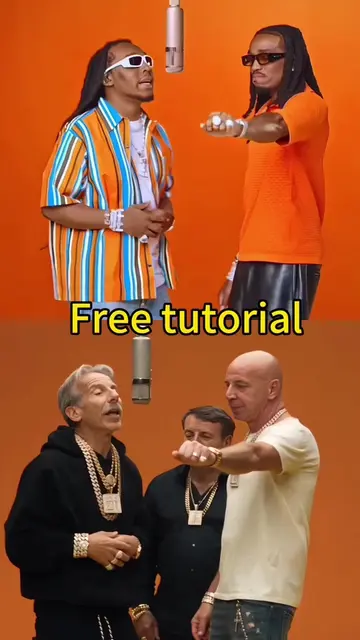
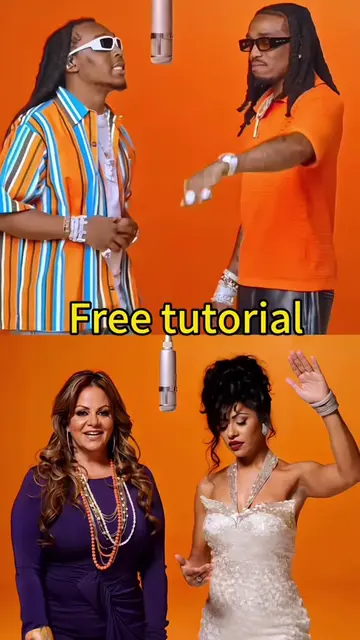
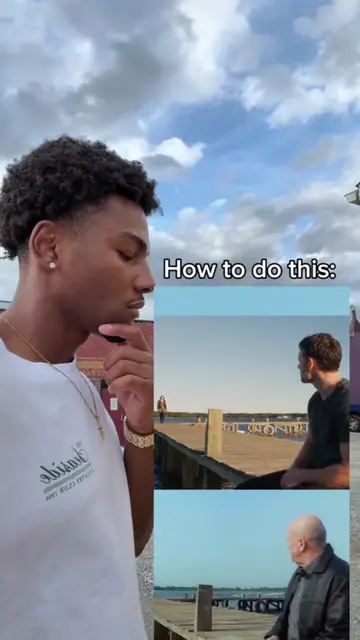
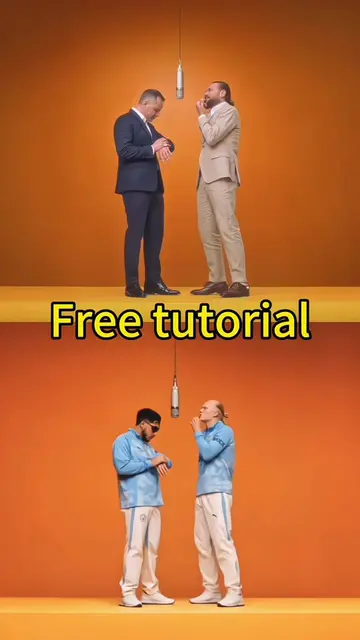
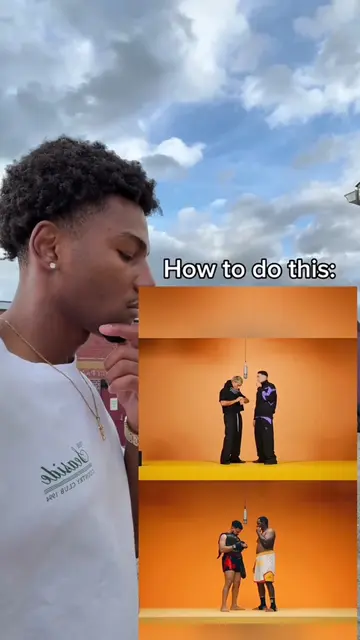
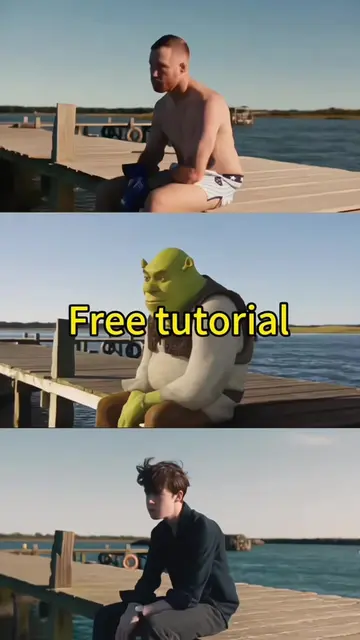
The video capitalizes on a popular TikTok trend and provides a clear, step-by-step tutorial on how to replicate it using a specific app, making it highly shareable and useful for users wanting to participate in the trend.
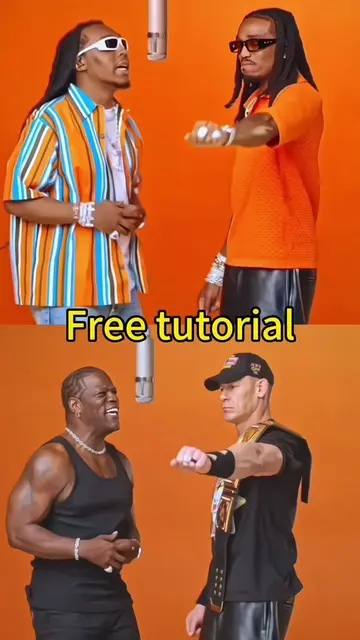
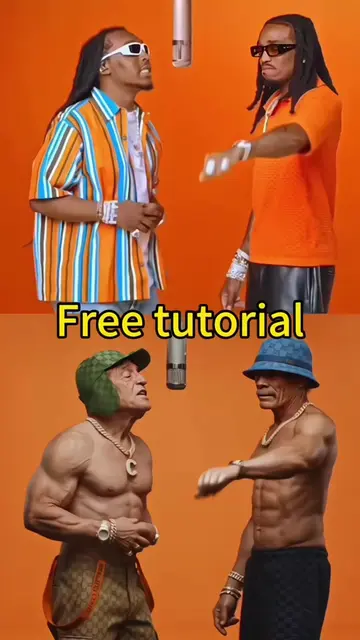
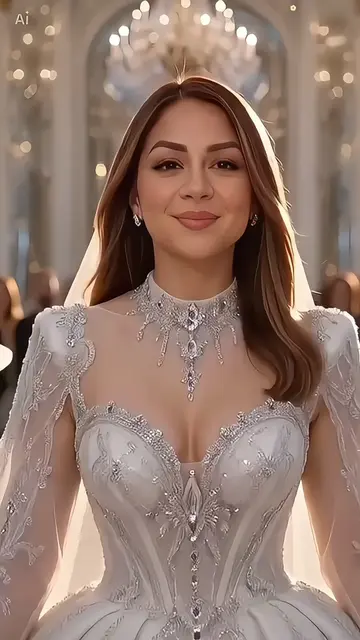
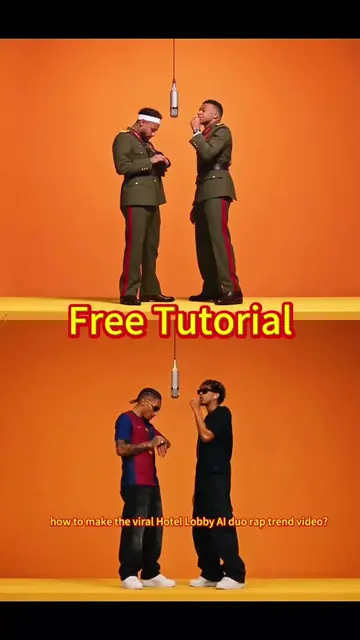
This video demonstrates how to use the PixVerse Lite app to create an AI video based on the "hotel lobby" trend. It guides the viewer through sharing the video, opening the app, allowing paste, selecting a template, uploading photos, and finally creating the video.
¿Quieres saber cómo hacer la viral tendencia hotel lobby de Migos? Te mostraré los pasos completos para hacer este video de IA. how to do the hotel lobby migos trend how to do the hotel lobby ai video how to do migos hotel lobby dance how to do hotel lobby migos trend hotel lobby quavo challenge hotel lobby trend tutorial hotel lobby ai migos hotel lobby challenge migos hotel lobby tutorial migos hotel lobby dance ai hotel lobby trend video #HotelLobbyTrend #MigosHotelLobby #TikTokTrends #PixVerse #PixVerseCreators
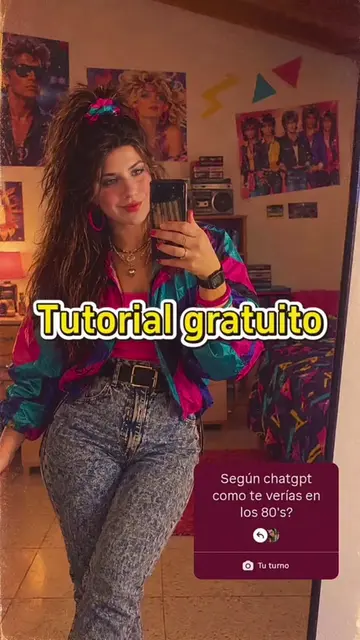
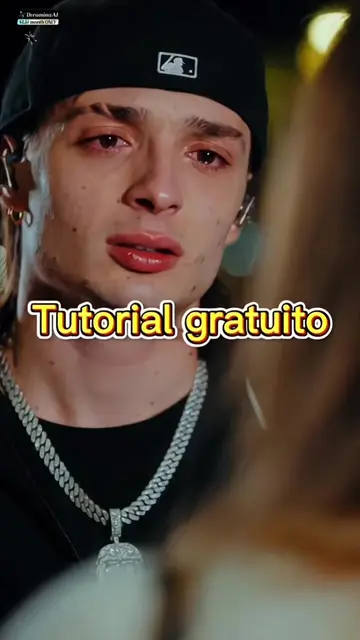
Tutorial gratuito
Share the video and copy the link
Open the PixVerse Lite app
Allow paste functionality
Select a template and upload photos
Tap create to generate the AI video
PixVerse Lite (ACTS - it generates a video based on user input, removing it would change what happens in the video).
Comparte el video, copia el enlace, abre la aplicación, toca permitir pegar, toca el botón usar, agrega la foto que quieras subir, toca crear ya.
Playing this video’s own audio, so you’ll hear the creator over the sound.
Promotes 2 products. Create free account to see more.
Outliers and viral hits: their videos on Overshot, all time.
AI video app that turns images and templates into videos, for people making social content
All time.