Loading video…
Sound

original sound - jadyncsmithh
jadyn · Original audio
0:00–:––
Playing this video’s own audio, so you’ll hear the creator over the sound.
The video provides high-value, actionable professional advice by framing it as a 'behind-the-scenes' look at a successful influencer's content creation, which builds immediate trust and authority.
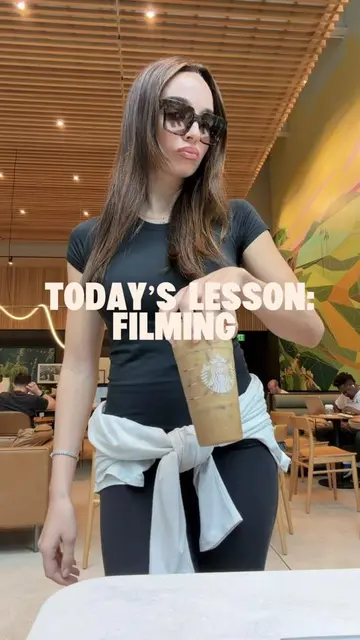
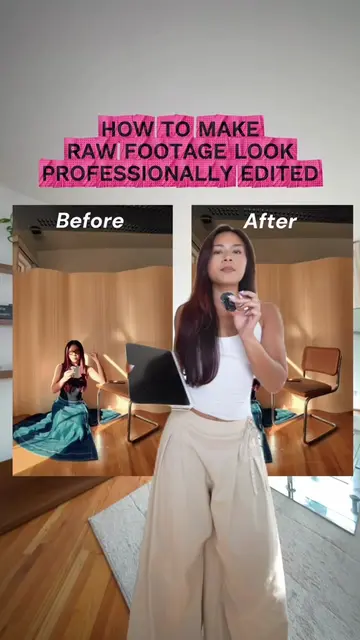
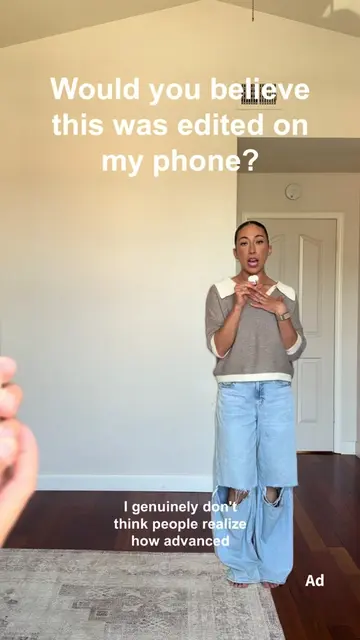
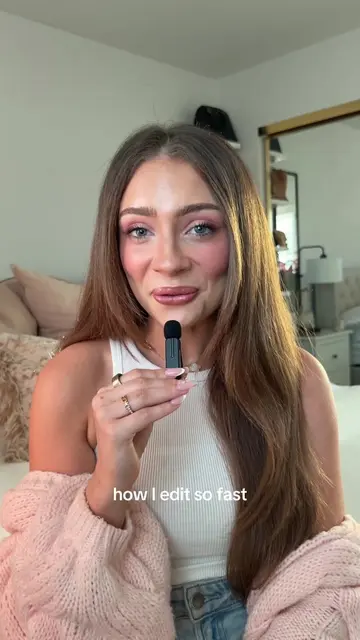
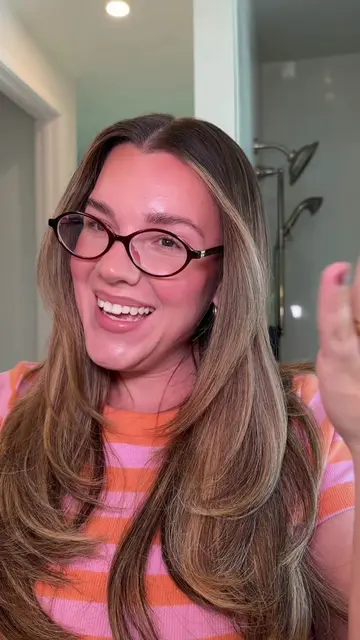
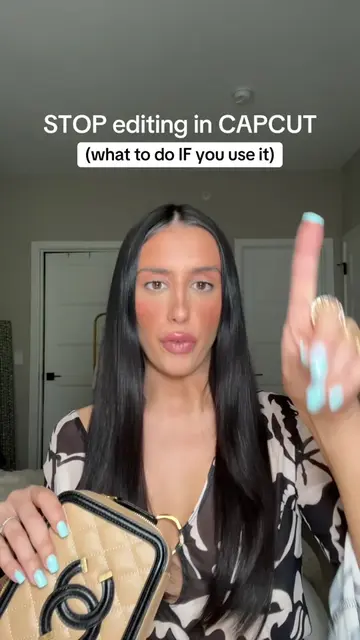
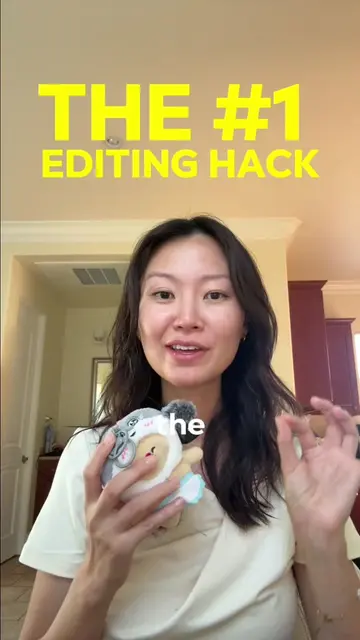
The creator provides a tutorial on her editing process for influencer Camilla Araujo, demonstrating how she uses editing apps to trim footage, maintain pacing, and add visual emphasis. She emphasizes the importance of removing dead space and using simple techniques like zooming to keep viewer retention high.
I remade this for those of you who didn’t see my last editing video :) hope this helps
How I edit CAMILLA ARAUJO'S VIDEOS
Introduction to engaging editing
Initial rough cut and removing dead space
Structuring for viewer retention
Using zoom for emphasis
Finalizing with captions in CapCut
CapCut (a) ACTS: the creator demonstrates using it for editing, trimming, and adding captions. Removing it would change the video as it is the primary tool being taught. Edits (a) ACTS: the creator shows the app interface and uses it to import footage. Removing it would change the video as it is the primary tool being taught.
Playing this video’s own audio, so you’ll hear the creator over the sound.
Promotes 1 product. Create free account to see more.
Outliers and viral hits: their videos on Overshot, all time.
Video editing app for creators making social media videos
Views and creators: posted in the last 30 days (English videos). Videos: all time.