Loading video…
Sound

original sound - savvytech.sam
Sam | Tech Hacks & iPhone Tips · Original audio
0:00–:––
This video promotes it, but we haven’t matched it to a product page yet, so there are no product figures.
The video provides a high-utility, actionable solution to a common and frustrating problem, making it highly shareable and valuable to any iPhone user.
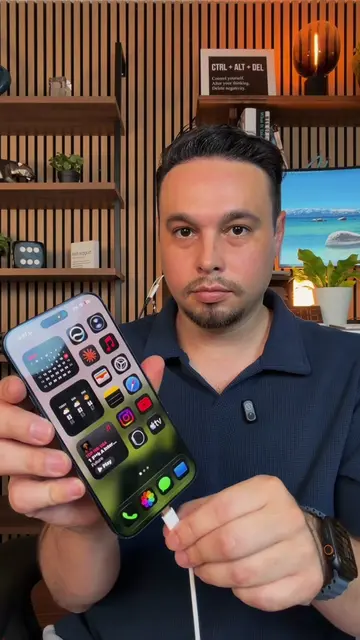
The creator demonstrates how to use the Apple Shortcuts app to create an automation that automatically unmutes an iPhone and sets the volume to maximum when a specific keyword is received via text. This trick allows users to locate their phone even if it was previously set to silent mode.
iPhone just got smarter with this silent mode hack to help you find it faster. Use Shortcuts automation to unmute your phone remotely by texting a keyword, turning silent mode off and maxing volume automatically. #iPhone #TechHacks #iPhoneTips #LifeHack #SmartGadget
IPHONE TRICK TO FIND YOUR PHONE
Identify the problem of a lost phone on silent
Demonstrate the solution using a text keyword
Step-by-step guide to setting up the automation in Shortcuts
Final demonstration of the automation working
Apple iPhone (a) ACTS: The interface is operated to demonstrate a custom automation that changes system settings (silent mode and volume). Removing it would change the video entirely as it is the subject of the demonstration. Shortcuts (a) ACTS: The app is operated to create the automation that enables the trick. Removing it would change the video as the automation cannot be created without it.
Promotes 4 products. Create free account to see more.
Outliers and viral hits: their videos on Overshot, all time.