Loading video…
Sound

original sound - savvytech.sam
Sam | Tech Hacks & iPhone Tips · Original audio
0:00–:––
Playing this video’s own audio, so you’ll hear the creator over the sound.
Hook
Posted Oct 1, 2026Video · 0:48by @savvytech.sam
The video provides a high-value, 'hidden' software trick that solves a common user pain point (privacy in public) without requiring any additional purchases, making it highly shareable.
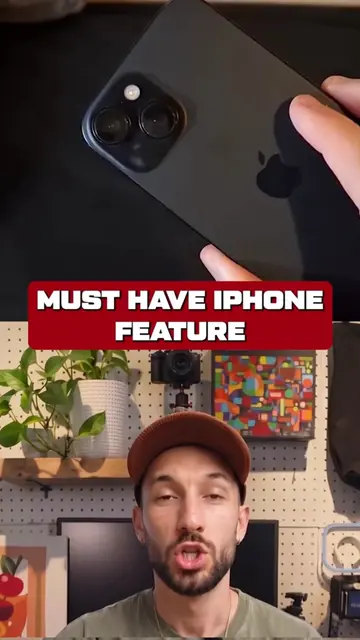
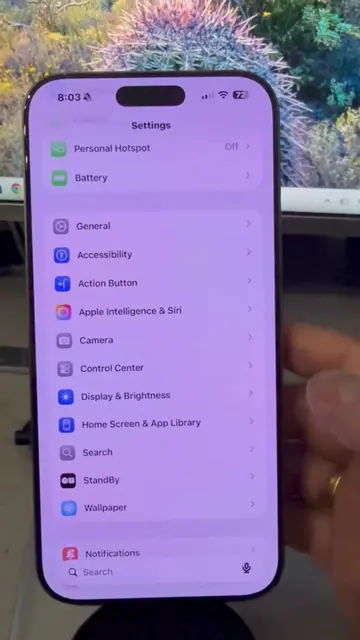
The creator demonstrates how to use the built-in 'Reduce White Point' setting and 'Back Tap' feature on an iPhone to create a privacy screen effect. The video begins by briefly showing a Belkin screen protector before pivoting to the software-based privacy hack.
iPhone has a hidden privacy screen you can enable without any extra accessories. Use the Reduce White Point setting with Back Tap for instant side-view privacy on every iPhone. Perfect for protecting your screen in public spaces. #iPhone #PrivacyTips #TechHack #iPhoneTips #SmartGadget
Your iPhone actually has a hidden privacy screen.
Hook about hidden iPhone privacy
Brief mention of physical screen protector
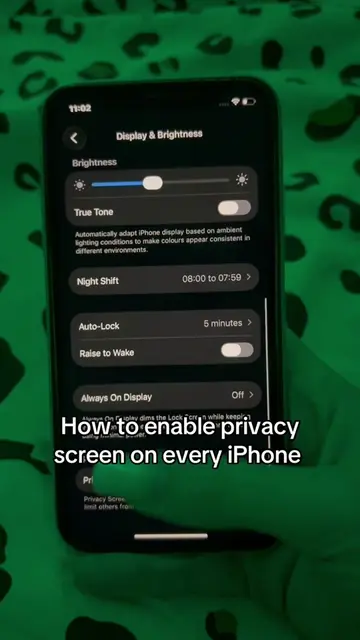
Step-by-step tutorial for Reduce White Point setting
Step-by-step tutorial for Back Tap shortcut
Demonstration of the final privacy effect
Belkin ScreenForce UltraGlass 2 Screen Protector: (a) it ACTS — the creator shows the packaging and demonstrates the application process to the phone screen. Removing it would change the video as it is the subject of the initial demonstration. iPhone: (a) it ACTS — the creator uses the settings and back tap features to demonstrate a privacy hack. Removing it would change the video.
Playing this video’s own audio, so you’ll hear the creator over the sound.
Promotes 4 products. Create free account to see more.
Outliers and viral hits: their videos on Overshot, all time.
Tempered-glass screen protector for iPhone users
All time.