Loading video…
Sound

original sound - nm.music.1
power_music · Original audio
0:00–:––
Playing this video’s own audio, so you’ll hear the creator over the sound.
The video uses a popular, high-energy regional song to capture attention while providing a clear, step-by-step tutorial for a common utility problem, making the technical setup feel accessible.
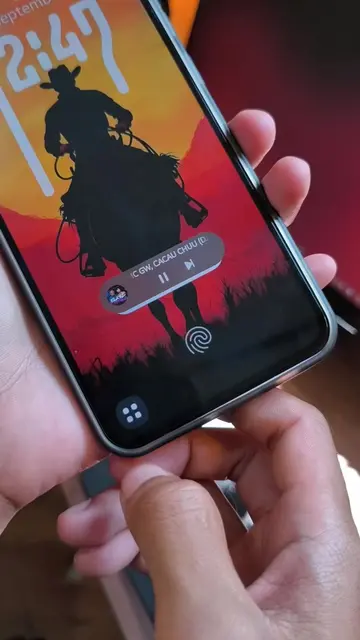
The video demonstrates how to use the Picture AppLock mobile application to secure other apps on an Android device using a custom photo-based password. It walks the viewer through the four-step setup process including permissions and app selection.
app lock tutorial #tipsandtricks #androidtips #Tech #applock #tech_ajharul
app lock
Demonstration of the app lock interface
Overview of the four-step setup process
Selecting apps to lock
Granting necessary system permissions
Finalizing setup and showing the app link
Picture AppLock (a) ACTS: the video demonstrates its interface, setup process, and functionality to lock other apps. Removing it would remove the entire purpose of the video. Telegram (b) APPEARS: mentioned as a link location in the final screen, but it does not act or drive the core demonstration.
app link telegram
Playing this video’s own audio, so you’ll hear the creator over the sound.
Promotes 14 products. Create free account to see more.
Outliers and viral hits: their videos on Overshot, all time.
Android app that locks other apps with a photo-based password
All time.