Loading video…
All breakouts
97.8App DemoHow-To hookLifestyle
Hook
HOW TO POST LANDSCAPE/PORTRAIT PHOTOS IN THE SAME POST
@mariellatanc
4.6K followers · usually 2.0K views a post
Views
198.0K
Likes
23.9K
Comments
31
Shares
834
Why it worked
The video addresses a common user pain point regarding Instagram's aspect ratio limitations with a concise, visual, and easy-to-follow tutorial.
Summary
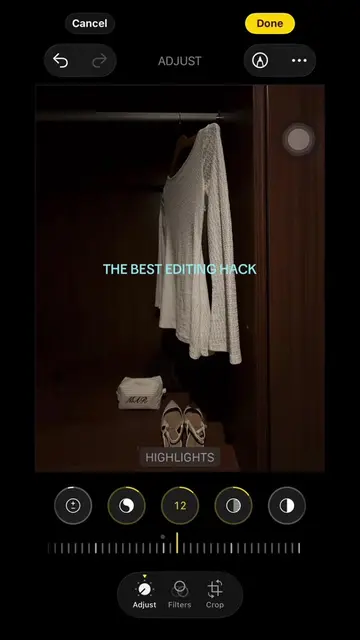
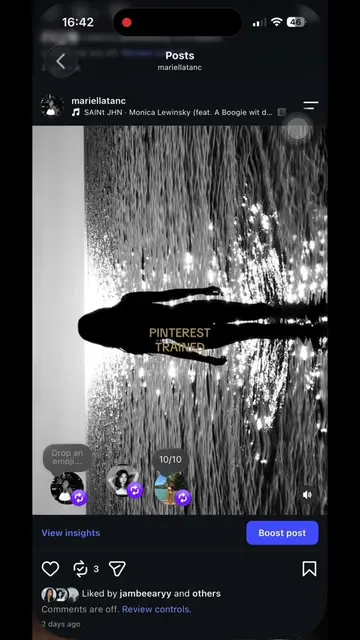
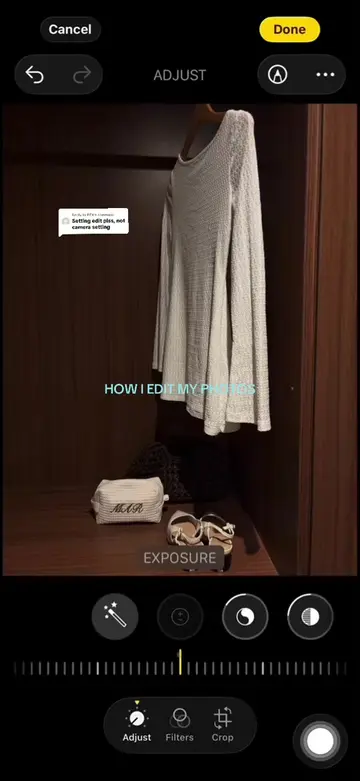
The video provides a quick tutorial on how to post both landscape and portrait photos within a single Instagram post. It shows the user navigating the app's interface to select and arrange the photos.
Structure
- 1Introduction of the tutorial topic
- 2Demonstration of selecting photos in the app
- 3Showing the aspect ratio adjustment interface
- 4Final result of the combined post
Product placement
Instagram (a) it ACTS — the interface of the app is operated to demonstrate how to post landscape and portrait photos in the same post. Removing it would change what happens in the video as it is the subject of the tutorial.
On-screen text
HOW TO POST LANDSCAPE/PORTRAIT PHOTOS IN THE SAME POST
More from @mariellatanc
More breakout videos from this creator.