Loading video…
Sound

original sound - techsecuredad
TechSecureDad · Original audio
0:00–:––
Playing this video’s own audio, so you’ll hear the creator over the sound.
We didn’t find a product being promoted in this video. Its hook, format and structure below still show why it took off.
Browse products winning on TikTokThe video leverages fear-based engagement by highlighting a common privacy concern, followed by a clear, actionable solution that viewers feel compelled to save and share for their own protection.
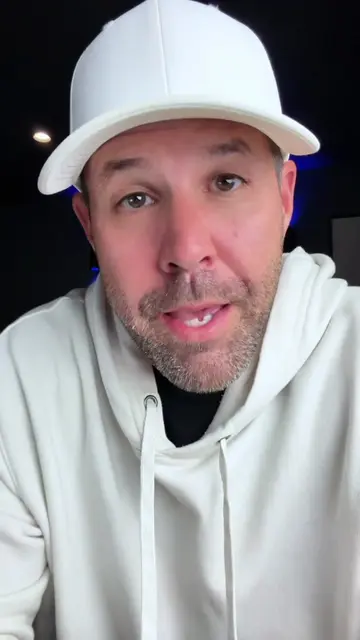
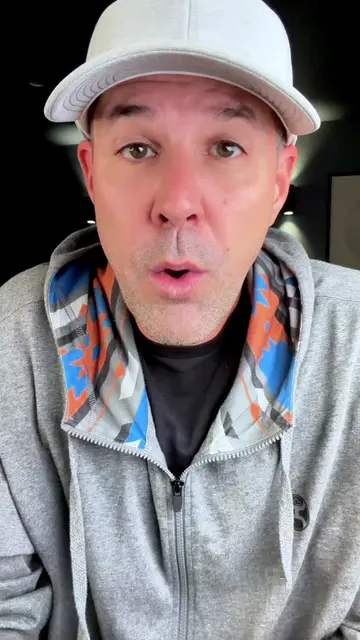
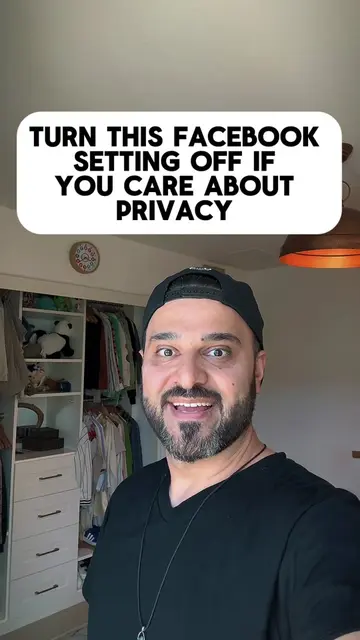
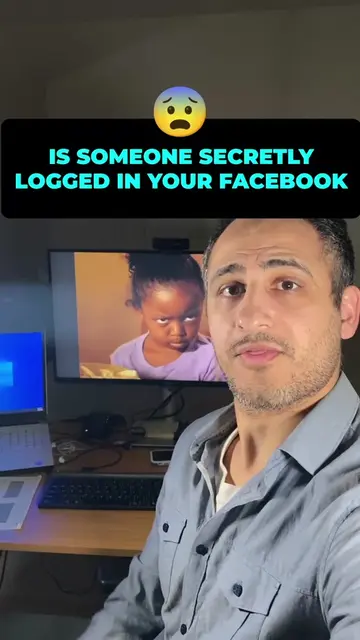
The creator provides a tutorial on how to disable a specific privacy setting within the Facebook app that allows the platform to scan unposted photos. The video serves as a security warning rather than a product promotion.
How to stop Facebook from accessing unposted photos in your camera roll. Here is how to disable Camera Roll Sharing Suggestions in the Facebook app. Go to Settings > Camera Roll Sharing Suggestions and toggle both options off. Save this video to check your phone settings tonight. #DigitalPrivacy #FacebookHacks #TechSecureDad
FACEBOOK IS SCANNING YOUR UNPOSTED PHOTOS
Identify the privacy concern regarding Facebook scanning photos
Explain the implications of the setting
Walk through the steps to disable the feature in the app
Provide a call to action to save and share the security tip
Facebook (a) ACTS — its interface is operated to change privacy settings. Removing it would change the video entirely as it is the subject of the tutorial.
Save this to lock down your camera roll tonight and send it to anyone with Facebook on their phone.
Playing this video’s own audio, so you’ll hear the creator over the sound.
Promotes 1 product. Create free account to see more.
Outliers and viral hits: their videos on Overshot, all time.