Loading video…
Sound

original sound - cyber.security.expert_
Cyber Security Expert · Original audio
0:00–:––
Playing this video’s own audio, so you’ll hear the creator over the sound.
Hook
Posted Oct 8, 2026Video · 1:05by @cyber.security.expert_
We didn’t find a product being promoted in this video. Its hook, format and structure below still show why it took off.
Browse products winning on TikTokThe video provides high-utility, actionable technical advice that solves common frustrations for PC users, presented in a fast-paced, easy-to-follow format.
The creator provides four technical tips for Windows users to improve PC performance, including disabling fast startup, running the built-in malicious software removal tool, resetting graphics drivers, and bypassing YouTube ads.
Speed Up Your Windows PC Using This Secret Tricks 💀😱 Follow for more #windows #laptop #gaming #pc #secret
Apne PC ko fast karna chahte ho, toh ye hacks zaroor try karo.
Disable fast startup to ensure a clean shutdown
Run the built-in Windows MRT for virus removal
Reset graphics drivers with a keyboard shortcut
Bypass YouTube ads using a URL modification
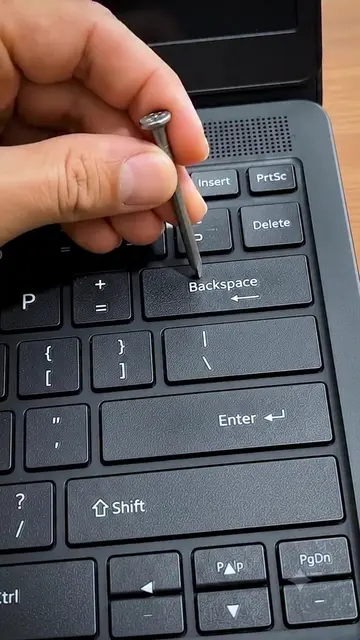
Windows 11 (a) ACTS: The video demonstrates its interface, specifically the Task Manager and Power Options, to perform system optimizations. Removing it would change the video as the entire content is about configuring this specific OS. HP (b) APPEARS: The brand logo is visible on the laptop chassis throughout the video. Removing it would not change the video content.
Follow for more
Playing this video’s own audio, so you’ll hear the creator over the sound.
Promotes 10 products. Create free account to see more.
Outliers and viral hits: their videos on Overshot, all time.