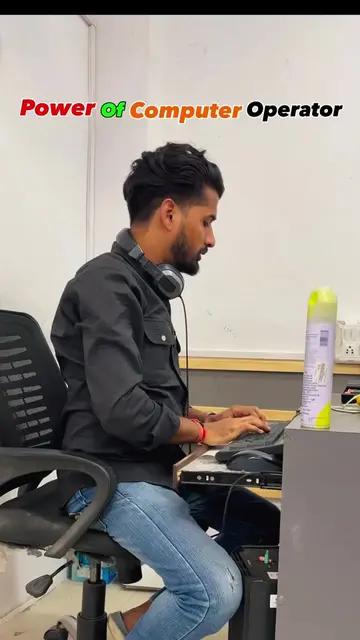
Loading video…
All breakouts
34.9Talking HeadDirect Question hookConsumer Apps
Hook
Is your PC running slow or acting suspicious?
@shanskills08
7.7K followers · usually 1.6K views a post
Views
55.9K
Likes
2.0K
Comments
5
Shares
338
Why it worked
The video provides a practical, free solution to a common problem (slow PC performance) using built-in Windows tools, making it highly shareable and saveable content.
Summary
The video demonstrates two free Windows tools, MRT (Malicious Software Removal Tool) and SIGVERIF (File Signature Verification), to scan and remove threats from a laptop, thereby improving its performance. It encourages viewers to save, follow, and share the video for future reference.
Structure
- 1Introduce the problem of a slow PC
- 2Demonstrate MRT for malware scanning
- 3Demonstrate SIGVERIF for file integrity check
- 4
Original caption
Is your PC running slow or acting suspicious? 💻🔍 Use these Tips to scan your PC/Laptop and detect potential threats in just a few clicks. 🛡️ Simple, quick, and worth keeping handy. Save this reel for later! [free antivirus, PC antivirus, laptop antivirus, free virus scanner, PC virus scan, laptop virus scan, malware scanner, Windows antivirus, virus removal tool, PC security, laptop security, Windows security, free PC tools, computer tips, laptop tips, Windows tips, tech tips] #PCTips #LaptopTips #Antivirus #WindowsTips #viral #trending #fyp
More from @shanskills08
More breakout videos from this creator.