Loading video…
All breakouts Locked — upgrade to Pro to open.Open on TikTokPro

No preview available · watch on TikTok below
28.5SaaS
Post
Post by @ivee.jobss
@ivee.jobss
40.9K followers · usually 982 views a post
Views
28.0K
Likes
807
Comments
0
Shares
143
We’re still analyzing this post.
Original caption
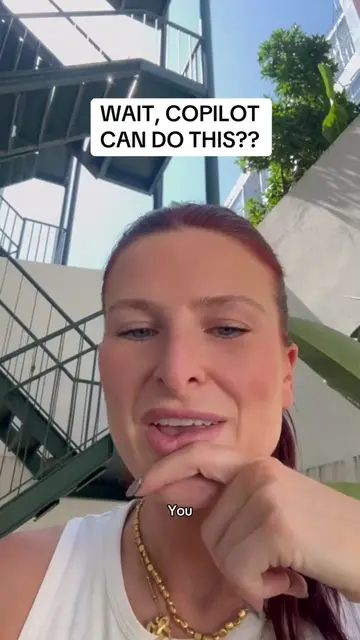
1. Turn a document into a deck Act as a senior presentation designer. Turn /[file name] into a 10-slide deck for [audience] that lands the key points in 15 minutes. The source is long, so keep only the main arguments, data and decisions. One idea per slide, max 5 bullets of 12 words, clear titles. Include a title slide, agenda, closing next-steps slide and speaker notes on each. Before finishing, check each slide serves the objective and nothing repeats. 2. Tidy up a messy team deck Act as a brand-savvy slide editor. Review this presentation and make it clearer and more consistent before I share it with [stakeholders]. It was built by several people, so fonts, colours and layouts vary. Keep all existing content and data, use our brand template, and limit each slide to one key message. Return the updated deck plus a short list of every change you made. Before finalising, check fonts match, no slide is text-heavy and no data was altered. 3. Write speaker notes you can present from Act as an experienced presentation coach. Write speaker notes for every slide in this deck so I can present it confidently to [audience] in [X] minutes. I know the topic but need a natural flow between slides. Keep notes conversational, 60-90 words per slide, in UK English, and flag any slide that needs a stronger hook. Add the notes to each slide and list 3 likely audience questions with short answers at the end. Finally, check the timings add up and each note leads into the next slide. #microsoftai #mscopilot #microsoftcopilot #powerpoint #aitoolsforbusiness
More from @ivee.jobss
More breakout videos from this creator.