Loading video…
All breakouts
566Talking HeadOther hookSaaS
Hook
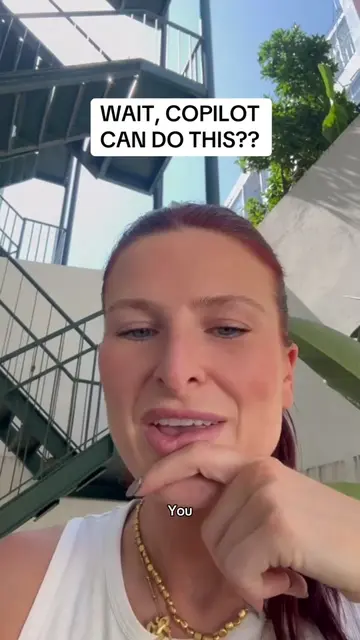
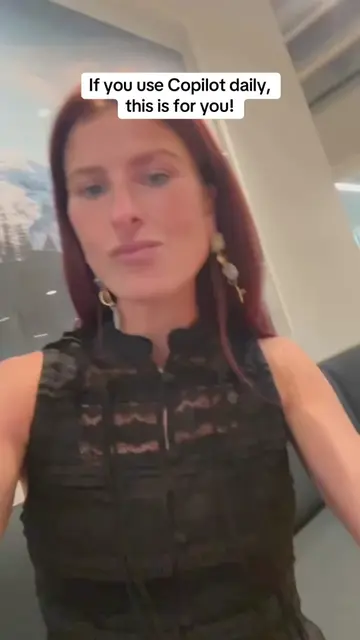
IF YOU USE COPILOT DAILY, THIS IS FOR YOU
@ivee.jobss
38.7K followers · usually 854 views a post
Views
483.3K
Likes
12.6K
Comments
115
Shares
2.4K
Why it worked
The video provides a practical, actionable tip for a widely used tool (Microsoft Copilot/Outlook) that directly addresses a common pain point (emails not sounding authentic). The clear, step-by-step instructions and the promise of saving time and improving email quality likely resonated with the target audience.
Summary
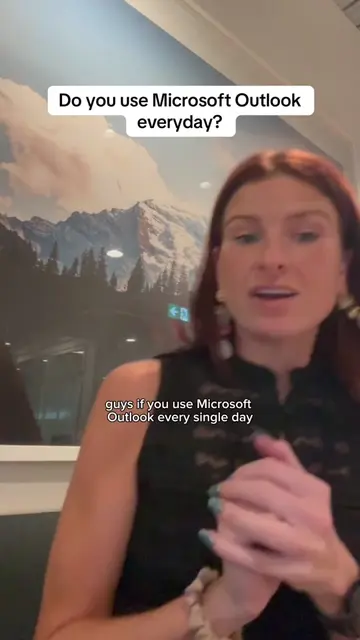
This video explains how to create custom instructions for Microsoft Copilot in Outlook to make its generated emails sound more like the user's personal writing style. It guides viewers through pasting a prompt into Copilot, analyzing sent emails, and then inputting the generated custom instructions into Copilot's settings within Outlook.
Structure
- 1Introduce the problem: emails not sounding like you
- 2Present the solution: custom Copilot prompt
- 3Explain how to generate the prompt
Original caption
Check the comments for the full prompt 🤩 #mscopilot #microsoftai #microsoftcopilot #microsoftoutlook #aitoolsforbusiness
More from @ivee.jobss
More breakout videos from this creator.