Loading video…
Sound

original sound - ivee.jobss
ivee · Original audio
0:00–:––
Playing this video’s own audio, so you’ll hear the creator over the sound.
The video offers practical, actionable tips for a widely used productivity tool, directly addressing a common pain point (email overload) and providing a clear solution through AI prompts. The creator's personal endorsement and the promise of saving time likely resonated with the audience.
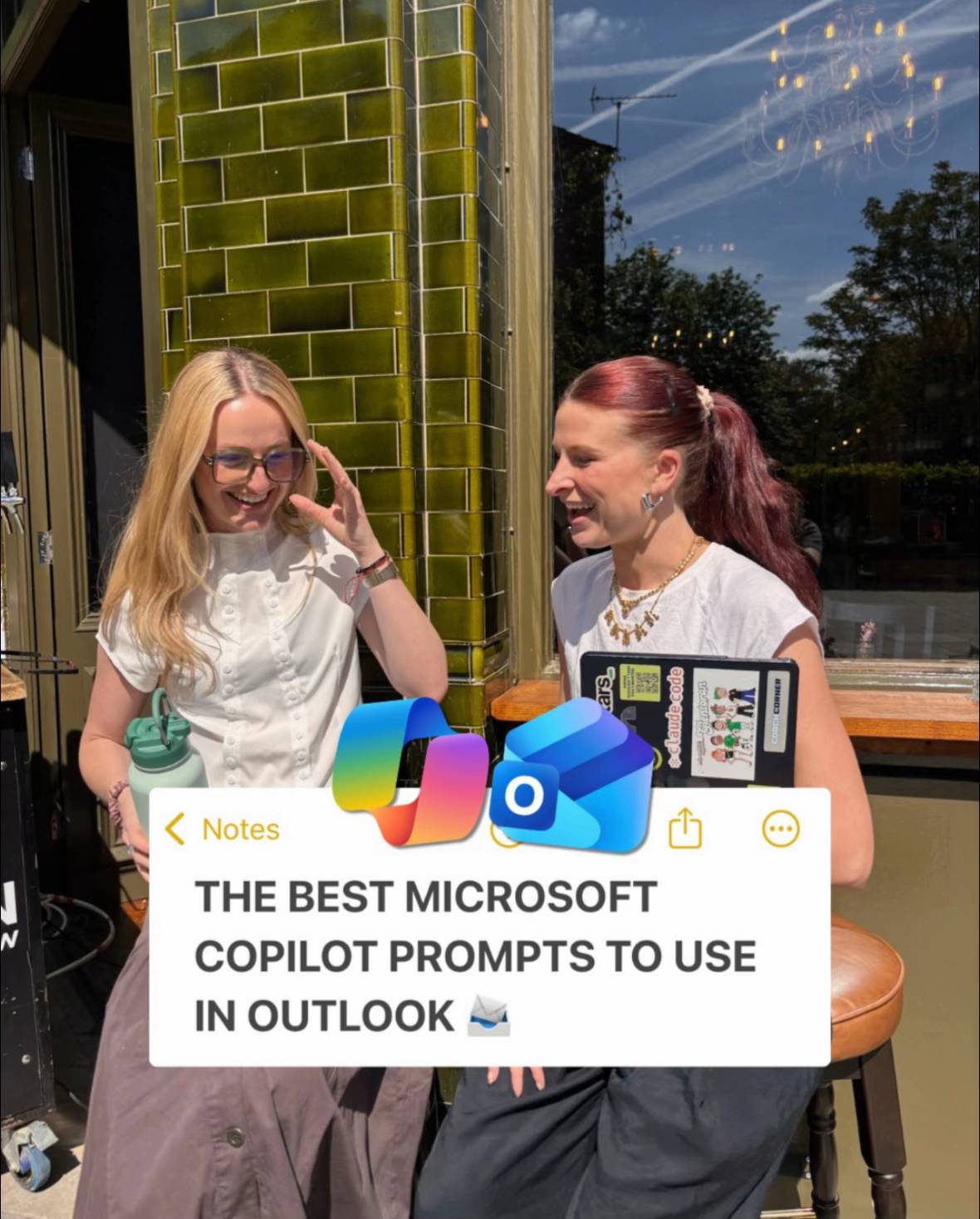
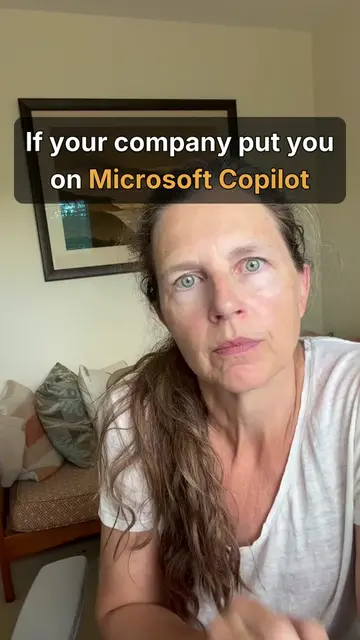
The creator shares three Microsoft Copilot prompts designed to help users manage their Outlook inbox more efficiently. The prompts focus on identifying priority emails, finding hidden action items in email chains, and drafting replies that sound like the user.
For my Outlook users 👊 #microsoft #microsoftai #mscopilot #microsoftcopilot #copilot
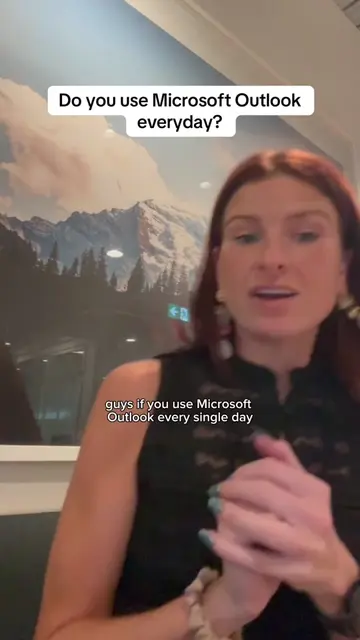
guys if you use Microsoft Outlook every single day
Intro and problem statement
Prompt 1: Morning Priority Sweep
Prompt 2: Finding Hidden Asks
Prompt 3: Drafting Emails
Call to action
Microsoft Copilot: acts - AI assistant that helps draft emails and organize inbox. Its interface is operated via prompts. Removing it would change what happens in the video. Microsoft Outlook: acts - email client that Copilot integrates with. Its interface is operated via prompts. Removing it would change what happens in the video.
Follow us for more co pilot tips that will save you hours
Playing this video’s own audio, so you’ll hear the creator over the sound.
Promotes 2 products. Create free account to see more.
Outliers and viral hits: their videos on Overshot, all time.
AI assistant for drafting emails, analyzing documents and handling everyday tasks
All time.