Loading video…
All breakouts
157Talking HeadResult / Flex hookCreator Economy
Hook
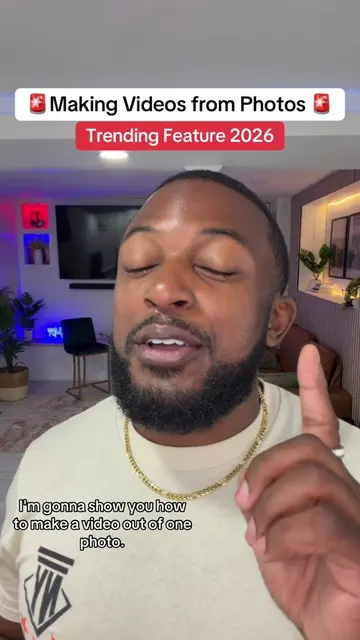
NEW 2026 Trend Cover Title Feature
@davito_creatorgrowth
11.4K followers · usually 1.7K views a post
Views
263.0K
Likes
3.4K
Comments
337
Shares
340
Why it worked
The video provides actionable, high-value utility by teaching a specific, easy-to-implement feature that directly addresses the creator's audience's desire for growth and engagement.
Summary
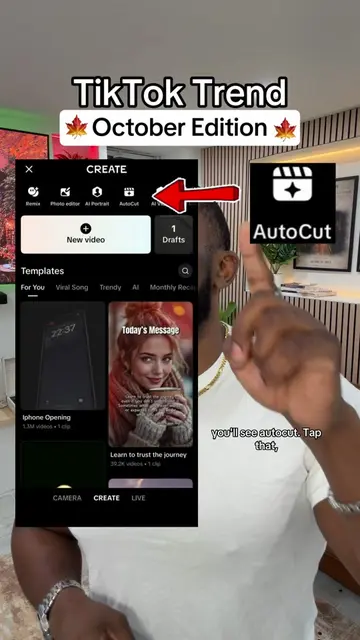
The creator provides a tutorial on how to use a new 'Cover Title' feature within the TikTok app to improve video visibility. He walks through the steps of selecting a photo, accessing the text tool, and choosing a cover title template.
Structure
- 1Introduce the new TikTok Cover Title feature
- 2Explain the benefit for FYP visibility
- 3Step-by-step tutorial on selecting a photo
- 4Demonstrate how to access and apply cover titles
- 5Advise on using the automatic trending sound
- 6Final encouragement to try the feature
Product placement
TikTok: (a) ACTS — the creator demonstrates its interface, specifically the 'Cover Title' feature, and explains how to use it to get on the FYP. Removing this would change the entire video as it is a tutorial on a specific platform feature. This is substrate as the video is a tutorial on how to use the platform itself.
Call to action
Follow me for more daily tips, but more importantly, go try it
On-screen text
NEW 2026 Trend
Cover Title Feature
Posting daily is easy.
use this TikTok feature.
it's a new feature that's
still rolling out and it's
getting people to the F.Y.P.
Engage with this video
from the bottom up
so you can see more
TikTok tips like this.
Let's get into it.
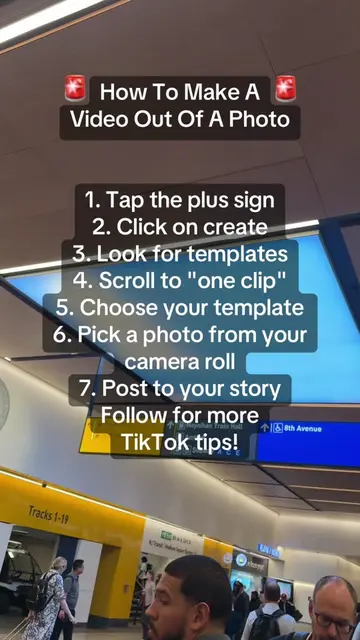
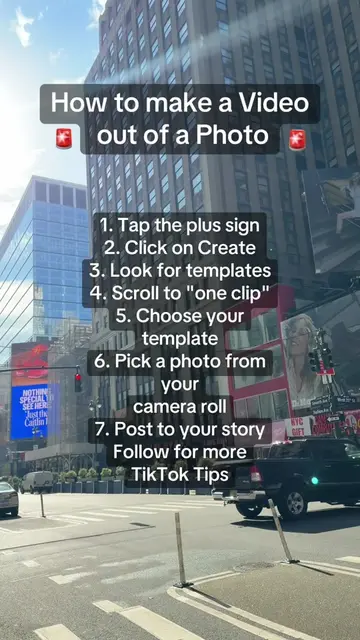
Tap the plus sign down there,
then scroll over to photo.
Go on your Camera roll
and choose one still photo.
This feature only uses
a regular photo,
not a Live Photo,
so don't mess that up.
Once you have your photo,
tap the little A big A icon
like you're going to
add text on screen.
Your keyboard should pop up.
You should see cover title
at the top of the keyboard.
If it's not there, no worries.
Go up top. You'll see a little A.
Like a little cursive A with
a star next to it.
Tap that.
TikTok should give you a
bunch of different cover title
ideas to choose from.
Pick one that matches your
photo the best.
Oh, TikTok's gonna give you
a sound automatically.
A trending sound.
So say thank you now.
Now seriously.
So if it fits the video,
keep it. Otherwise,
just swap it out for
another trending
sound and boom,
just like that you got
another piece of content
ready to go.
Follow me for more daily tips,
but more importantly, go try it
because consistency changes everything
Original caption
New Feature. Cover title tutorial Included. #covertitle #newfeature #tiktokupdate #creatorsearchinsights
More from @davito_creatorgrowth
More breakout videos from this creator.