Loading video…
All breakouts
183Talking HeadDirect Question hookCreator Economy
Hook
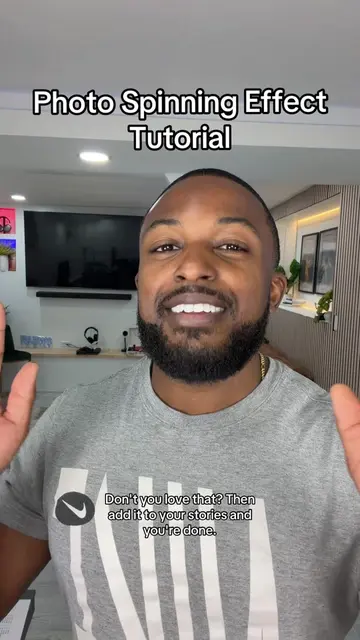
You trying to get more views, right? You'll thank me later.
@davito_creatorgrowth
11.4K followers · usually 1.7K views a post
Views
305.2K
Likes
3.4K
Comments
207
Shares
203
Why it worked
The video provides immediate, actionable value by teaching a specific, high-utility feature within the platform the audience is already using, framed as a 'secret' to growth.
Summary
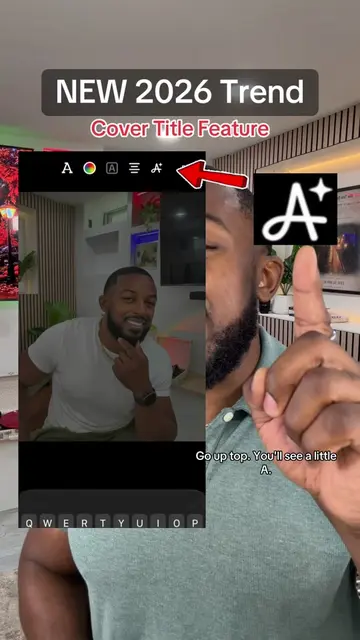
The creator demonstrates a new TikTok feature that automatically generates cover titles and suggests trending audio for photo posts. He walks the viewer through the interface steps to access these tools to help improve video performance.
Structure
- 1Hook about getting more views
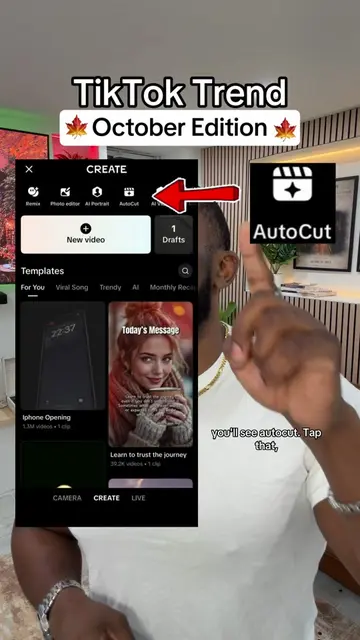
- 2Step-by-step tutorial on accessing the AI Cover Title feature
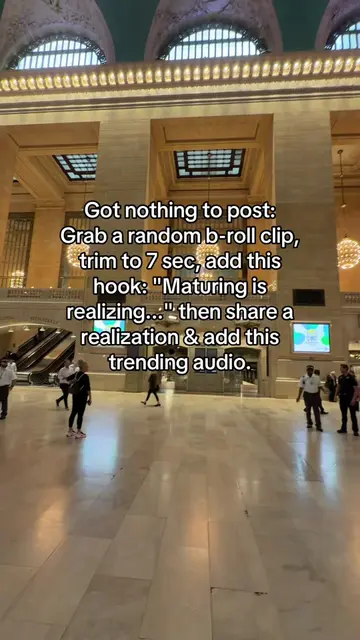
- 3Instructions on using the trending sound suggestion tool
- 4Final tip on consistency and CTA
Product placement
TikTok: (a) ACTS — the creator demonstrates its interface, specifically the 'AI Cover Title' feature and the 'Trending Sound' suggestion tool. Removing these demonstrations would fundamentally change the video's purpose, which is to teach viewers how to use these specific TikTok features. The app itself is the subject of the tutorial.
Call to action
Follow me for more daily tips, but more importantly, go try it.
On-screen text
New TikTok Feature Update
AI Cover Title Tutorial
Aa
Places to visit
Original caption
Al Cover Title Feature, tutorial included. #tiktokstrategy #tiktokfeature #tiktoktips #aicovertitle #creatorsearchinsights
More from @davito_creatorgrowth
More breakout videos from this creator.