Loading video…
All breakouts
597Talking HeadBefore / After hookCreator Economy
Hook
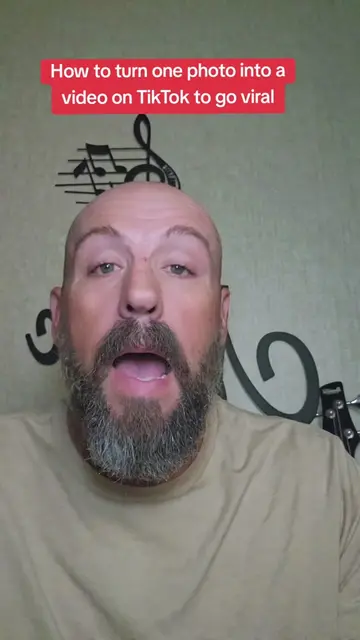
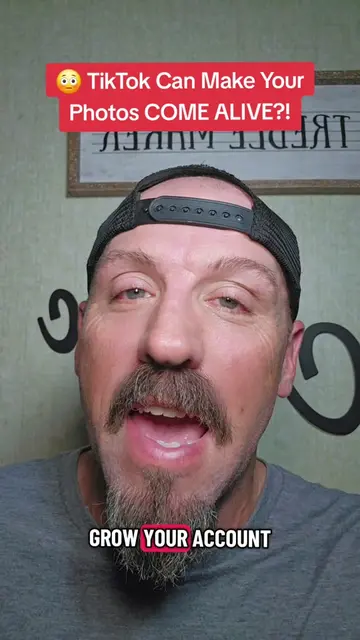
Turn Boring Photos Into Scroll-Stopping Posts 👀🔥
@pames.jawl
222.6K followers · usually 1.2K views a post
Views
866.7K
Likes
3.2K
Comments
176
Shares
285
Why it worked
The video provides actionable, high-value utility for creators looking to improve their engagement using native platform features, which naturally encourages saves and shares.
Summary
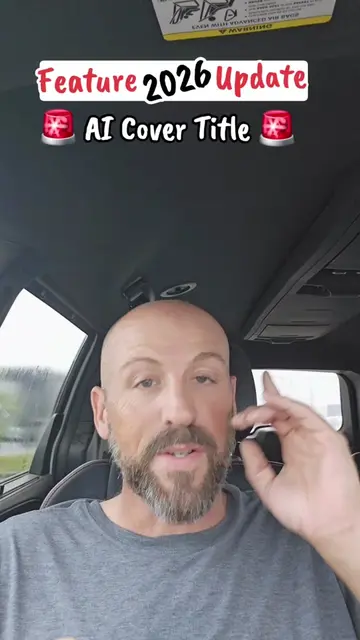
The creator provides a tutorial on how to use the built-in AI Cover Title feature within the TikTok app to enhance photos. He explains the step-by-step process and encourages viewers to share this tip with others to increase their reach.
Structure
- 1Identify the problem of boring photos
- 2Demonstrate the AI Cover Title feature
- 3Explain the step-by-step process
- 4Advise on using the automatic sound feature
- 5Encourage sharing the tip for growth
Product placement
TikTok: (a) ACTS — the creator demonstrates its interface, specifically the 'Photo' mode and the 'AI Cover Title' feature, and explains how it generates content. Removing this would make the video impossible as it is a tutorial on using this specific platform's feature.
On-screen text
Turn Boring Photos Into Scroll-Stopping Posts 👀🔥
DO NOT POST,
FOR THE LOVE OF GOD,
THOSE BORING PHOTOS.
THERE IS A
FEATURE THAT WILL
CREATE CUSTOM TITLES
FOR YOUR PHOTO.
LET ME SHOW
YOU WHERE TO FIND IT.
FIRST TAP THE
PLUS SIGN LIKE
YOU'RE GONNA RECORD
A VIDEO,
AND THEN SELECT
PHOTO. GO GRAB
YOU ONE REGULAR
PHOTO OUT YOUR
CAMERA ROLL.
THIS HAS TO
BE A REGULAR PHOTO,
NOT A LIVE
PHOTO AND NOT
A VIDEO.
AND THEN TAP
THE BIG A,
LITTLE A ON
THE RIGHT HAND
SIDE LIKE YOU'RE
ADDING TEXT.
LOOK UP TOP
AND YOU'LL SEE
THE BIG A
WITH THE STAR BY IT.
TAP THAT AND
THAT'LL BRING UP
COVER TITLES.
SCROLL THROUGH THEM
AND FIND A
DESIGN THAT YOU LIKE.
IF YOU DON'T
LIKE WHAT IT SAYS,
IT DON'T MATTER.
PUT IT ON
YOUR PHOTO,
TAP IT, AND
YOU CAN TYPE
OUT WHATEVER YOU WANT.
AND THEN TIKTOK
IS GONNA
AUTOMATICALLY
CHOOSE A SOUND
FOR YOUR POST.
AND I HIGHLY
RECOMMEND JUST LEAVE
THAT SOUND THAT
TIKTOK PUTS ON THERE.
THEN JUST POST
IT STRAIGHT TO
YOUR STORY AND BOOM,
YOU'RE DONE.
NOW
MAKE ANOTHER VIDEO
TELLING OTHER CREATORS
HOW TO FIND
THIS AI COVER
TITLE FEATURE.
SO YOU'RE
USING THE FEATURE,
YOU'RE USING YOUR
STORIES, AND YOU'RE
TEACHING OTHER PEOPLE
HOW TO USE THE FEATURE.
TIKTOK IS GONNA
PUSH YOU OUT
LIKE CRAZY.
GO DO THIS
AND DO NOT
SKIP THAT LAST
STEP, I'M TELLING YOU.
Original caption
Turn boring photos into eye-catching TikTok posts with AI Cover Titles! #TikTokTips #AICoverTitle #TikTokTutorial #GrowOnTikTok #tiktokfeature
More from @pames.jawl
More breakout videos from this creator.