Loading video…
Sound

original sound - dansanche.ai
dansanche.ai · Original audio
0:00–:––
Playing this video’s own audio, so you’ll hear the creator over the sound.
Hook
Posted Oct 21, 2026Video · 0:31by @dansanche.ai
We didn’t find a product being promoted in this video. Its hook, format and structure below still show why it took off.
Browse products winning on TikTokThe video addresses a common user concern—privacy—with a clear, actionable, and high-value tutorial that solves a specific problem in under 30 seconds.
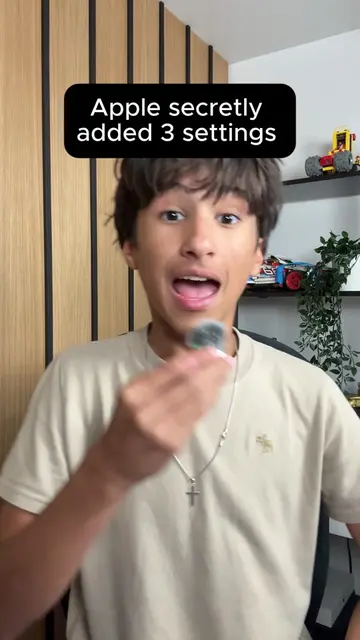
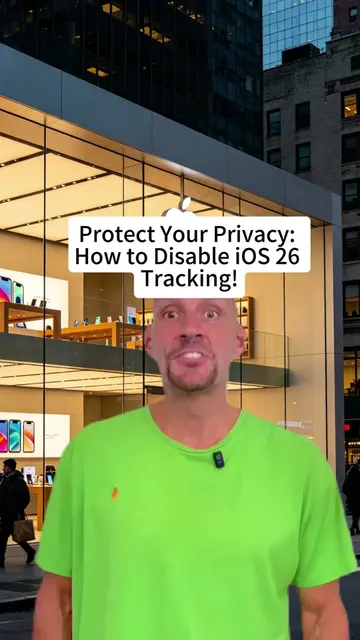
The video provides a tutorial on how to adjust privacy and security settings on an iPhone to limit data tracking. It guides the viewer through three specific menu paths within the iOS settings app.
iPhone just revealed three risky settings you need to turn off now for better privacy and security. These hidden tweaks stop Apple from tracking your data and protect your personal info from ad targeting. #iPhone #iPhoneTips #PrivacySettings #TechHacks #MobileSecurity
Turn off these three dangerous iPhone settings immediately.
Introduction to iPhone privacy settings
Step 1: Disabling Safari ad measurement
Step 2: Disabling Apple ID contact preferences
Step 3: Disabling Apple advertising tracking
Conclusion and call to action
Apple (a) acts: the video demonstrates how to operate its iOS settings interface to change privacy configurations. Removing the brand name would change the video as it is specific to the iPhone operating system.
Follow for useful technology tips you can try today
Playing this video’s own audio, so you’ll hear the creator over the sound.
Promotes 1 product. Create free account to see more.
Outliers and viral hits: their videos on Overshot, all time.